TL;DR
Is Granola voice typing free?
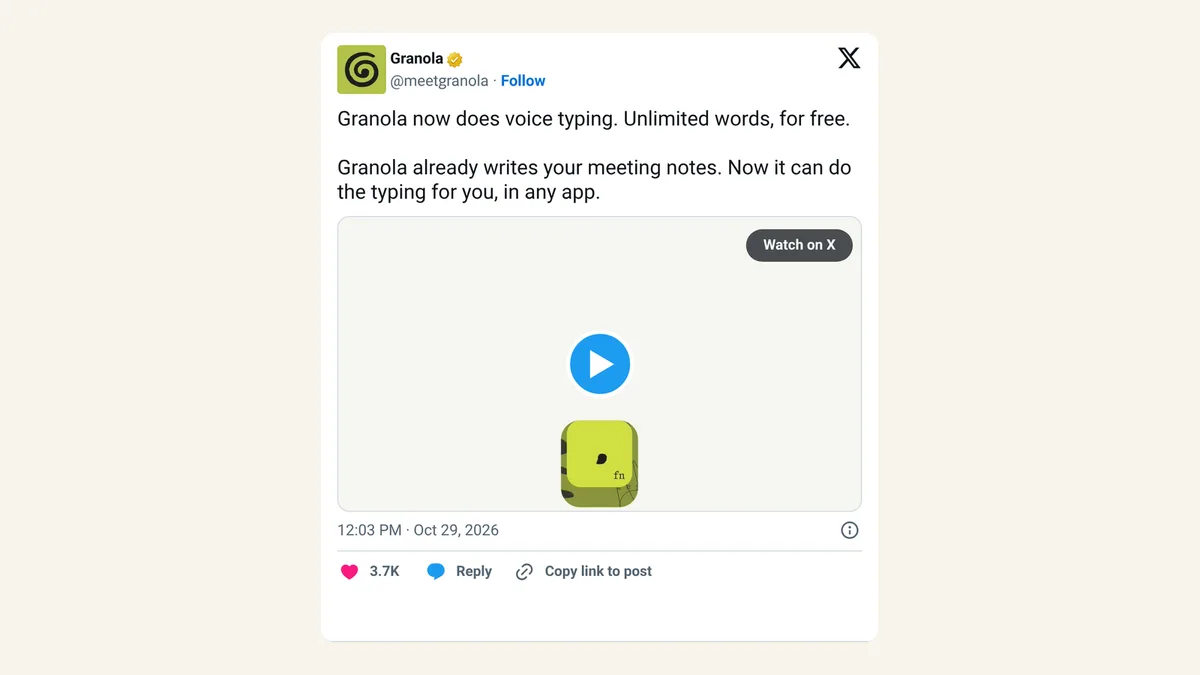
Yes. Granola added voice typing on Mac yesterday, free on every plan with no word limit. If you pay for a dictation app just to talk instead of type, you may not need it. Mac users can try it in email or AI chats this week.
How does Granola voice typing work?
Granola launched the feature on October 29, 2026. You hold the Fn key on your Mac, talk, and let go. Granola drops cleaned-up, formatted text into whatever app you're in: email, Slack, a document or a chatbot prompt.
It's included on every Granola plan, including Free, with no cap on words. Windows and iOS are listed as "coming soon," with no date.
Granola's help docs say its dictation styles use "screen context," meaning it looks at which app you're in to format the text to fit. If that worries you, Granola has a help page on dictation history and privacy worth reading before you switch it on.
Granola vs Wispr Flow: what's the difference?
The two apps now overlap. Wispr Flow started as a dictation tool and added a meeting notetaker earlier this year. Granola started with meeting notes and now dictates.
| Granola | Wispr Flow | |
|---|---|---|
| Started as | AI meeting notes | AI voice typing |
| Voice typing | Free, unlimited, all plans (Mac) | Its main product |
| Meeting notes | Main product | Added in 2026 |
| Paid plan | Not needed for voice typing | Pro, US$15/user/month, or US$12/user/month billed yearly |
| Valuation (per TechCrunch) | US$1.5 billion | US$2 billion |
Why is free voice typing useful for beginners?
For most people, talking is faster than typing, and AI tools give better answers to longer, clearer prompts. Talking makes long prompts painless. You can explain what you want the way you'd explain it to a colleague, with all the context, and let the app tidy it up.
For creators and small-business owners, that covers a lot of daily writing: replies to customers, quick emails, captions and notes after a call.
X reactions
Granola's launch post passed 632,000 views and 3,500 likes within a day. Not everyone thinks the rivals are even, though.
Our take
Free and unlimited is hard to argue with. If you've been curious about talking to your computer but didn't want another subscription, this is the easiest way in on a Mac. It's also a reminder of how quickly single-feature AI apps get folded into bigger ones.
Give it a week. Use it for prompts and emails, and keep an eye on how much you fix afterward. If the edits pile up, a paid dictation app may still earn its price. Windows and phone users will have to wait.
— Artificially Nerdy
What to do this week
- Mac users: install or update Granola and try holding Fn in your email app.
- Read Granola's dictation privacy page before using it near customer details.
- Try one long, spoken prompt in ChatGPT or Claude and compare the answer with your usual typed one.
- Paying for a dictation app? Run both for a week before you cancel anything.
FAQ
Do I need a Granola account to use voice typing?
Voice typing lives inside the Granola app, so you need the app and an account. It's on the Free plan.
Does Granola voice typing work on Windows or iPhone?
Not yet. Granola says both are coming soon but hasn't given dates.
Which key starts Granola voice typing?
Hold the Fn key on your Mac, speak, then release it to insert the text.
Will it work in ChatGPT and other AI apps?
Yes. It types into any app on your Mac, including chatbot prompt boxes.
Sources
- Granola on X: voice typing launch — October 29, 2026, 12:03pm ET; free, unlimited, any app.
- Granola help center: dictation styles — screen context and formatting.
- TechCrunch: Granola adds dictation to compete with Wispr — Fn key, platforms, Wispr's notetaker, valuations.
- Wispr Flow pricing — Pro price, checked Oct 30, 2026.
- kyle on X — October 29, 2026, 8:14pm ET.