TL;DR
How do you keep your AI setup when a tool shuts down?
Google is closing its Jules coding agent, and other AI tools have closed this year too. If your prompts and instructions live only inside one app, they can vanish with it. Keep a simple file of your best prompts and settings, and export before any deadline.
Why do AI tools keep shutting down?
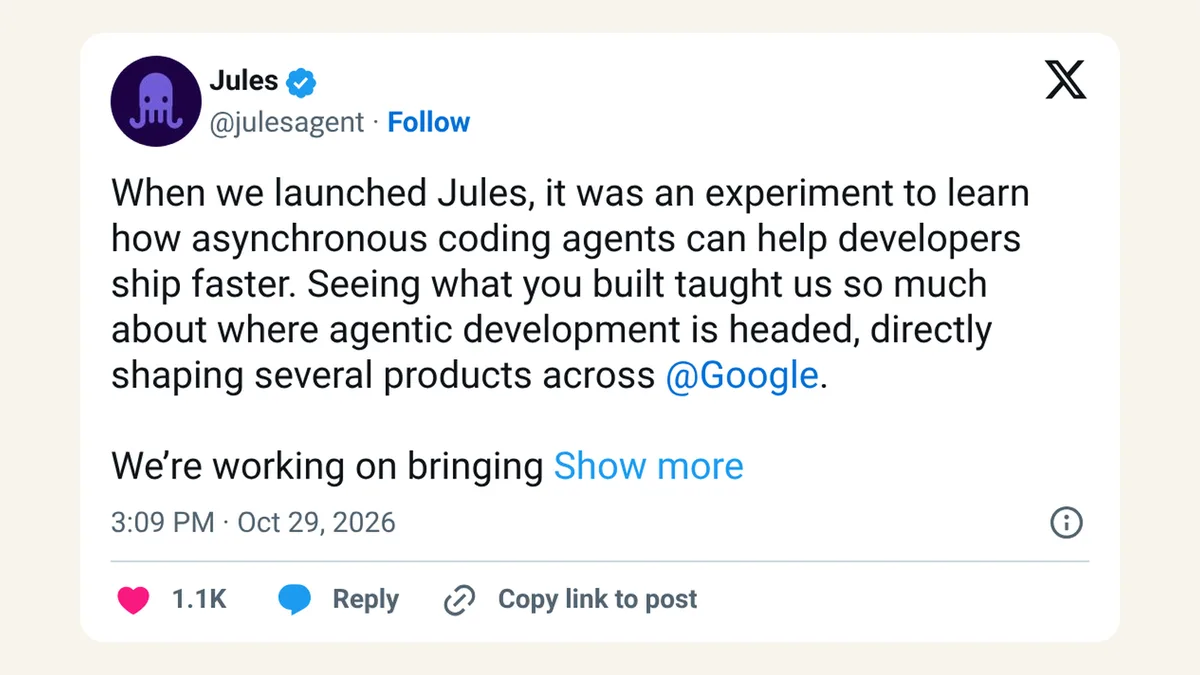
Google said on October 29, 2026 that Jules, its coding agent, will wind down on December 31, with the work folded into its newer platform, Google Antigravity. You can finish sessions until November 11, then Jules goes read-only. The details, including Google's export steps, are in our Jules shutdown news post.
Jules isn't alone. OpenAI's release notes include a planned retirement of custom GPTs, the mini chatbots people built inside ChatGPT. Companies are merging products, renaming them and dropping experiments at a pace that would make a phone carrier blush.
None of this means the companies are failing. AI is moving fast, and products that made sense a year ago get rolled into bigger ones. For you, the effect is the same: the place you kept your work can close with a few weeks' notice.
What do you actually lose when an AI tool closes?
Your chats are the obvious part. The bigger loss is usually the setup you built over months without noticing:
- Instructions you wrote to make the tool sound like you, follow your rules or know your business.
- Prompts that work, the ones you tweaked ten times until the output was right.
- Files and knowledge you uploaded so it could answer questions about your products or policies.
- Connections to your email, calendar or other apps, and the reasons you set them up that way.
Rebuilding that from memory is slow. And you rarely remember the small fixes that made the difference.
On Reddit, a thread titled "Jules is dead?" popped up in the tool's own community.
How do you back up your AI prompts and instructions?
Keep one plain document per tool that matters to you. A Google Doc, a note in your notes app or a text file all work. In it, save:
| What to save | Where to find it | How often |
|---|---|---|
| Custom instructions or "about me" text | The tool's settings | When you change them |
| Your 5–10 best prompts | Your chat history | Whenever one works well |
| Files you uploaded | Your own folders (keep the originals) | Once |
| Which apps you connected, and why | The tool's settings | Once |
| A short "how I use this" note | Your head | Once, then update |
That last one sounds silly until you need it. Two or three lines like "I paste in the customer email, then ask for a reply under 80 words in a friendly tone" will rebuild a workflow in a new tool in minutes.
Your best prompts are business know-how. Keep them somewhere you own.
Developer Toan Le put the same idea in coding terms on X.
What should you do when a shutdown is announced?
Act in the first week, while the tool still works fully. For Jules, that means before November 11, not December 31.
- Write down the dates. There's usually a "last day to use it" and a later "lights out" day. The first one is the real deadline.
- Run the official export, if there is one. Google published steps for Jules; they need a little command-line work, so ask a tech-savvy friend if that's new to you.
- Copy your instructions and best prompts into your own document, even if the export includes them.
- Pick the replacement the company suggests, but try one other option too before you commit.
How do you pick AI tools that won't trap your work?
You can't know which products will last. You can check how easy it is to leave before you start:
- Look for an export button for chats and data in the settings.
- Prefer tools that work with your files in places you already own, like Google Drive or your own website code on GitHub.
- Be careful with features you can't copy out, like a custom bot whose instructions you can't see later.
- Don't build your whole business process inside one free experiment. Labels like "beta" or "labs" mean the company is still deciding.
Is it worth the effort?
It takes about half an hour to set up, and then a minute whenever a prompt works well. Compare that with rebuilding months of tweaks while a deadline ticks. We'd rather spend the half hour.
The habit pays off even without a shutdown. Your saved prompts work in other tools, you can hand them to a new hire, and you'll see which ones you actually use.
FAQ
Can I copy my ChatGPT custom instructions somewhere else?
Yes. Open them in settings, copy the text and paste it into your own document. Most other chatbots have a similar field where you can paste it later.
Do AI companies warn you before shutting a tool down?
Usually, but the notice can be short. Jules users got about two weeks of full use. Follow the tool's official blog or changelog so you see it early.
What's the safest place to keep my prompts?
Anywhere you control and back up, such as a cloud document or a notes app you already use. Avoid keeping the only copy inside the AI tool.
Will my code be lost when Jules shuts down?
No. Google says code, branches and pull requests already in GitHub stay there. Your Jules data needs the export.
Sources
- Jules changelog: Jules Turndown — October 29, 2026; Dec 31 shutdown, Nov 11 last session day, export steps, GitHub code stays.
- OpenAI: ChatGPT release notes — the September 11, 2026 entry on retiring custom GPTs.
- Toan Le on X — October 29, 2026, 11:52pm ET.
- Reddit r/JulesAgent: "Jules is dead?" — thread title, found through Google search.