TL;DR
What is Canva Brush?
Canva Brush is Canva's new AI model for editing designs. Ask for a change, from one line of text to every slide in a deck, and it makes it. Everything it changes stays editable. If you're on Canva Pro, pick Brush in Canva AI to try it.
What did Canva launch?
On October 29, 2026, Canva unveiled Brush, a vision-language model built by its in-house AI lab, Canva Research. A vision-language model is one that can look at an image and read text instructions at the same time, so Brush can actually see your design and understand how it's put together before changing it.
Brush handles edits as small as a single line of copy or as big as every slide in a deck. Behind the scenes it writes and runs code to move design elements, then checks the page to decide its next step. It arrived a week after Canva's image-generation model, Canva Craft. Canva's split: Craft makes the image, Brush refines the design around it.
Who can use Canva Brush, and how?
Brush is rolling out now to Canva Pro subscribers, with wider availability "coming soon." To use it:
- Open an existing design in the editor, or attach or link a design in Canva AI.
- In Canva AI, pick Brush from the dropdown list.
- Type what you want changed, then keep prompting or take over in the editor by hand.
It's part of Canva AI on Canva Pro plans.
What can Brush actually do?
Canva points to three kinds of jobs:
| Job | Example |
|---|---|
| Restyle a design | Change the color scheme, the weather in a photo or the overall vibe |
| Change a multi-page design at once | Update every header in a deck with one prompt instead of page by page |
| Remix for other channels | Resize a presentation slide into an Instagram graphic |
Canva is already working on Brand Kit support, the option to reference attachments, and better handling of image-heavy layouts. Brand Kit is where Canva stores your logos, colors and fonts, so until that lands, double-check that edits stay on brand.
How much faster is it?
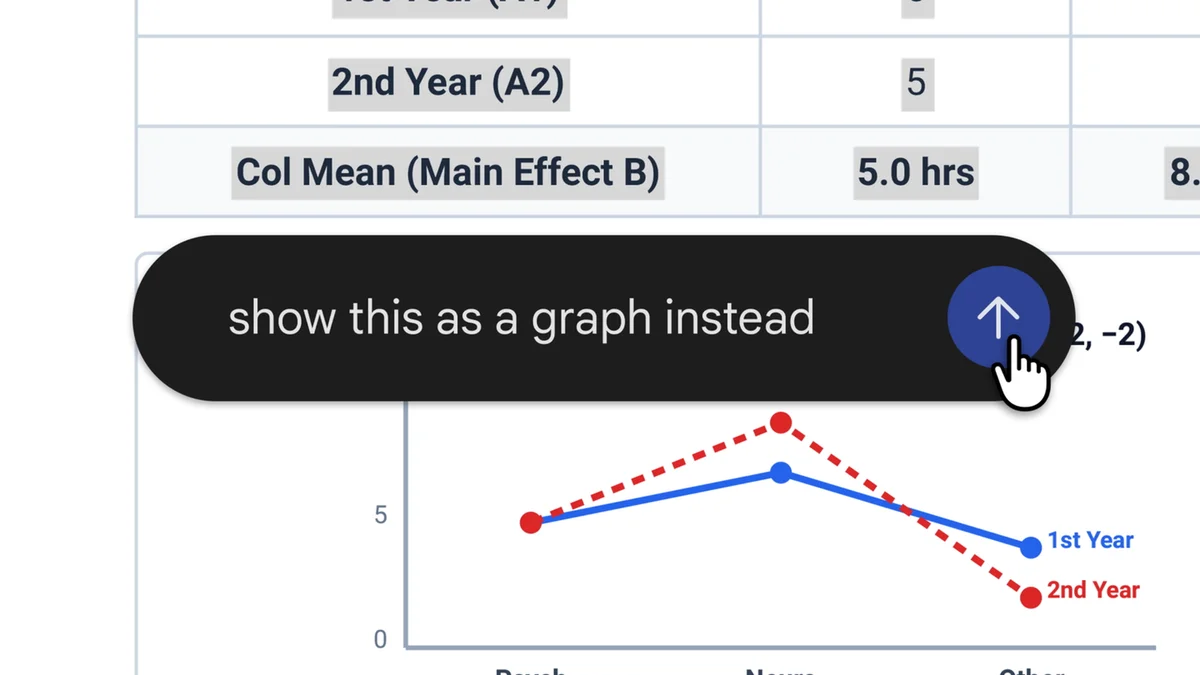
In Canva's own internal tests, Brush is up to 69% faster on general design editing tasks and costs 46% less per edit than Canva's previous design agent. Canva also says Brush matched or beat its old setup on quality for most editing tasks, especially restyling and adapting designs to new formats. Those are Canva's internal numbers against its own older tool, so treat them as a direction rather than a promise.
Our take
The part that matters most is "fully editable." Plenty of AI design tools hand you a flat image that looks fine until you need to fix one typo. Brush changes the actual text boxes, colors and layouts, so you can still nudge things by hand afterward. For anyone who resizes the same promo for five platforms every week, that's the boring work this is built for.
The cost line is telling too. Canva says it built its own model so it can afford to run AI for hundreds of millions of people, which suggests it wants these tools in more hands, possibly beyond Pro. Until Brand Kit support arrives, though, keep a close eye on fonts and colors, because an edit that drifts off brand is easy to miss on slide 14.
— Artificially Nerdy
What should I do now?
- On Canva Pro? Open a deck you reuse and ask Brush to update every header in one prompt, then check each page.
- Try one repurposing job: turn a slide or flyer into an Instagram post and see how much hand-fixing it needs.
- Check fonts and colors after every edit until Brand Kit support arrives.
- Not on Pro? Wait for the wider rollout, or compare these Canva Pro alternatives.
FAQ
Is Canva Brush free?
No. It's only on Canva Pro plans for now. Canva says wider availability is coming soon but hasn't said which plans will get it.
Can you edit a Canva AI design by hand after Brush changes it?
Yes. You can keep prompting in Canva AI or take over in the editor at any point and change text, images, colors and layouts yourself.
Does Canva Brush use my Brand Kit?
Not yet. Canva says Brand Kit support is in the works.
What's the difference between Canva Brush and Canva Craft?
Craft is Canva's image-generation model. Brush edits the design around the images, like layouts, text and styling.
Sources
- Canva Newsroom: Introducing Canva Brush: the announcement, how Brush works, speed and cost figures, availability, how to use it and what's coming next.
- Canva on X: the October 29 launch post.