TL;DR
What's the cheapest alternative to Canva Pro for a small business?
Often it's Canva Free: Canva lets you use its free content commercially, just not in a logo or trademark. Adobe Express, VistaCreate, Pixlr, Figma and Photopea all have free plans without watermarks, and VistaCreate Pro is US$10 a month billed yearly. If you stay on Canva Pro, pay yearly (US$144). Avoid Microsoft Designer and Kittl's free plan for business work; both are for personal use only.
What Canva Pro costs right now
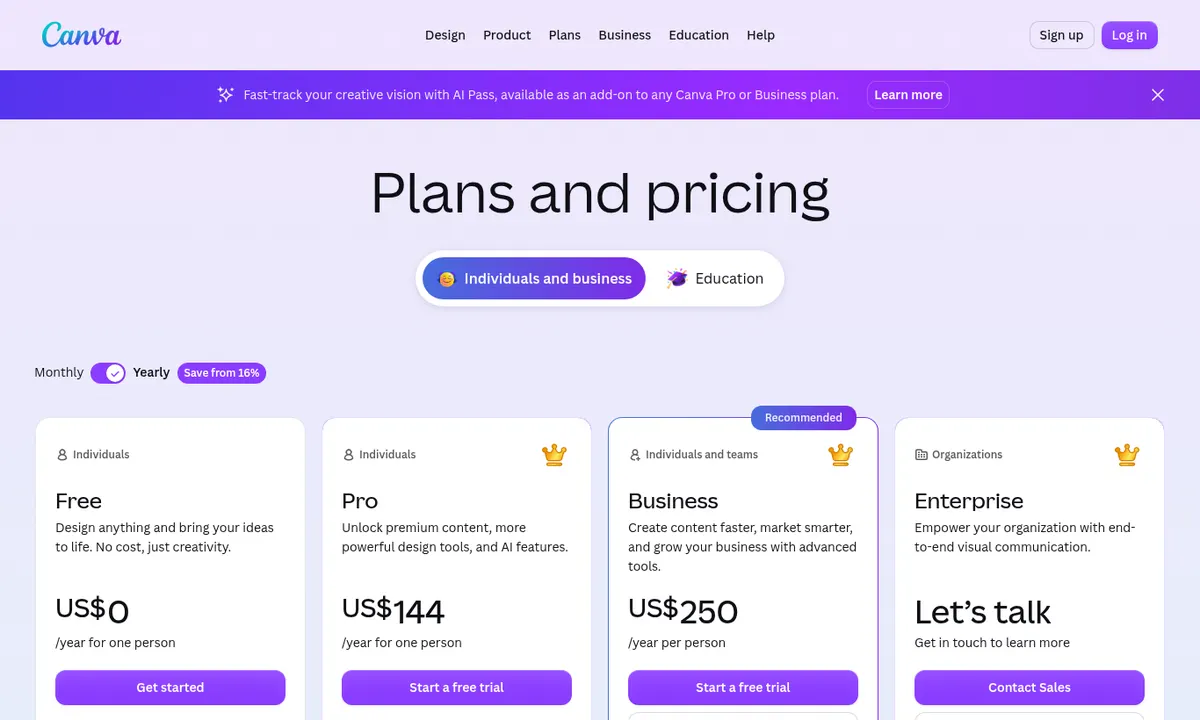
Canva Pro is US$144 a year for one person on Canva's US pricing page, before tax (price checked Oct 25, 2026). That works out to US$12 a month. Canva says paying yearly saves from 16% compared with monthly billing. Canva Business is US$250 a year per person.
The alternatives at a glance
| Option | Price | Watermark on free exports? | Business use on the free plan? | Best for | Watch out for |
|---|---|---|---|---|---|
| Canva Free | US$0 | No (premium elements need Pro) | Yes, for Free content (not in a logo or trademark) | Social posts, flyers, simple videos | Premium elements and brand kits need Pro |
| Canva Pro | US$144/year | n/a (paid) | n/a (paid) | People who live in Canva every day | Monthly billing costs more |
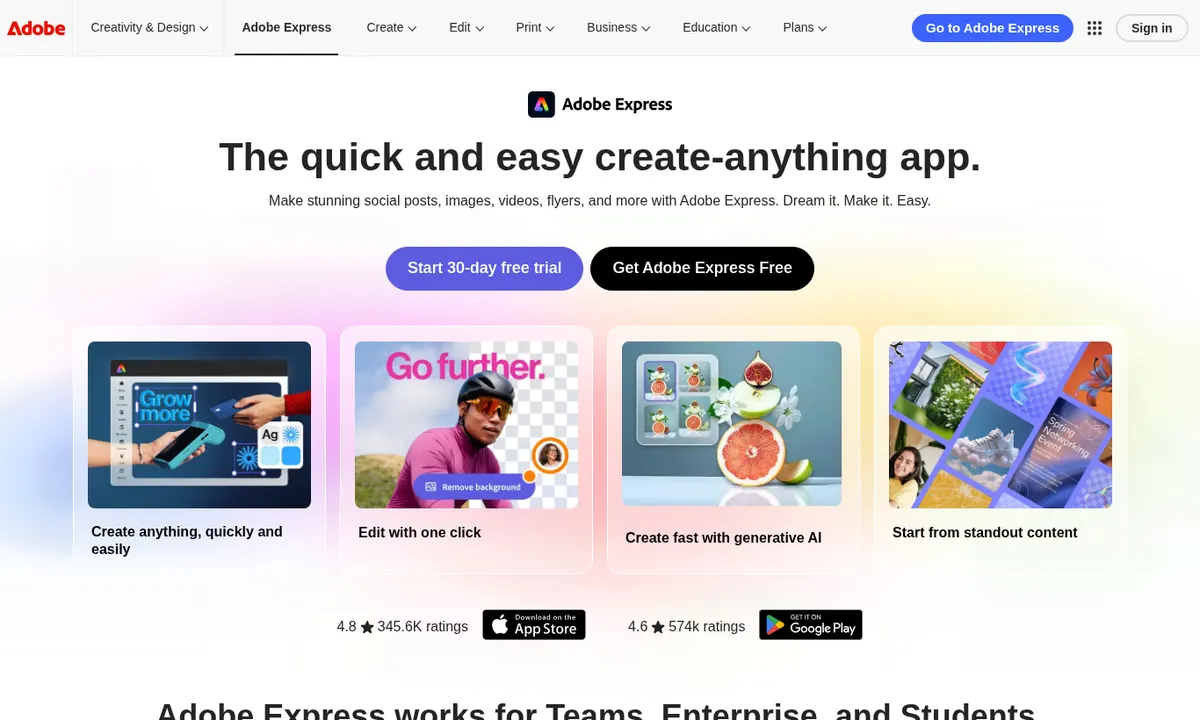
| Adobe Express | Free; Premium US$9.99/month | No | Yes, with free assets | Canva-style templates with Adobe fonts | Background remover and bulk resize need Premium |
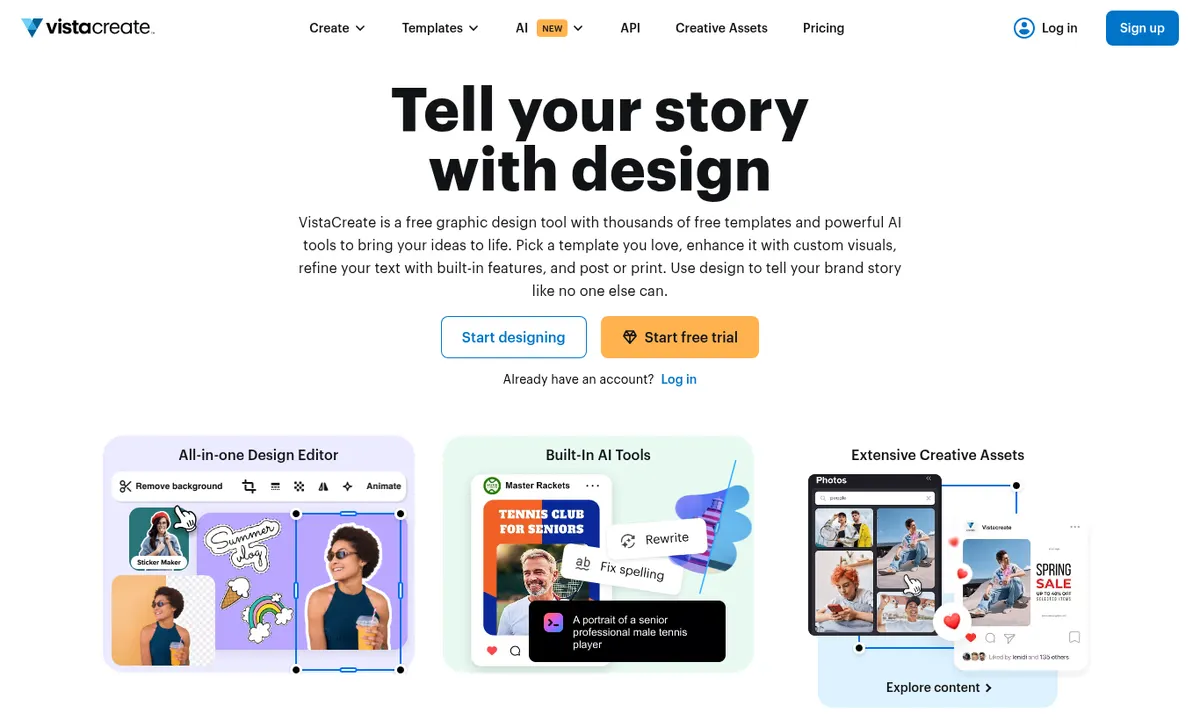
| VistaCreate | Free; Pro US$10/month billed yearly (US$13 monthly) | No | Yes, with its royalty-free assets | Animated social posts | HD downloads, resizing and AI tools need Pro |
| Snappa | Free; Pro US$10/month billed yearly | — | Yes, its photos and graphics are royalty-free | Fast blog and social graphics | Free plan allows only 3 downloads a month |
| Pixlr | Free with ads; Plus from US$2.49/month | No | Yes, for your own photos | Quick photo edits in the browser | Daily save limit on the free plan |
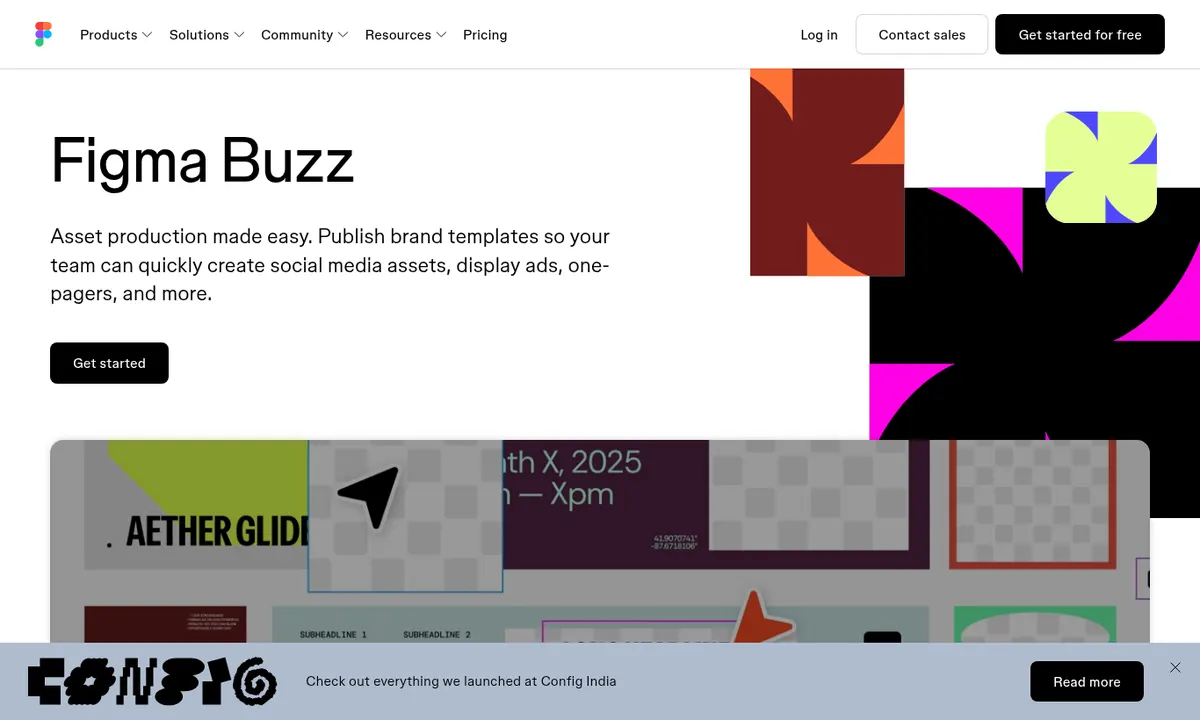
| Figma | Free; Professional US$16/month (full seat) | No | Yes, for your own designs | Brand-consistent assets with Figma Buzz | More of a design tool than a template shop |
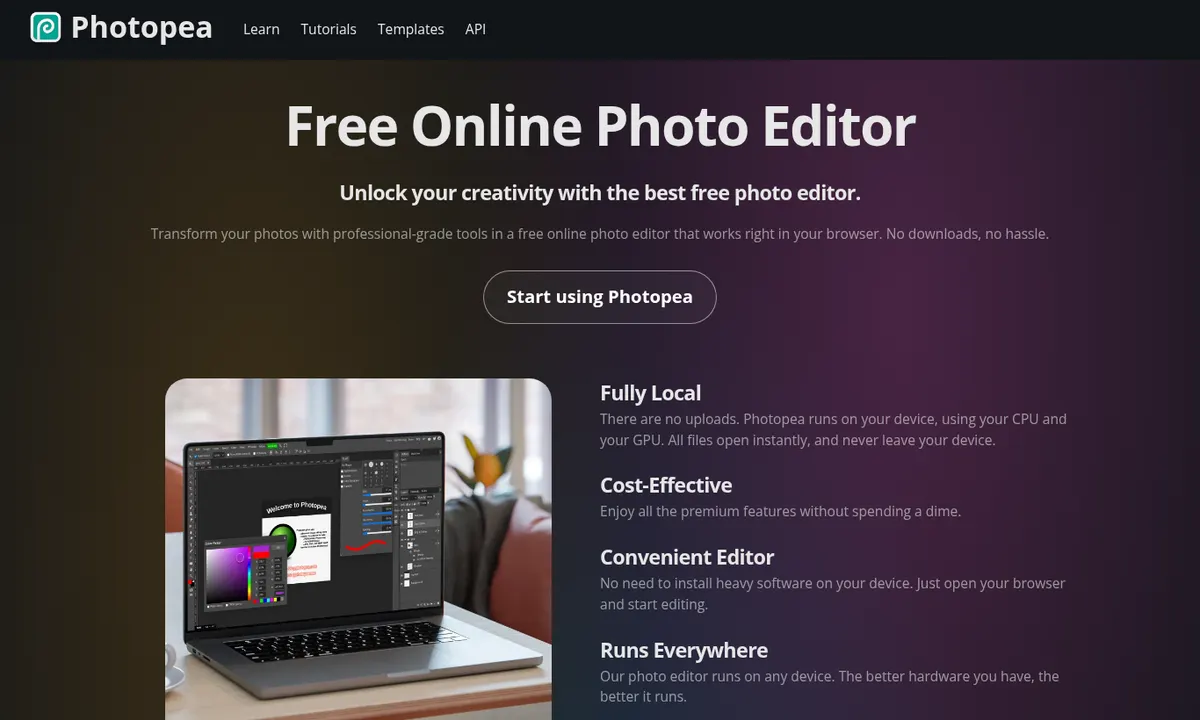
| Photopea | Free with ads; paid passes remove ads | No | Yes: Photopea says your work is yours to use and sell | Photo editing and PSD files in the browser | Not a template tool; feels like Photoshop |
| Microsoft Designer | Free with a Microsoft account | — | No: personal, non-commercial use only | Personal projects | Not licensed for business use |
| Kittl | Free; Pro and Expert are paid | No | No: the free plan is for personal use | Merch-style and vintage designs | Free exports are small (800px PNG/JPG) |
Need words for those designs? Here's how one marketer used a free chatbot to turn customer reviews into ad hooks and social posts, and if you make video too, see our guide to AI video tools for beginners.
Running a charity? Eligible nonprofits can apply for Canva for Nonprofits, which gives them Canva's premium features for free.
Free plans, explained
"Free" can mean very different things. Before you build your marketing on a free plan, check four things:
- License: can you use what you make for business? Microsoft Designer and Kittl's free plan say no.
- Watermarks: Canva, Adobe Express, VistaCreate, Pixlr, Figma, Photopea and Kittl export your own designs without one.
- Limits: Snappa's free plan stops at 3 downloads a month, Pixlr limits daily saves, and Kittl caps free exports at 800px.
- Library rules: templates and stock images have their own terms. Canva, for example, doesn't allow library elements in a logo or trademark.
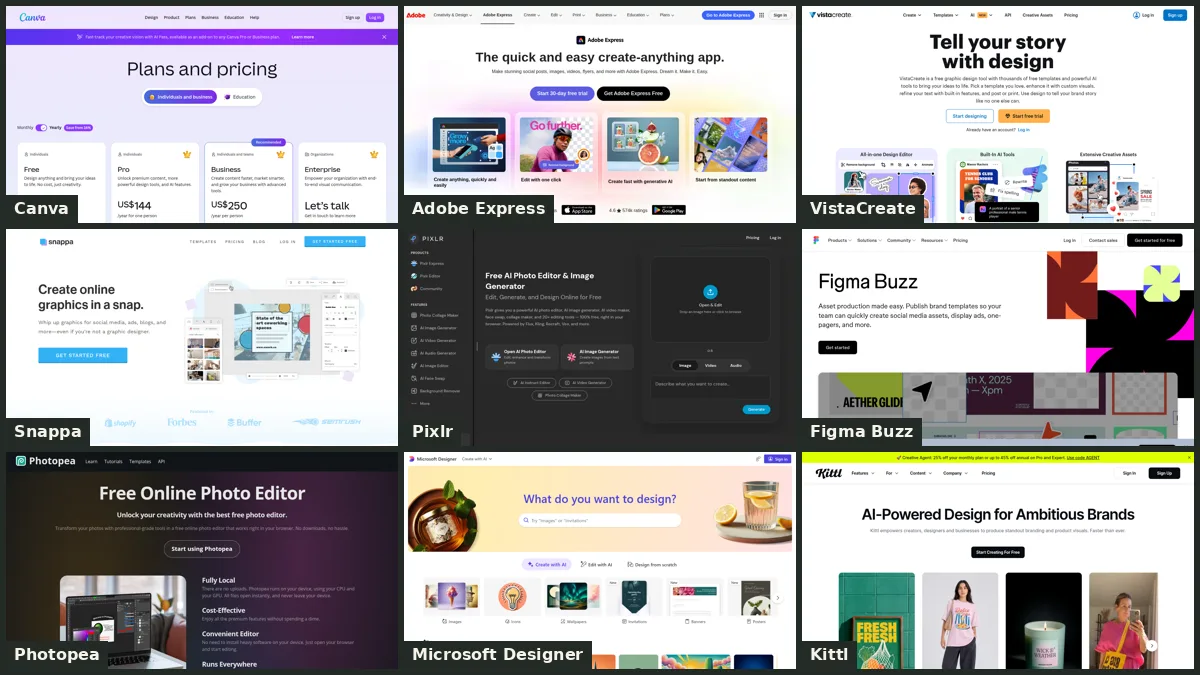
The best of the rest, in pictures
When Canva Pro is still worth it
If you post every day, manage a brand kit, resize designs for several platforms or need the premium stock library, Pro earns its keep quickly. Often the cheapest move is to stay and pay yearly instead of monthly, and to check whether you qualify for Canva for Nonprofits.
Savings calculator
Pick what you pay now and what you'd switch to. It uses the prices in the table above. Paying for more than one tool? Add them all up in the Nerdy Savings calculator.
Cheaper doesn't always mean the same. Alternatives can differ in features and quality, so try the free plan before you switch.
US$ before tax.
Our pick
Start with Canva Free for a month. Most small businesses use a fraction of Pro. If you miss Pro features, go back to it and pay yearly. Want a second tool? Adobe Express is the closest free rival, VistaCreate is the cheapest paid step up at US$10 a month billed yearly, and Photopea covers photo fixes. Skip Microsoft Designer and Kittl's free plan for anything you'll sell or advertise.
— Artificially Nerdy
FAQ
Is there a free alternative to Canva Pro for business?
Canva Free itself is often enough: Canva's license allows commercial use of its Free content, just not in a logo or trademark. Adobe Express, VistaCreate, Pixlr, Figma and Photopea all have free plans you can use for business work.
How much is Canva Pro in 2026?
US$144 a year for one person on Canva's US pricing page, before tax (checked Oct 25, 2026). Canva says yearly billing saves from 16% versus paying monthly.
Which Canva alternatives don't watermark free exports?
Adobe Express, VistaCreate, Pixlr, Figma, Photopea and Kittl export your designs without a watermark on their free plans. Snappa's free plan is limited to 3 downloads a month.
What's the cheapest paid Canva alternative?
Pixlr Plus starts at US$2.49 a month for photo editing. For templates, VistaCreate Pro and Snappa Pro are US$10 a month billed yearly, and Adobe Express Premium is US$9.99 a month.
Can I use Microsoft Designer for my business?
Not on the free plan. Microsoft's FAQ says Designer is licensed for personal, non-commercial use.
Is Kittl free for commercial use?
No. Kittl's free plan is for personal use only; commercial rights come with its Pro and Expert plans.
Sources
- Canva pricing (US) — Canva Pro US$144/year; Business US$250/year
- Canva Content License Agreement — commercial use of Free content
- Canva Help: Trademarking logos created on Canva
- Canva for Nonprofits
- Adobe Express pricing — Premium US$9.99/month; Firefly commercial use
- Adobe Express Free plan
- VistaCreate Help: Free Starter plan
- VistaCreate Help: plans available — Pro US$10/month yearly, US$13 monthly
- Snappa pricing — Starter, Pro and Team
- Pixlr pricing — Plus, Premium and Ultra
- Pixlr: AI Photo Editor FAQ — no watermark on edited photos
- Figma pricing — Starter, Professional and Organization
- Photopea terms and privacy — your work belongs to you
- Microsoft Designer FAQ — personal, non-commercial use
- Kittl Help: About the Free plan — personal use, 800px exports
- Kittl pricing