
TL;DR
How do you ask an AI something without it saving the chat?
Google added temporary threads to AI Mode this week. Now Google, Gemini, ChatGPT and Claude all have a chat that isn't saved. It stays out of your history and memory, but the company may keep a copy for a while. Use it for touchy questions, and leave out anything you'd never type anywhere.
What is a temporary chat in AI?
A temporary chat is a conversation the AI doesn't save to your chat list. In most tools it also skips memory, the feature that lets the assistant recall facts about you in later chats. Some tools also promise not to use it to train their models, which means not feeding your words back in to improve the AI.
People use it for the questions they'd rather not see pop up later: a health worry, a money problem, a gift for someone who shares the account, or a quick check where you don't want the AI's past knowledge of you to color the answer.
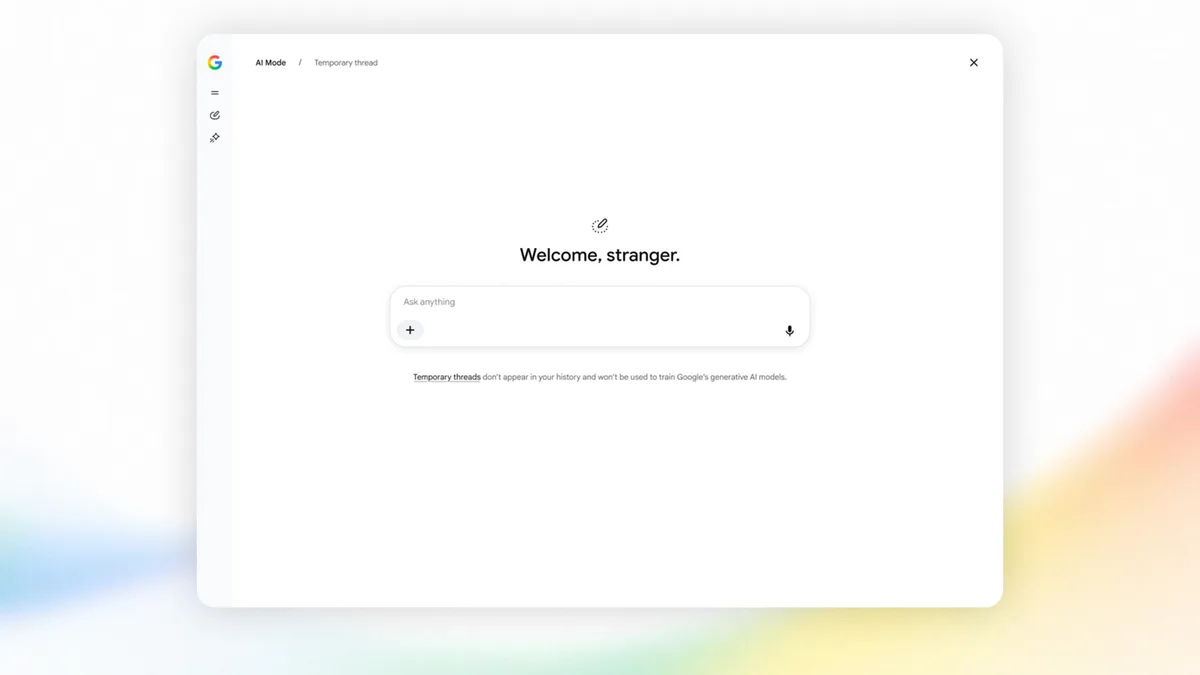
On Tuesday, November 17, 2026, Google added "temporary threads" to AI Mode in Search. With that, the four tools most people use all have a version of this button. They don't all work the same way.
How do you start a temporary thread in Google AI Mode?
Open AI Mode in Google Search and tap the temporary icon in the upper right. Google says the session is "completely detached from your account." It isn't saved to your search history, and Google won't use it to personalize later results.
Google says it's rolling out globally on desktop and mobile browsers, so you may not see it yet. If the icon isn't there, the feature hasn't reached your account.
How do you start a temporary chat in the Gemini app?
In the Gemini app, find Temporary chat next to New chat, then type your question. Google's help page says a temporary chat "won't appear in your Gemini Apps Activity or your recent chats." Once you leave it, you can't get back to it.
Google's help page also lists what you need before the button appears, so check it if you can't find the option.
How do you use a temporary chat in ChatGPT?
Open a new chat and select Temporary. ChatGPT then asks whether you want it Personalized or Unpersonalized. Personalized still uses your saved preferences to shape answers; Unpersonalized starts fresh.
OpenAI says temporary chats aren't used to improve its models. It also says plainly that "OpenAI may keep a copy of a temporary chat for up to 30 days for safety purposes." One handy extra: if a temporary chat turns out useful, you can save it as a regular chat afterward.
How do you use incognito chat in Claude?
Claude calls it incognito. Click the ghost icon in the upper right of a new chat. Anthropic says it works on all plans, and incognito chats aren't used for training.
Two catches. Anthropic keeps incognito chats for 30 days by default. And once you close one, you can't reopen it or turn it into a normal chat, so copy anything you need first. Incognito also isn't available inside Projects, Claude's folders for grouped chats and files.
Temporary means it won't show up in your history. It doesn't mean nobody kept a copy.
Does a temporary chat make AI private?
No, and that's the part worth remembering. Every tool here hides the chat from you and your account. ChatGPT and Claude both say they may still hold a copy for up to 30 days. Google describes AI Mode's version as detached from your account, but the company still processes what you type.
Work accounts add another layer. On ChatGPT Business or Enterprise, your workspace's rules take priority. On Claude team plans, incognito chats can still be included in your organization's data exports. If your employer runs the account, assume your employer's rules win.
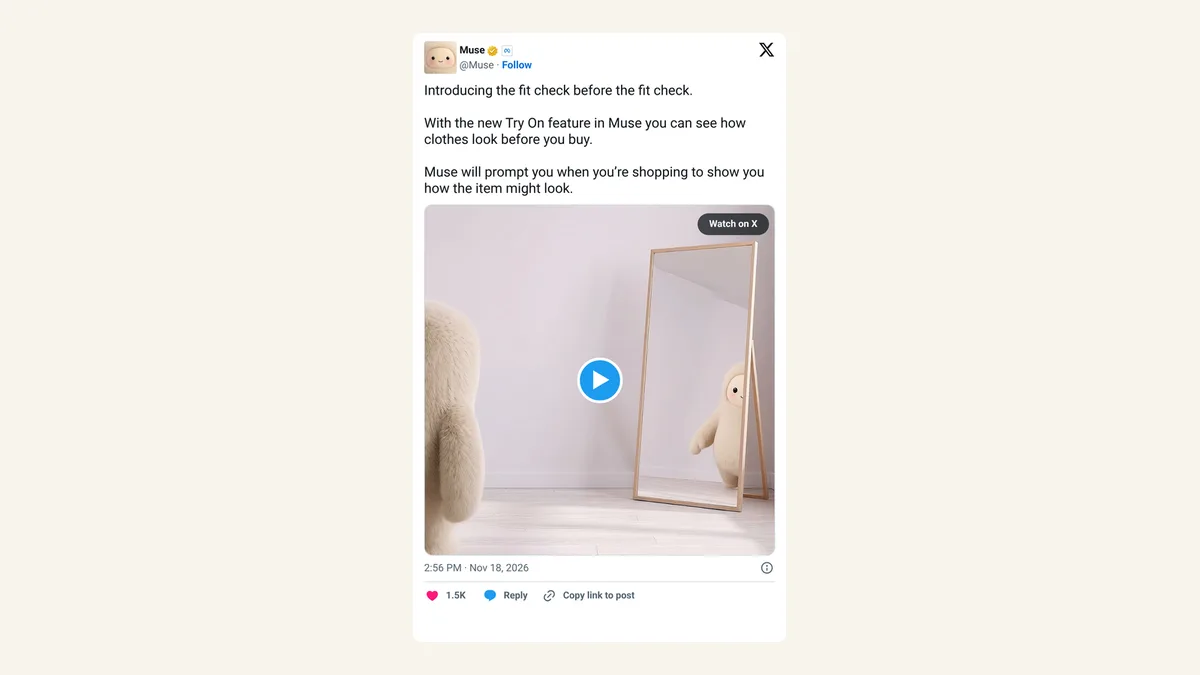
The bigger risk is usually the apps around the chat. An agent like Meta's Muse, which can already make phone calls to businesses for you, needs far more access to your phone than a single question does. A temporary chat protects one conversation. It does nothing about what an app can see on your phone.
What to do:
- Use the temporary button before you type, not after. Most tools can't convert a saved chat back.
- Copy any answer you need before closing. Gemini and Claude won't let you reopen it.
- Pick Unpersonalized in ChatGPT when you want an answer that ignores what it knows about you.
- Keep passwords, ID numbers and full account numbers out of every chat, temporary or not.
- On a work account, ask your IT team what gets logged.
FAQ
Will a temporary chat stop AI from learning about me?
It stops the chat from going into your history and, in most tools, into memory. ChatGPT and Claude also say temporary chats aren't used for training. It doesn't erase anything you said in earlier, regular chats.
Can I delete a regular chat instead?
Yes, each tool lets you delete chats from your history. Deleting afterward isn't always the same as never saving it, since the company's own retention rules still apply.
Does Google's temporary mode work in the Google app?
Google says temporary threads are rolling out on desktop and mobile browsers. It didn't mention the Google app in its announcement.
Can someone else on my computer see a temporary chat?
Not in your chat list after you close it. While it's open on the screen, anyone looking can read it, so close it when you're done.