
TL;DR
Can I try Genie 4 now?
Yes, if you pay for Google AI Ultra. On Wednesday, Google opened Genie 4 to eligible Ultra members in Project Genie. You can build a world, walk around it and change it by typing. Ultra members can try it in a browser today, and AI Pro members can join the waitlist.
Who can use Genie 4 right now?
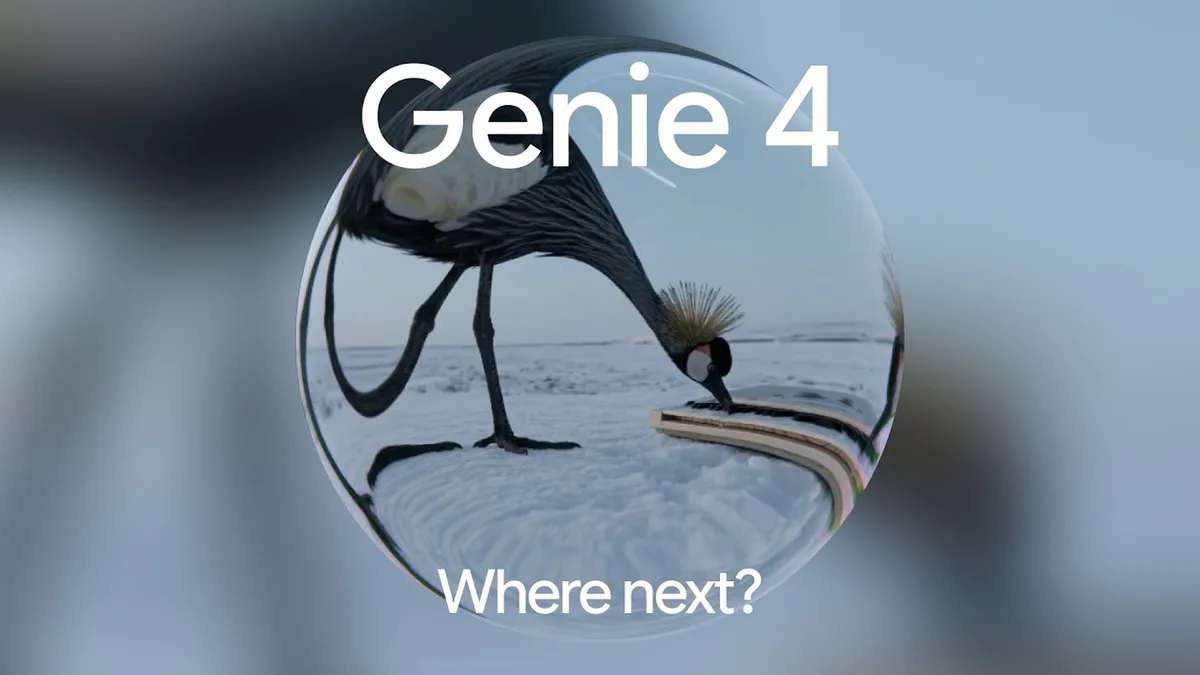
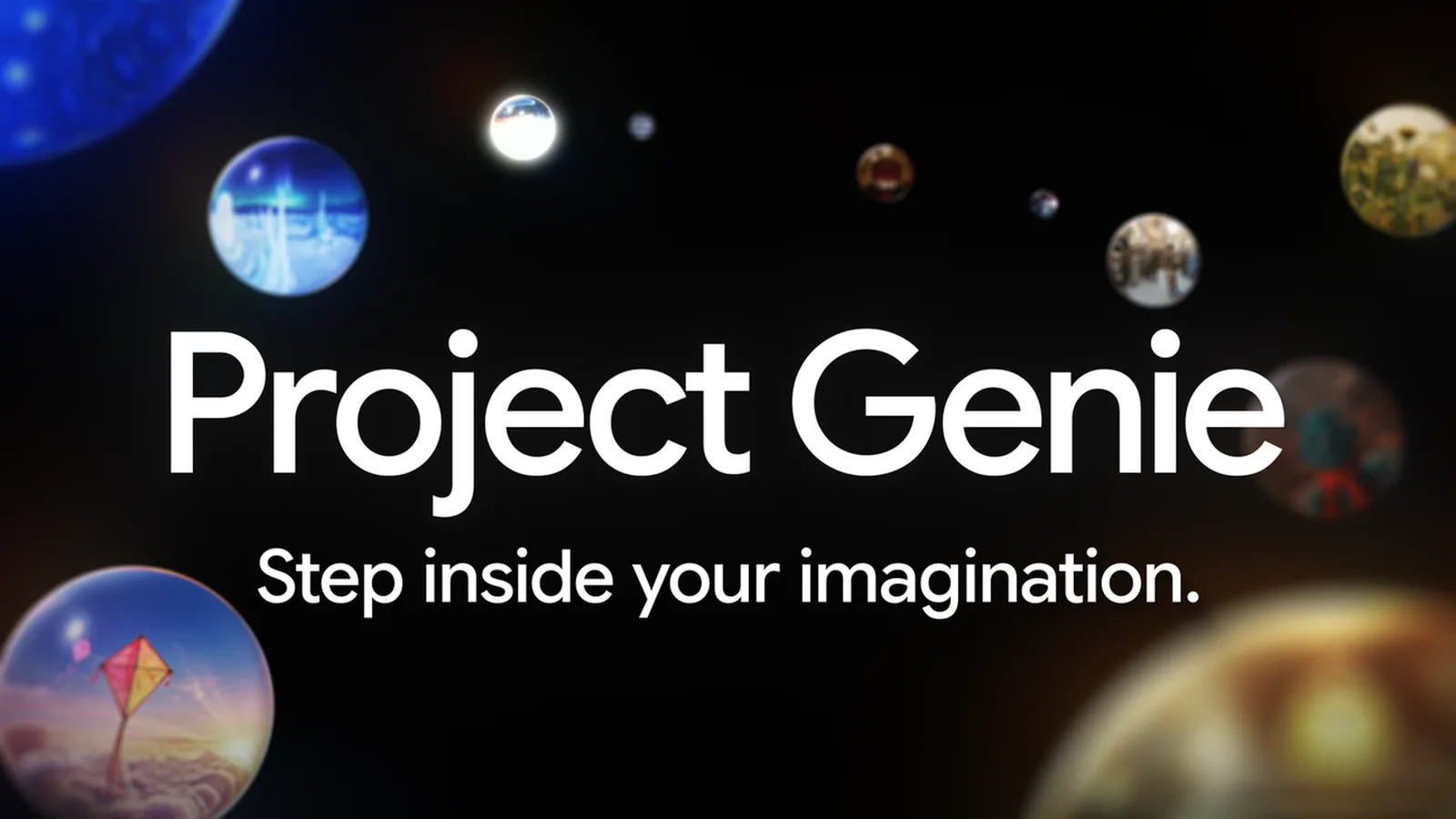
On Wednesday, November 18, 2026, Google started rolling out a new version of Project Genie, its experimental app for making and exploring AI-generated worlds. It's the first time anyone outside Google's early-access group can use Genie 4, the world model Google DeepMind announced on October 27. A world model is an AI that generates an explorable scene frame by frame as you move through it, instead of a fixed video.
Access is limited:
- Google AI Ultra subscribers: "eligible" subscribers get it starting Wednesday. Google's plans page lists Project Genie as Ultra-only, in more than 140 countries, and shows the current Ultra price.
- Google AI Pro members: can join a waitlist on the same page.
- Free Google accounts: no access announced.
Project Genie runs in your web browser, so there's no app to install.
What can you do in Project Genie with Genie 4?
The headline feature is editing while you explore. Per Google, you type a new prompt as you move through your world and it changes in real time: "Shift the weather, drop in a character, or redirect the action."
Genie 4 also adds native audio, meaning the model makes the sound itself as the scene plays, "from ambient soundscapes to character dialogue."
Three more pieces arrive with the update:
- Project Genie agent. Describe the world you want in a conversation, and the agent uses Google's other AI models to set up the look of the world and a background score to match the mood.
- Gemini in the session. Gemini can watch what's on screen, suggest where to go next with tappable chips, or trigger in-world events on its own.
- Community gallery. Browse curated and community-built worlds, remix them by changing the world's structure, soundtrack or rules, and publish your own for others to explore.
Gallery examples Google highlights include "Living Memory," which turns personal photos into explorable spaces, "Dino Field Guide," and "Villa Giallo," a room-by-room mystery in a gothic manor made with creative technologist Will aka BLVCKL!GHT.
What changed in Genie 3?
Genie 3 stays in Project Genie's model picker for longer sessions, and it got upgrades too:
| Genie 3 update | What's new |
|---|---|
| Session length per generation | Up to 3 minutes, up from 60 seconds |
| World chaining | Link several worlds together for longer trips |
| Panorama start | Start a new world from a 360-degree panorama image |
| In-world events | Type prompts to change the world while you explore |
Google's pitch is simple: pick Genie 4 for the best visuals, physics and sound, and Genie 3 when you want a longer run.
What are Genie 4's limits?
Google still calls both models "frontier research," and lists the rough edges openly: camera latency (a lag when you move), "intricate physical interactions," real-time audio precision and long-term scene permanence. That last one means a place may not look the same when you turn back to it.
All video and audio made in Project Genie carries SynthID, Google's hidden watermark that marks content as AI-made, and every prompt and result goes through safety screening, Google says. The Genie 4 model card has more detail on known limits.
X reactions
Genie 4 is now available in Project Genie. It brings native audio, real-time editing, and a new agent to help you create interactive, virtual worlds.
— Google DeepMind (@GoogleDeepMind) November 18, 2026
Our take
Typing "make it rain" and watching a world you're walking through actually change is the kind of demo that sticks. The gallery matters more than it looks, too: remixing someone else's world is a much easier way in than staring at an empty prompt box.
Still, this is a preview for people already paying for Google's top plan. Three-minute sessions and scenes that forget themselves won't replace game engines or film sets yet. For game makers, filmmakers and teachers with Ultra, it's worth an hour this week to see where this goes. Pro members can get in line on the waitlist.
— Artificially Nerdy
What to do now
- Ultra subscribers: open Project Genie in your browser and start with a gallery world before building your own.
- Try a mid-session prompt like a weather change, the new trick in Genie 4.
- AI Pro members: join the waitlist on the Project Genie page.
- Don't upgrade just for this. It's an experimental prototype with short sessions and known glitches. If you're curious anyway, check the current Ultra price on Google's plans page first.
FAQ
Is Project Genie free?
No. It's available to eligible Google AI Ultra subscribers only. Pro members can join a waitlist, and Google hasn't announced free access.
Can I share a world I make?
Yes. You can publish your world to the community gallery, where others can explore and remix it.
Do I need a gaming PC?
No. Project Genie runs in a web browser, and Google generates the world on its side.
Is content from Genie marked as AI-made?
Yes. Google says all video and audio from Project Genie includes its SynthID watermark.
Sources
- Google blog: Genie 4 is now available — November 18, 2026. Access, features, Genie 3 upgrades, limits, SynthID.
- Google DeepMind: Genie 4 model card
- Google One: Google AI plans — Project Genie listed as Ultra only, 140+ countries.
- The Verge: Google is rolling out its latest AI world model more widely — November 18, 2026.
- Google DeepMind on X — November 18, 2026, about 1:14pm ET.