
TL;DR
What is Suno Visuals and how do you use it?
Suno launched Visuals, a tool that makes lyric videos, lip-synced clips and album art for songs you've made in Suno. You can now make a short video for Reels or TikTok without leaving the app. Drag a song into the Visuals tab and try a 15-second clip, but expect to buy separate credits.
What can Suno Visuals make?
Suno announced Visuals on Tuesday, November 17, 2026, in a blog post by chief product officer Jack Brody. The tool makes new images and video clips for songs in your Suno library. Suno lists three main uses:
- Lyric videos that move with the beat of your song.
- Album art that matches the sound of the track.
- A photo turned into a short video clip.
Suno says it tuned the model behind Visuals for music, so clips follow your song's structure, pick up on the lyrics and lip sync along with them. Lip sync means a character's mouth moves in time with the words being sung.
The Verge reported that Visuals runs on a model called "H3 Move," based on MiniMax's H3 video model. MiniMax is a Chinese AI company that makes video and language models.
How do you make a music video in Suno?
The steps in Suno's announcement are short:
- Open the Visuals tab on the web, or in the iOS or Android app.
- Drag a song from your library into it.
- Pick a start point: one of Suno's original characters, your own image, or a text prompt.
- Generate a clip of up to 15 seconds.
- Extend, edit or re-prompt the clip with text until it looks right.
Fifteen seconds is short for a full music video. The Verge says a timeline lets you join clips together into something longer, which is how you'd cover a whole verse or chorus. For a Reel, a TikTok or a YouTube Short, one or two clips may be enough.
The first time you upload your own image or video, Suno reminds you the tool is for original work and asks you to confirm you have the rights to the file.
How much does Suno Visuals cost?
Visuals uses its own credits, bought separately from the song credits you already use to make music. Your existing Suno plan doesn't cover video. Suno sells them on its Visuals pricing page. The announcement doesn't list prices, so look there before you plan a big batch of clips.
What are the limits on Suno Visuals?
Suno built in filters that block uploads and prompts trying to show specific artists, public figures, copyrighted works or other people's intellectual property. Suno says prompts that work on other video tools may not work here, by design. So a "make it look like a Taylor Swift video" prompt is out, and so is uploading a photo of a famous singer.
Two more rules worth knowing before you post anything:
- Watermarks: Suno adds an embedded watermark, a hidden label that marks the file as made with Suno, before a Visual can be shared off the platform.
- Content checks: Suno runs each generated image or video through its filters and third-party tools before showing it to you, to catch anything that breaks its Community Guidelines.
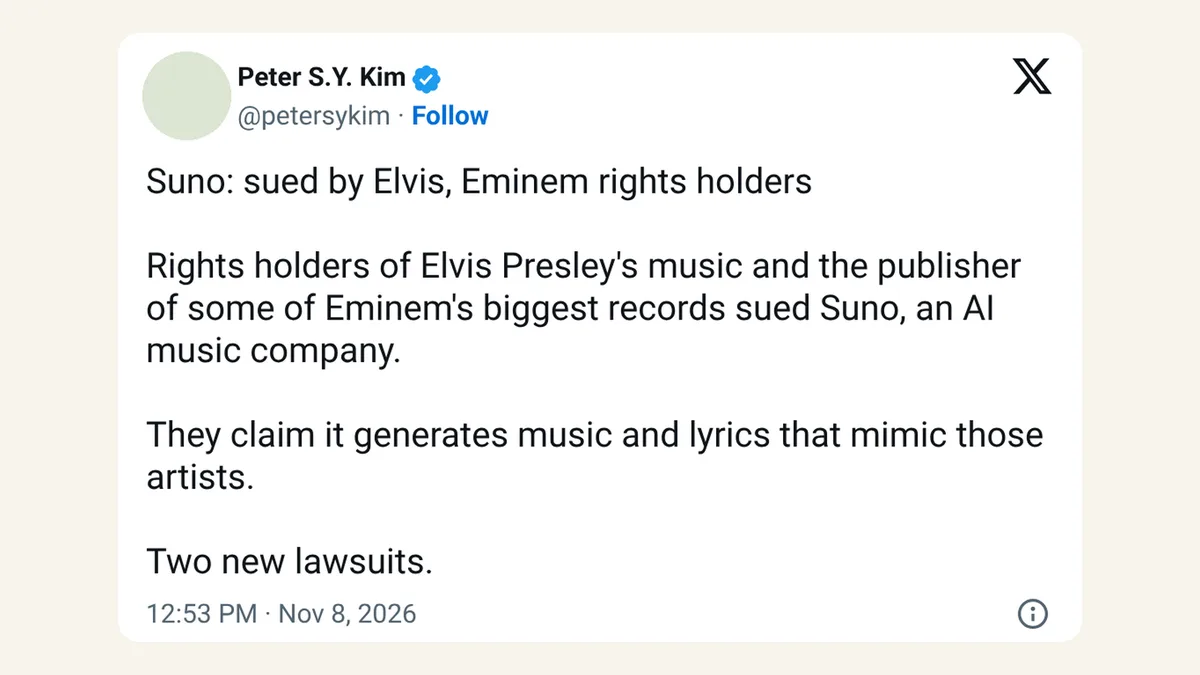
The guardrails make sense given Suno's history. The company is already being sued by Elvis Presley's music owners and an Eminem publisher, so it has every reason to keep famous faces out of its videos.
Can AI assistants use Suno Visuals too?
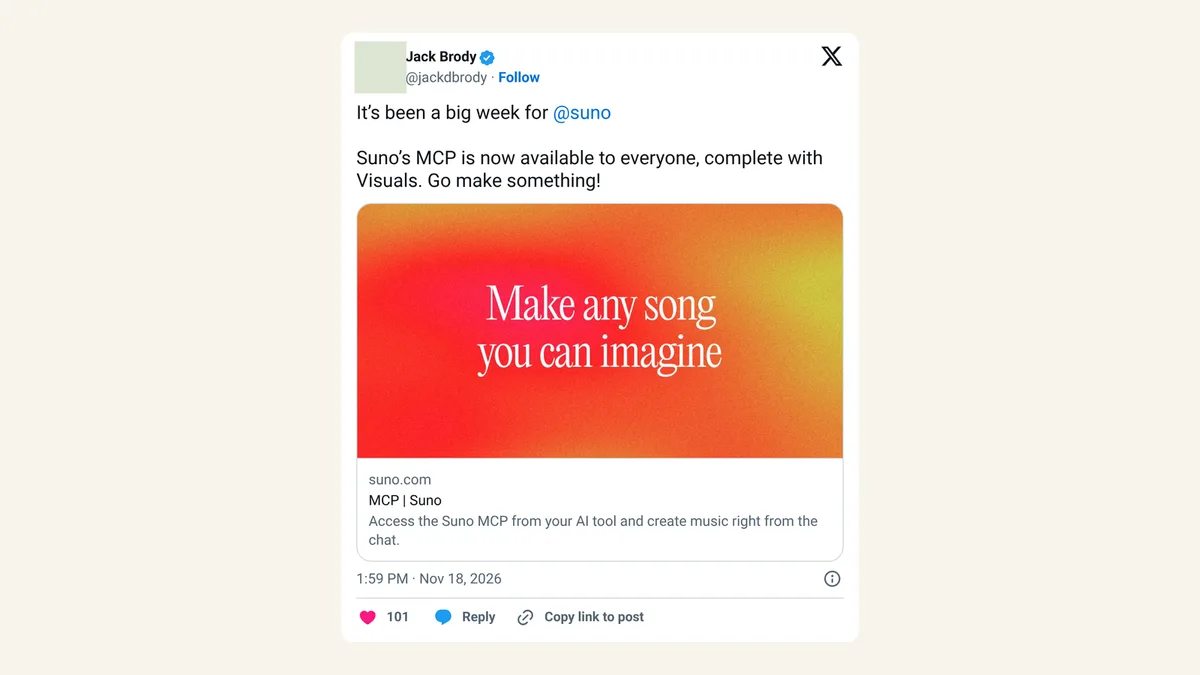
Yes. On Wednesday, Brody said Suno's MCP is now open to everyone, Visuals included. MCP, short for Model Context Protocol, is a standard way for AI assistants such as Claude or ChatGPT to connect to other apps and use them for you. In practice, that means an assistant hooked up to Suno can work with your songs and visuals from a chat window.
X reactions
It’s been a big week for @suno Suno’s MCP is now available to everyone, complete with Visuals. Go make something!
— Jack Brody (@jackdbrody) November 18, 2026
The new @suno Visuals feature is awesome! 🎸🤘🏻
— Dave Gambrill (@gambrill) November 17, 2026
Not everyone is cheering. The Verge noted that some Suno users would rather the company fix audio quality first.
Our take
For anyone already making songs or jingles in Suno, this closes an annoying gap. Until now you'd finish a track and then go hunting for a separate video tool to make something postable. Doing both in one app, with clips that actually follow the beat and lyrics, makes life simpler for small creators and brands.
The catch is cost and length. Fifteen-second clips on separate credits add up fast if you want a full three-minute video, so we'd treat Visuals as a tool for short social clips and cover art first. And the users asking for better audio have a point: a nice video won't save a song that sounds thin.
— Artificially Nerdy
What to do now
- Try one short clip from a song you already like, to see how well it follows your lyrics.
- Check the credit prices on the Visuals pricing page before you plan a longer video.
- Start from your own image or a Suno character if you want a consistent look across clips.
- Use the timeline to join clips when a single 15-second clip isn't enough.
- Skip real faces. Prompts or uploads showing famous people or copyrighted characters will get blocked.
FAQ
Is Suno Visuals free?
No. It uses Visual credits, which are bought separately from song credits.
Can I use Suno Visuals on my phone?
Yes. It launched on the web, iOS and Android at the same time.
Can I upload my own video?
Yes, Suno lets you upload images or videos to start from, as long as you have the rights to them. Uploads with copyrighted material or famous people will be blocked.
Will people know my video was made with AI?
Suno adds an embedded watermark before you can share a Visual outside its platform, so the file carries a label showing it came from Suno.
Sources
- Suno: Introducing Visuals — November 17, 2026, by Jack Brody. Features, 15-second clips, platforms, separate credits, filters, watermarks, upload reminder.
- Suno Help Center: Visuals
- Suno: Visuals pricing
- The Verge: Suno Visuals AI-generated video and images feature — November 2026. H3 Move model, timeline, user reactions on audio quality.
- Jack Brody on X — November 18, 2026, 1:59pm ET. MCP open to everyone.
- Dave Gambrill on X — November 17, 2026.