
TL;DR
Can I use ChatGPT Health on Android?
Yes, in the US. OpenAI is rolling out ChatGPT Health, which uses health data you connect, to Android, the desktop app, dots and Sites. Android users on any plan, including Free, can now link sleep and workout data through Health Connect. Update the ChatGPT app, find Health in the sidebar and connect only what you're comfortable sharing.
What changed in ChatGPT Health?
On Thursday, November 19, 2026, OpenAI said Health is "rolling out to more of the places you use ChatGPT": the desktop app, dots, Sites and Android. Health is a separate area of ChatGPT where answers draw on health information you connect, such as fitness data or medical records from supported US providers.
The biggest change is Android support for Health Connect, Google's hub on Android phones that collects data from fitness apps and wearables.
OpenAI's release notes and its post on X give one example per place:
- Desktop app: look for patterns in your sleep and workouts, like how you sleep after morning versus evening workouts.
- Android: connect sleep, activity and workout data through Health Connect.
- Dots: your dot, ChatGPT's always-on agent, can suggest another time for a workout when a meeting gets in the way, or remind you about preventive care options based on connected medical records.
- Sites: build a site, ChatGPT's tool for making simple web pages, to track marathon training, with your runs and progress in one place.
Who can use ChatGPT Health, and is it free?
It's US only. Per OpenAI's release notes and its X post:
| Where | Plans |
|---|---|
| Desktop app and Android | Free, Go, Plus and Pro |
| Sites | Plus and Pro |
| Dots | Pro (personal plans) |
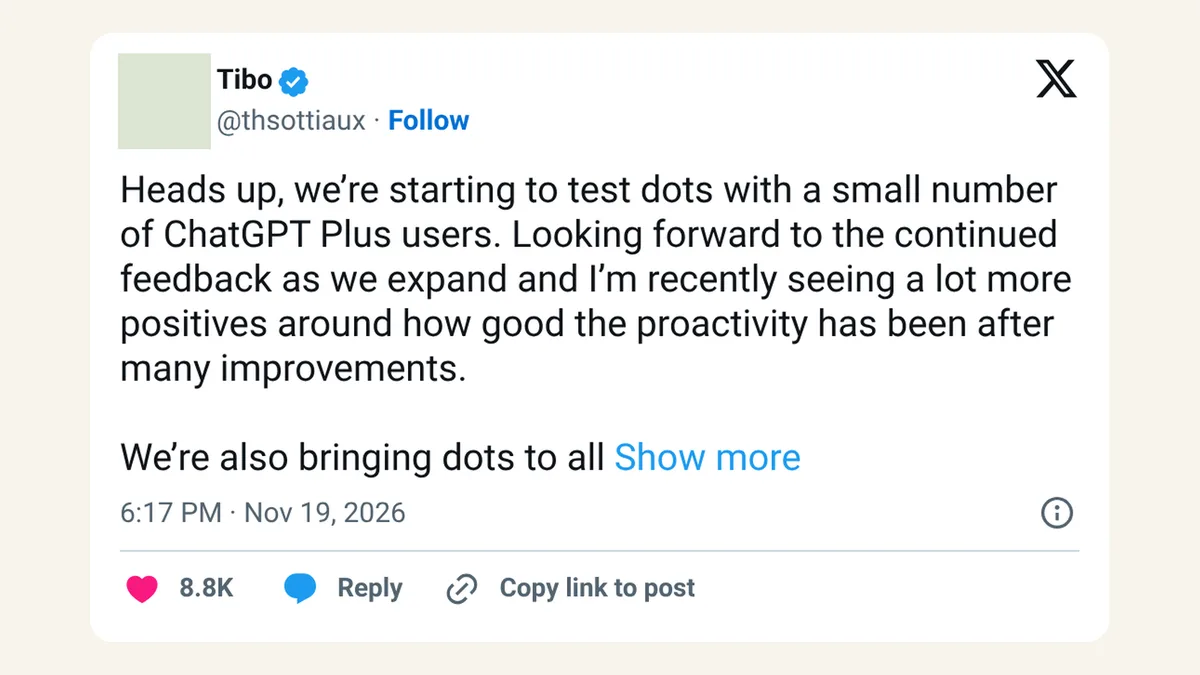
The rollout is gradual, so Health may not show up on your account yet. Dots are also starting to reach some Plus users in a small early rollout, but OpenAI's Health notes still list dots as a Pro feature.
How do I connect Health Connect to ChatGPT?
OpenAI's steps, from the release notes and the Health help page:
- Update to the latest ChatGPT app.
- Select Health in the sidebar. If it isn't there, look in the Explore menu.
- Choose Health Connect, follow the permission steps and pick which data categories to share.
- To add more later, go to Health, then Accounts, then Add account.
Wearables and fitness apps such as WHOOP, Oura, Garmin, Strava or MyFitnessPal need to share their data with Health Connect first. OpenAI says some proprietary scores may not carry over.
What happens to my health data in ChatGPT?
OpenAI's Health help page says memories, the notes ChatGPT keeps to personalize later chats, can be created from Health conversations, but not directly from connected records or Apple Health data. You can use a Temporary Chat or turn memory off if you don't want that. You can add or remove connected accounts from the Health tab at any time.
OpenAI also says the connected Health experience is meant for your own records. For a family member's information, it suggests a separate account or a separate project with project-only memory. A Temporary Chat in ChatGPT works a little differently from the same feature in Gemini and Claude.
X reactions
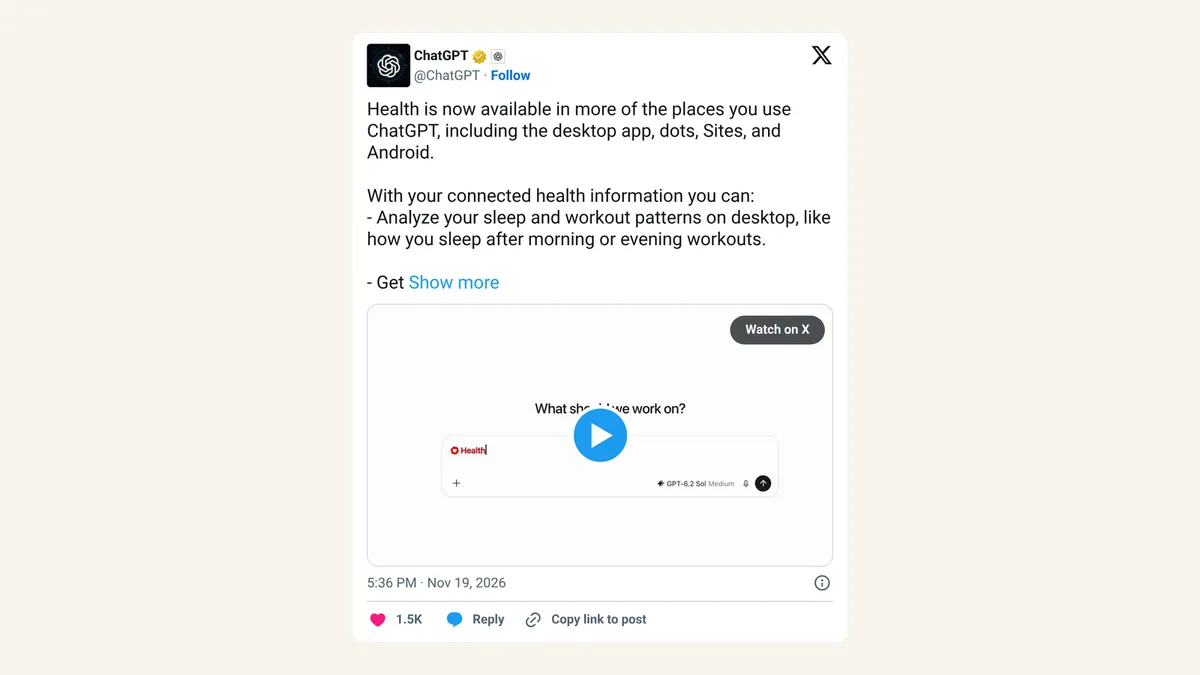
Health is now available in more of the places you use ChatGPT, including the desktop app, dots, Sites, and Android.
— ChatGPT (@ChatGPT) November 19, 2026
With your connected health information you can:
- Analyze your sleep and workout patterns on desktop, like how you sleep after morning or evening workouts.
- Get proactive suggestions from your dot, like another time for a workout when a meeting gets in the way.
- Build a site to track your marathon training, with your runs and progress toward your training plan in one place.
- Connect sleep, activity, workouts, and more through Android Health Connect for more personalized insights on your health.
Health is available in the U.S. on desktop and Android for Free, Go, Plus and Pro users. Sites are available on Plus and Pro, and dots on Pro.
Our take
Putting Health on Android and on the free plan is the part that reaches the most people. Plenty of runners and sleep trackers use Android, and Health Connect gives them a way to bring that data in.
We'd still go slowly. Sleep and step counts are a fine place to start, because the questions are low stakes and the patterns are useful. Medical records are a bigger decision, and a dot acting on them is bigger again. Connect one thing, see if the answers help, then decide on the rest.
— Artificially Nerdy
What to do now
- Update the ChatGPT app on Android or desktop, then look for Health in the sidebar or Explore menu.
- Pick data categories one at a time when you connect Health Connect, starting with sleep or activity.
- Check your wearable's app is sharing with Health Connect, or ChatGPT won't see that data.
- Building a training Site? Check who it's shared with before adding health details.
- Want no memories from a health chat? Use a Temporary Chat or switch memory off first.
FAQ
Is ChatGPT Health available outside the US?
Not with this update. OpenAI lists Health for US users on Free, Go, Plus and Pro.
Can I connect a Samsung or Fitbit device?
Only if its app shares data with Health Connect. ChatGPT reads what Health Connect makes available, and some scores may not transfer, per OpenAI.
Can ChatGPT Health use my doctor's records?
Yes, if your provider is supported. OpenAI lists supported US provider portals, One Medical and Function Health as connectable accounts.
Does ChatGPT Health replace a doctor?
OpenAI doesn't present it that way. Its examples are about spotting patterns and reminders, like workout timing and preventive care options.
Sources
- OpenAI Help Center: ChatGPT release notes — November 19, 2026 entry, "Health on Android, desktop, dots and sites."
- OpenAI Help Center: Health in ChatGPT — connecting Health Connect and records, supported sources, wearables, memory, family members.
- ChatGPT on X — November 19, 2026, about 5:36pm ET.