
TL;DR
Can Gemini control my Mac now?
Yes. Google added computer use to the Gemini app for Mac, so it can click, type and fill forms across your apps by itself. Paying Gemini subscribers in the US can hand off boring, repetitive tasks while still using their own screen. Pick one low-stakes chore, and allow only the apps it needs.
What is Gemini computer use on Mac?
On Thursday, November 19, 2026, Google added computer use to the Gemini app for Mac. Computer use means the AI operates your computer the way you would: opening menus, clicking buttons, typing into boxes and moving between apps.
You describe a multi-step job in the chat, and Gemini works through your local files, desktop apps and the web to finish it. Google says it runs inside an isolated background window, a separate workspace with a live preview in your chat, so your own screen and cursor stay free for other work.
Michael Friedman, Group Product Manager for the Gemini app, wrote that it "saves you time on the repetitive work that normally takes dozens of clicks."
What can Gemini do on your Mac?
Google gave four examples in its announcement:
- Photo work: batch color-grade photos in your design app, or set up complex 3D scenes.
- Form filling: pull weights, dimensions and addresses from PDFs on your Mac to fill out multi-box shipping quotes.
- Slide decks: gather metrics and screenshots from live dashboards and build a Google Slides presentation.
- Resale listings: look at clothing photos in a folder, research prices, log item details and stage listings on resale sites.
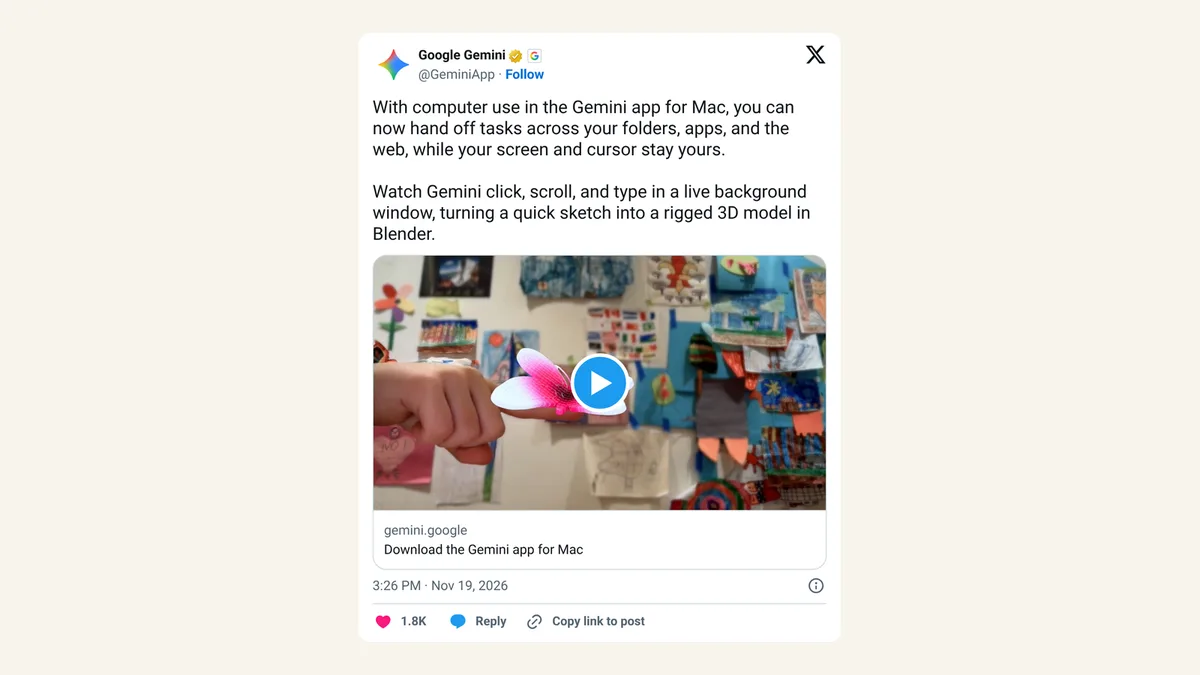
Google's demo post on X shows Gemini turning a sketch into a rigged 3D model in Blender, a free 3D design app. "Rigged" means the model has a movable skeleton, so it can be posed or animated.
Who can use it, and what Mac do you need?
Per Google's blog post, computer use is:
- Rolling out in English, in the US, in the Gemini app for Mac (download at gemini.google/mac).
- For Google AI Plus, Pro and Ultra subscribers. Free Gemini accounts aren't on the list.
- For personal Google accounts, age 18 and up.
- Only on Apple Silicon Macs (M-series chips) running macOS Sequoia 15.0 or later.
Google didn't mention a Windows version.
Is it safe to let Gemini use your computer?
Google lists four controls: you choose which apps Gemini can access, you can watch every step in the live preview, you can pause it at any time, and you approve key actions before they happen.
Read that last one carefully. Google says "key actions," not every action, so Gemini decides some steps without asking. Keep it away from banking, email you can't take back and anything that spends money until you've seen how it behaves.
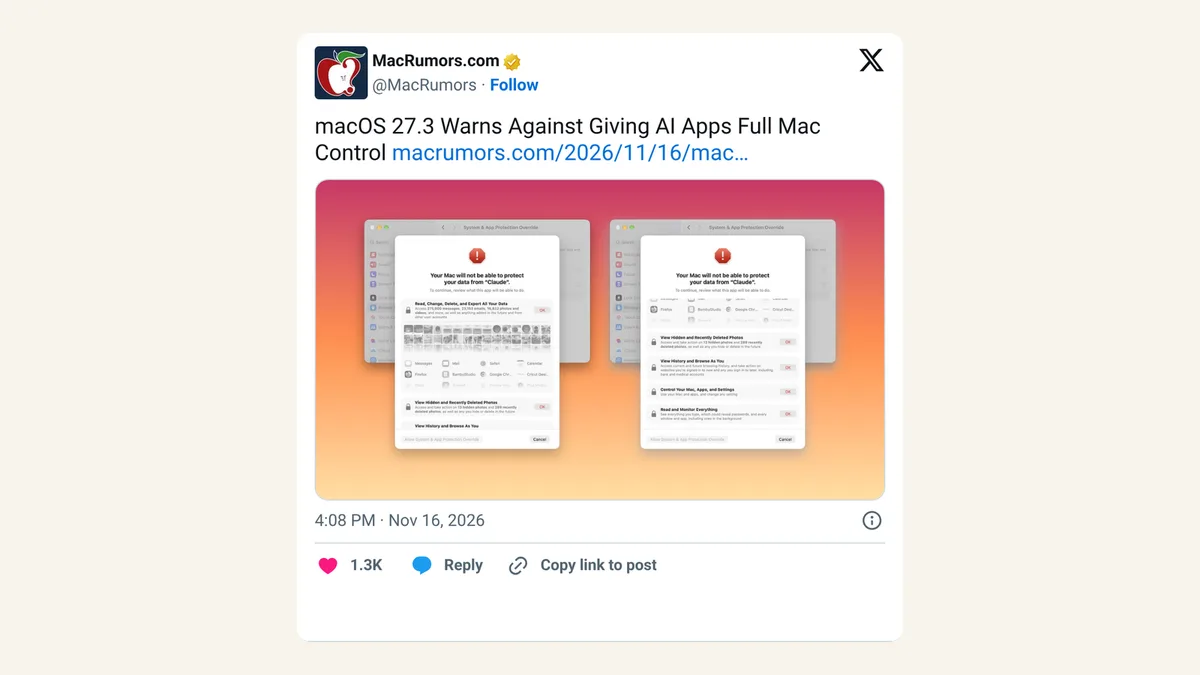
Apple is also making Mac agents harder to switch on. In the macOS 27.3 beta, Apple added a warning when AI apps ask for Full Disk Access, a permission that lets an app read almost every file on your Mac, or for full control of your Mac. Expect a few permission prompts during setup. For a longer checklist, see our five rules for AI computer use.
X reactions
With computer use in the Gemini app for Mac, you can now hand off tasks across your folders, apps, and the web, while your screen and cursor stay yours.
— Google Gemini (@GeminiApp) November 19, 2026
Watch Gemini click, scroll, and type in a live background window, turning a quick sketch into a rigged 3D model in Blender.
Gemini can now drive your Mac in a hidden background window while you keep using your own screen and cursor 👀
— Sai Teja (@saiitoshii) November 19, 2026
Google just shipped computer use in the Gemini app for Mac. Add @Computer use to a prompt and it clicks, types and fills forms across your apps, local files and the web. You pick which apps it can touch, watch a live preview, and approve key actions. US only for now, on AI Plus, Pro and Ultra, Apple Silicon Macs.
ChatGPT, Muse and now Gemini can all run a Mac. Where is Apple's own agent?
#AgenticAI #AIAgents #ComputerUse
Our take
Letting an AI click around your computer used to mean developer tools or a short list of plans. Putting it in Google AI Plus brings it to a wider group of paying subscribers in the US, and the background window is a smart choice, since nobody wants to sit and watch a cursor they can't touch.
We'd still start small. Form filling from PDFs and resale listings are good first jobs because you can check the result before anything is sent. Anything with a "buy" or "send" button deserves a slower rollout, and "approve key actions" leaves too much room for us to hand it the keys to an inbox or bank account yet.
— Artificially Nerdy
What to do now
- Check your Mac: Apple menu > About This Mac should show an Apple M-series chip and macOS Sequoia 15 or later.
- Download the Gemini app from gemini.google/mac and sign in with a personal Google account on Plus, Pro or Ultra.
- Pick one dull, checkable chore, like copying details from PDFs into a form, for your first try.
- Allow only the apps that task needs, and keep banking and email apps off the list.
- Watch the live preview the first few times and pause it the moment something looks off.
- On a free plan or outside the US? Nothing to do yet; Google hasn't announced wider availability.
FAQ
Is Gemini computer use free?
No. Google lists it for Google AI Plus, Pro and Ultra subscribers only.
Can I keep using my Mac while Gemini works?
Yes. Google says Gemini works in a separate background window, so your main screen and cursor stay free.
Does it work on Intel Macs or Windows?
Google says it requires an Apple Silicon Mac on macOS Sequoia 15.0 or later. It didn't mention Intel Macs or Windows.
Can I use it with a work or school Google account?
Not yet. Google's blog post lists it for personal Google accounts, age 18 and up.
Sources
- Google blog: Let Gemini tackle repetitive chores on your Mac — Michael Friedman, November 19, 2026. Examples, controls, availability, requirements.
- Google Gemini on X: demo post — November 19, 2026, 3:26pm ET.
- Sai Teja on X — November 19, 2026, 7:27pm ET.