
TL;DR
Can Google AI Mode see my Google Wallet spending?
Google started letting you connect Google Wallet to AI Mode in Search so it can read your spending and card rewards. It can suggest ways to save but can't move your money, and nothing changes unless you opt in. Decide whether you want Search to see your spending before you turn it on.
What changed in Google Search on Monday?
On Monday, November 23, 2026, Google began rolling out a way to connect Google Wallet to Personal Intelligence in AI Mode. Personal Intelligence is Google's name for answers that use your own data, and AI Mode is the chat-style search tab in Google Search. Robby Stein, VP of Product for Google Search, announced it on Google's blog.
Once connected, AI Mode can use your spending and the cards linked in Wallet to suggest ways to trim everyday spending, plan money goals and get more out of cash-back categories, travel perks and reward points. Google says that "AI Mode can only read information from your accounts; it can't move, manage, or invest your money."
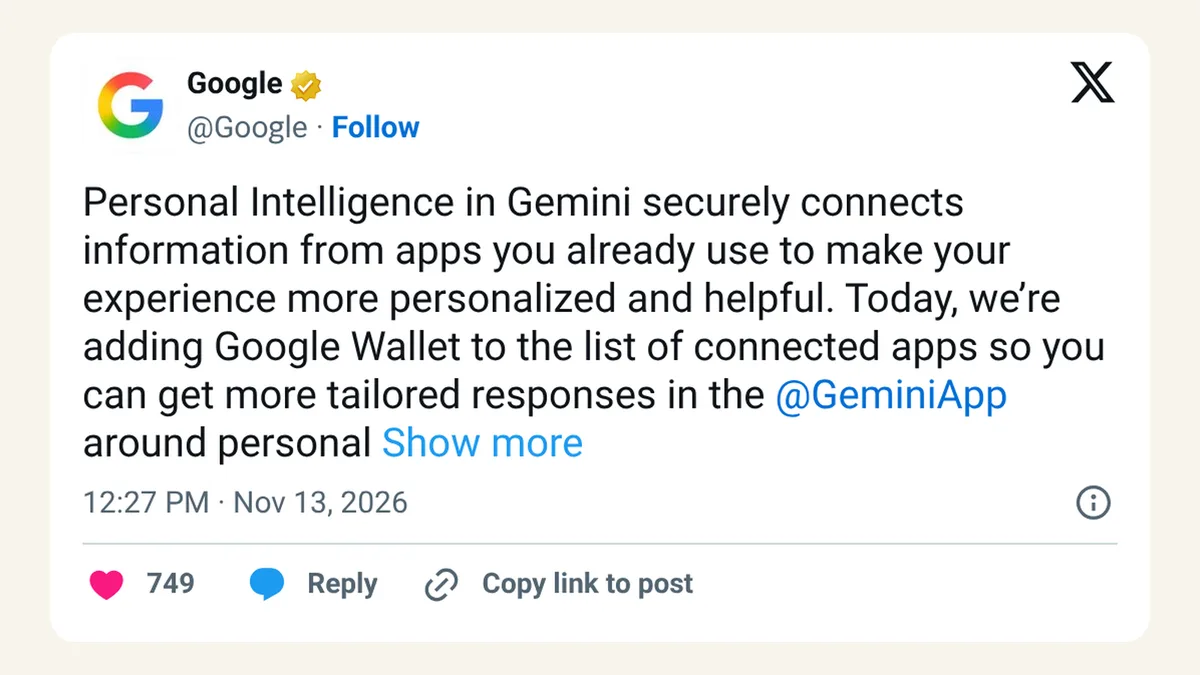
Wallet joins Gmail, Calendar and Photos, which AI Mode could connect to before. The Gemini app already had a Wallet link: Gemini can read your Wallet spending once you turn it on there.
What's coming next: Google Drive and Gemini chats
Google says two more connections arrive "in the coming weeks":
- Google Drive. AI Mode will be able to pull from your docs, sheets and PDFs. Google's example is a personal plan to get ready for tax season.
- The Gemini app. Ideas you explore in Gemini will carry over to AI Mode, and the other way around.
Separately, Google says AI Overviews and AI Mode will start giving answers shaped by your recent searches, so a trip you were planning can pick up in a new search without starting over. You can turn that off in Search Settings.
How do I connect or disconnect Google Wallet in AI Mode?
In Search, open Search Personalization, pick Connected Apps, and choose the apps you want. Google says you can switch each connection on or off at any time. Soon, a "Personalization" icon under a tailored answer will show what personal context AI Mode used, and you can correct it by telling AI Mode in the chat, for example "I'm no longer a vegetarian."
Google's post doesn't say which countries get the Wallet link first, and it is rolling out, so you may not see it yet.
X reactions
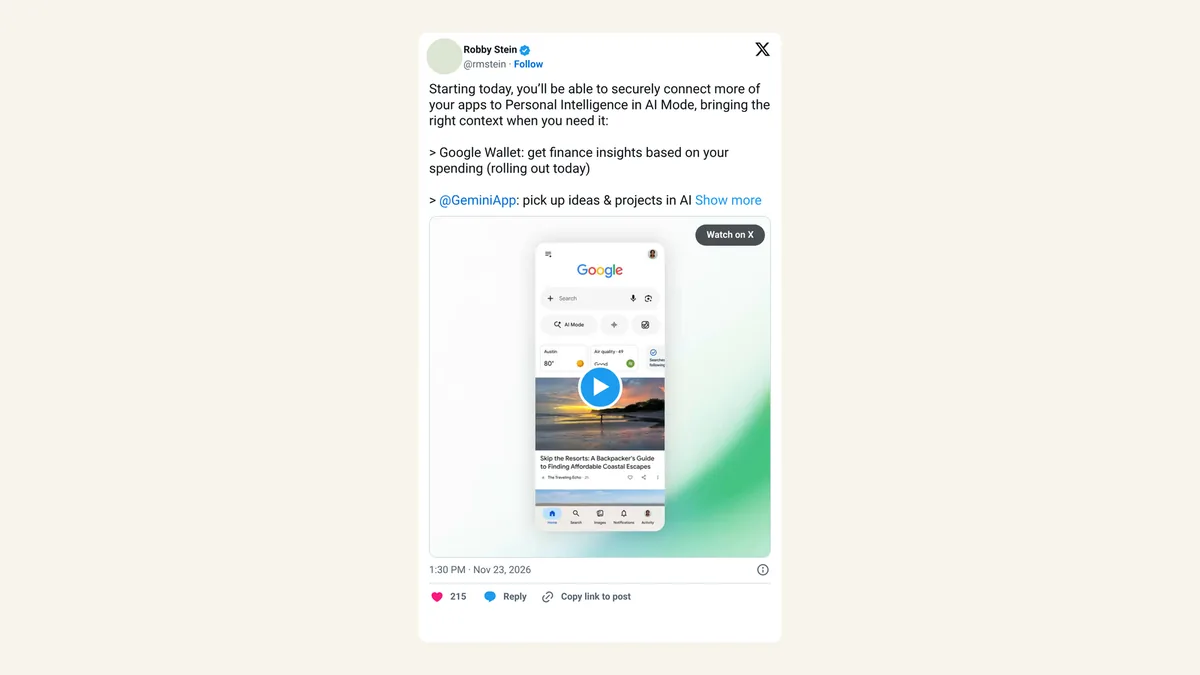
Starting today, you'll be able to securely connect more of your apps to Personal Intelligence in AI Mode, bringing the right context when you need it: > Google Wallet: get finance insights based on your spending (rolling out today) > @GeminiApp: pick up ideas & projects in AI
— Robby Stein (@rmstein) November 23, 2026
By bringing Personal Intelligence in AI Mode to Drive, Wallet, and the Gemini app, Google is leveraging the wealth of user data that's already within its ecosystem
— TechCrunch (@TechCrunch) November 23, 2026
Our take
A budget check in the same box where you search for Black Friday deals is handy, and read-only access is the right line for Google to draw. We'd still treat this as a real privacy choice. Your spending says a lot about you, and once Wallet, Gmail, Drive and your Gemini chats all feed one search box, Google sees far more of your life in one place.
For people who already use the Gemini app's Wallet link, adding it to Search adds little. For everyone else, we'd try it for one clear job, like finding forgotten subscriptions before the holidays, then decide if it earns a permanent spot.
— Artificially Nerdy
What to do
- Decide on purpose. Connecting Wallet is opt-in, so nothing changes until you turn it on.
- Ask one narrow question first, such as which card earns the most cash back on groceries, and check the answer against your card's own terms.
- Review Connected Apps now and then. Open Search Personalization > Connected Apps to see what's linked and switch off anything you don't use.
- Think twice before connecting Drive later. Tax files and contracts in Drive are more sensitive than a grocery list.
- Turn off personal tailoring in Search Settings if you share a computer or don't want past searches shaping new answers.
FAQ
Can AI Mode pay bills or move money from my accounts?
No. Google says AI Mode can only read Wallet information and can't move, manage or invest your money.
Why don't I see Google Wallet in Connected Apps yet?
Google says the feature is starting to roll out, so it may reach your account later.
Will I be able to see what AI Mode knows about me?
Google says a "Personalization" icon under tailored answers will soon show the context AI Mode used.
Sources
- Google: A more tailored Google Search that's uniquely yours — Robby Stein, VP of Product, Google Search, November 23, 2026. Wallet rollout, read-only quote, Drive and Gemini app timing, how to connect, Personalization icon.
- Robby Stein (@rmstein) on X — November 23, 2026, about 1:30pm ET.
- TechCrunch (@TechCrunch) on X — November 23, 2026, about 2:19pm ET.