
TL;DR
Is it safe to connect my bank account to an AI?
Gemini can now read U.S. users' spending, and ChatGPT's agents can now pay at checkout. Letting an AI look is a smaller risk than letting it spend. Start with read-only, ask one useful question, and check what's connected once a month.
What changed this week?
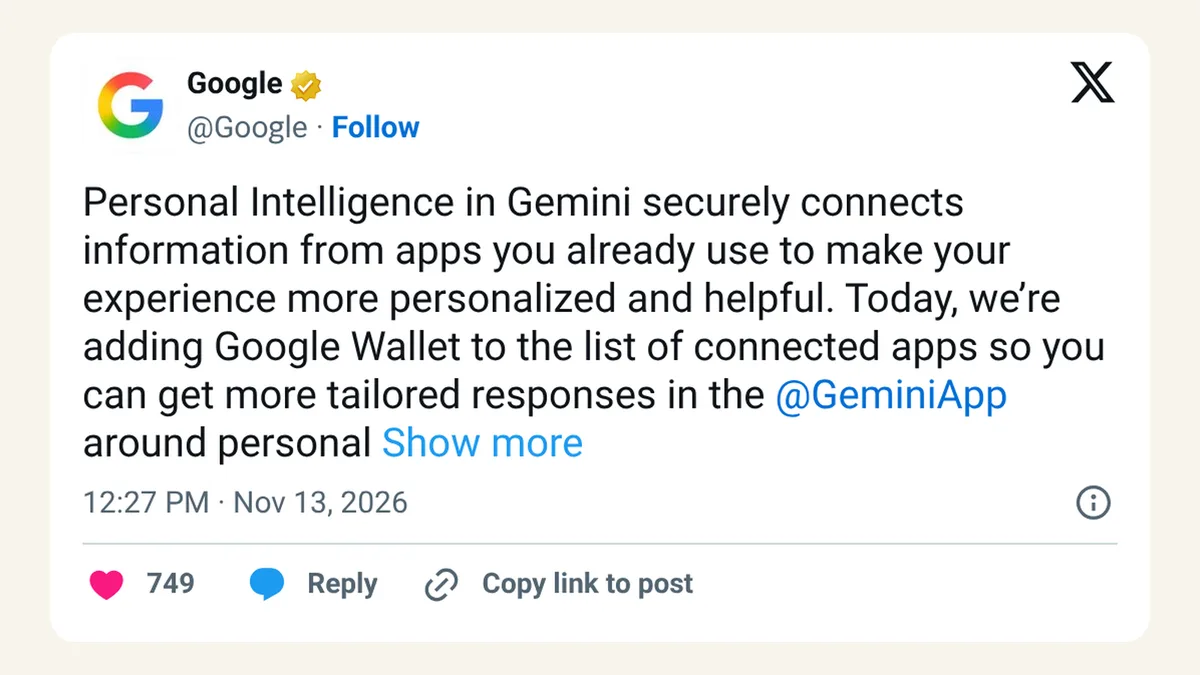
Two of the biggest AI companies moved into your wallet on the same day. On Friday, November 13, 2026, Google let every Gemini app user in the U.S. connect Google Wallet, and link bank and card accounts through Plaid, so Gemini can answer questions about their spending. Google says Gemini "can only read information from your accounts; it can't move, manage, or invest your money."
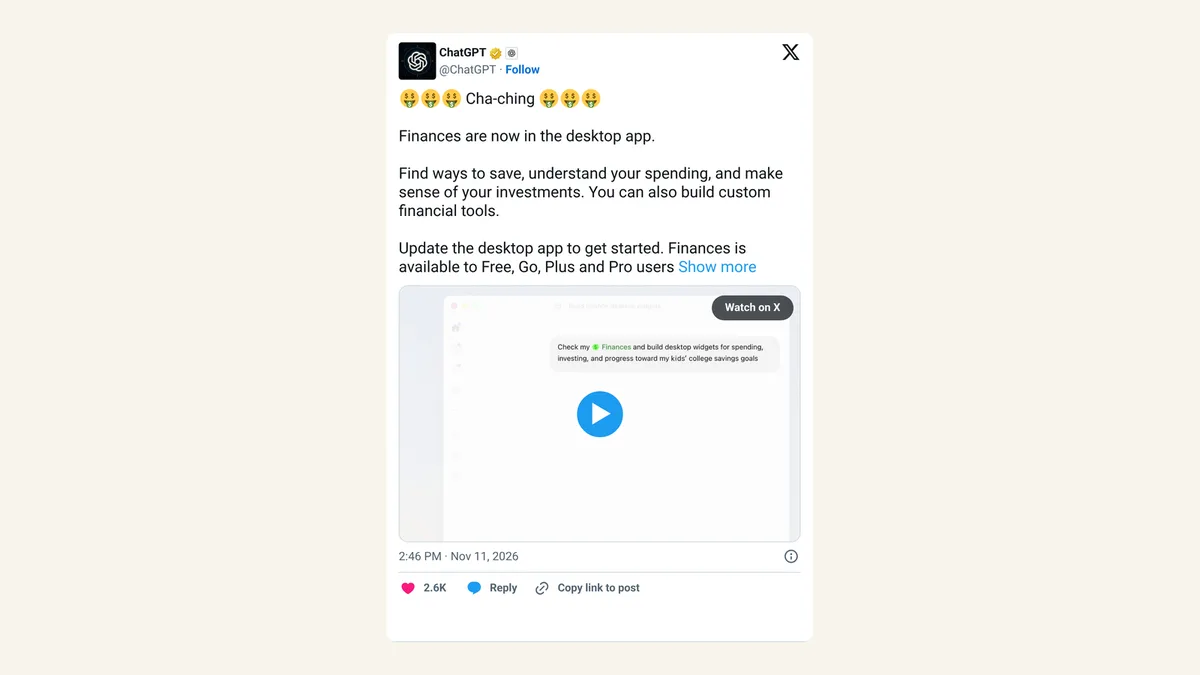
A couple of hours earlier, OpenAI launched ChatGPT Wallet. It lets ChatGPT's agents pay at checkout for some U.S. Pro users, with Face ID or a fingerprint needed for every purchase.
So the question for everyone using AI has moved from "should I paste my bank statement into a chat?" to "should I plug my bank in for good?"
Is read-only access really safer?
Mostly, yes. There are two kinds of access, and they carry different risks.
| Access | What the AI can do | Main risk | Example |
|---|---|---|---|
| Read-only | See balances and transactions, answer questions | Privacy: a company now holds your spending history | Gemini with Google Wallet |
| Can spend | Complete purchases you approve | Money: a wrong or doubled order | ChatGPT Wallet |
| Neither | Only what you type in | You decide every detail it sees | Pasting a few numbers into any chatbot |
Read-only can't cost you money directly. It can still tell a company a lot about you: where you shop, who you pay, how often you're short at the end of the month. That's worth thinking about even if nothing ever goes wrong.
The right amount of access is the smallest amount that answers your question.
Which money questions are worth asking an AI?
Some questions really do get easier with your real data:
- Old subscriptions. "What am I still paying for every month, and did anything go up?" is tedious by hand and quick for a machine.
- A spending snapshot. Where did the money go last quarter, by category?
- A seasonal budget. What you spent on gifts or travel last year, as a starting point for this year.
Others don't need your bank at all. "How does a Roth IRA work?" or "What's a good emergency fund size?" can be answered without your data. And we wouldn't ask any chatbot which stock or fund to buy. It doesn't know your full situation, and it isn't licensed to advise you.
What should you check before you connect?
Ask these five questions of any AI money feature:
- Can it move money, or only look? Check the company's own wording.
- Which accounts will it see? Link one card before you link everything.
- What does the privacy notice say about how your financial data is stored and used? If it doesn't say, treat that as an answer.
- How do you switch it off? Find the setting before you need it. For Gemini it's Settings, then Personal Intelligence, then Connected Apps.
- Who else is in the chain? Plaid, for example, sits between your bank and the app, and keeps its own list of your connections in Plaid Portal.
On X, the SEO consultant Gagan Ghotra put the question plainly: "Are you going to connect your Google Wallet to Gemini and give the model access to your transactions data?" Reddit threads like "Does anyone trust ChatGPT enough to connect their bank account?" show plenty of people still saying no. That's a reasonable answer too.
What if you run a small business?
Keep business and personal money apart before you connect anything. If your business card sits in the same Wallet as your personal one, an AI that reads one reads both. A separate business account makes your bookkeeping easier anyway, and it lets you decide for each one whether an AI gets to look.
Also, don't let a chatbot's spending summary replace your real books. Use it to spot things, then check them in your accounting software or with your bookkeeper.
How do you undo it?
Turning off the connection in the app stops new access. If you linked banks through Plaid, also check Plaid Portal and remove connections you no longer use. Then set a reminder: once a month, take two minutes to see what's connected. Most of us never check, which is how old links pile up.
FAQ
Can Gemini see my bank password?
Google's post doesn't describe passwords being shared with Gemini. Bank links go through Plaid, and Gemini reads account information, not your login.
Does ChatGPT Wallet see my real card number?
No. OpenAI says the store and the agent see a payment token, a stand-in card number, after you approve each purchase.
Is it safer to paste numbers into a chat instead?
You control exactly what you share that way, but the chat itself is still stored by the company. Leave out account numbers and anything that identifies you.
Can I use these features outside the U.S.?
Not right now. Both Gemini's Wallet connection and ChatGPT Wallet are U.S. only at launch.
Sources
- Google blog: Connect Google Wallet to Gemini for personal finance insights — November 13, 2026. Read-only quote, opt-in, example questions.
- Gemini Apps Help: connected apps — U.S. only, Settings path.
- Plaid blog: Google Wallet and Gemini — November 13, 2026. Linkable accounts, Plaid Portal.
- OpenAI: Introducing ChatGPT Wallet — November 13, 2026. Biometric approval, payment tokens, U.S. Pro rollout.
- Gagan Ghotra on X — November 13, 2026, 7:17pm ET.
- r/ChatGPT: "Does anyone trust ChatGPT enough to connect their bank account?" — thread title via Google search.