
TL;DR
Can Gemini see my bank and card spending now?
Yes, if you live in the U.S. and switch it on. Gemini can now read your Google Wallet spending to answer money questions, but it can't move your money. Try it on one question, like old subscriptions, and turn it off if you don't like it.
What did Google add to Gemini?
On Friday, November 13, 2026, Google added Google Wallet to the list of apps Gemini's Personal Intelligence feature can connect to. Personal Intelligence is the setting that lets Gemini use your own data from apps like Gmail, Photos and Search to give more personal answers.
Once Wallet is connected, you tag @Google Wallet in a chat and ask about your money. You can also link your bank and credit card accounts to Wallet through Plaid, a service that connects bank accounts to apps, so Gemini sees more of your spending. Google says it's rolling out to all Gemini app users in the U.S. on the web, Android and iOS.
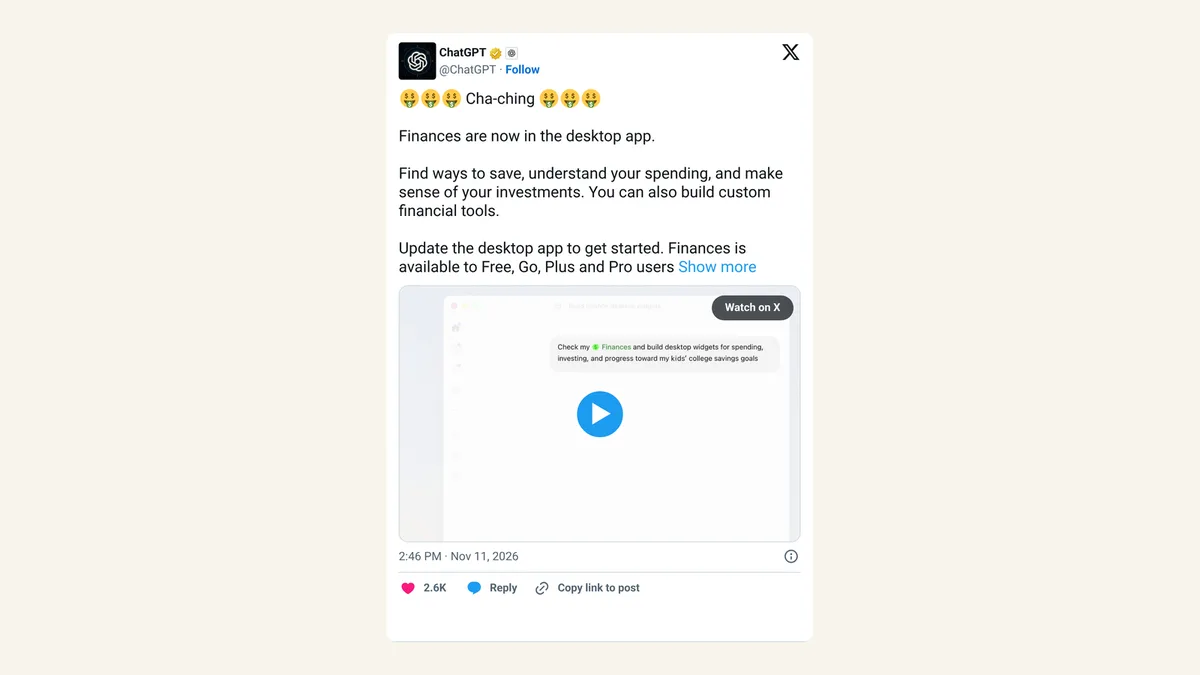
It landed about two hours after OpenAI launched ChatGPT Wallet, which lets ChatGPT's agent pay at checkout. Gemini's version goes the other way. It can only look.
What can you ask Gemini about your money?
Google gave three examples:
- Spending charts. Ask Gemini to review last quarter's spending against a savings goal, and it draws charts of cash flow and budgets in the chat.
- Forgotten subscriptions. Ask which subscriptions you're still paying for and whether any went up in price this year. Gemini finds the repeat charges and flags the increases.
- A holiday budget. Ask how much you spent on gifts and travel last year, and Gemini suggests a budget for this year from those transactions.
The subscription check is the one most people will get real value from. Price creep on apps you forgot about is how US$10 a month turns into US$120 a year without anyone noticing.
Is it safe to connect Google Wallet to Gemini?
Google says Gemini "can only read information from your accounts; it can't move, manage, or invest your money." The connection is off until you opt in, and you can switch it off at any time.
Gemini's help page adds a few limits. Personal Intelligence needs you to be 18 or older with a personal Google Account, and it's being released gradually, so you may not see it yet. The Wallet connection is U.S. only.
Google's post doesn't say whether your transaction data is used for anything beyond answering you, so read the Gemini privacy notice before you link a bank. Google also added Memory Summary, a page where you can see and edit what Gemini remembers about you, under Profile > Personal Intelligence > Memory Summary.
How do you turn it on or off?
In the Gemini app, go to Settings, then Personal Intelligence, then Connected Apps, and switch Google Wallet on or off. Bank links you made through Plaid can also be managed in Plaid Portal, Plaid's page for seeing which apps hold your bank connections.
X reactions
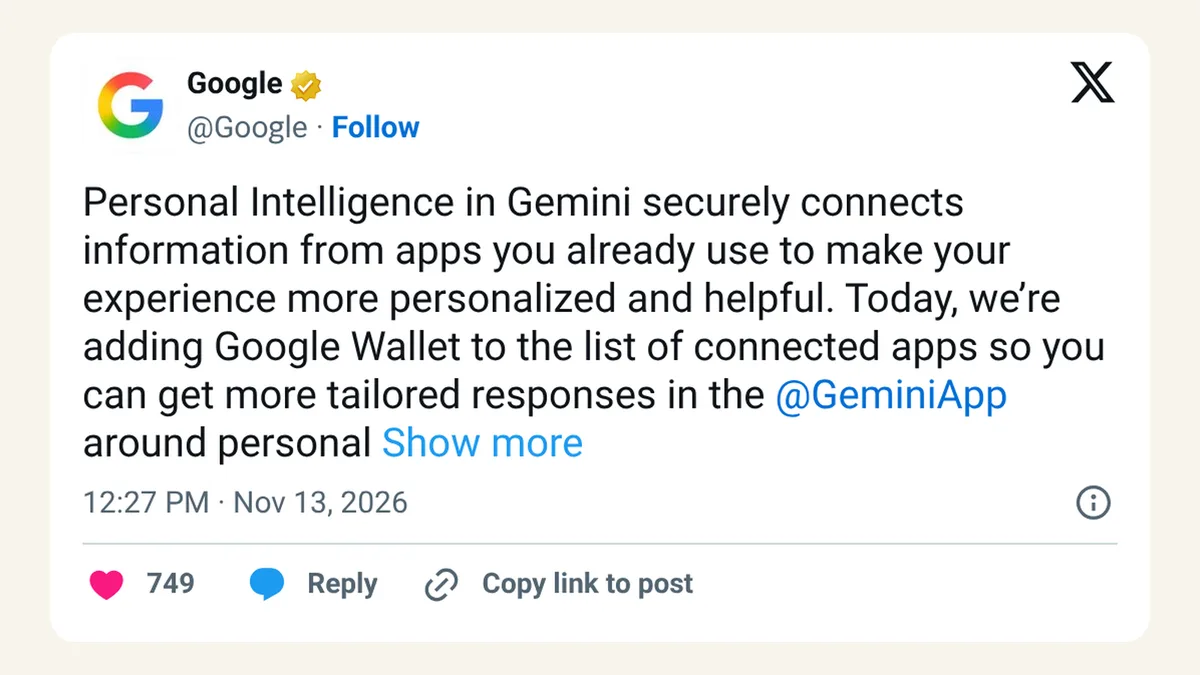
Google announced it on X, and an SEO consultant summed up the mood in one word:
Personal Intelligence in Gemini securely connects information from apps you already use to make your experience more personalized and helpful. Today, we’re adding Google Wallet to the list of connected apps so you can get more tailored responses in the @GeminiApp around personal finance questions, based on your spending habits
— Google (@Google) November 13, 2026
More Wallet news, this time from Google. Again, for the brave... :) -> Connect Google Wallet to Gemini for personal finance insights
— Glenn Gabe (@glenngabe) November 13, 2026
Our take
Read-only is the right way to start. An AI that can look at your spending but can't touch it is a lot easier to trust than one holding your card, and the questions Google picked are ones people actually need answered in November.
We'd still go slowly. Your bank history says a lot about you: where you live, who you pay, what you're worried about. Connect Wallet, ask the subscription question, and see if the answer is worth it before linking every account through Plaid. If you mix business and personal spending on one card, this is a good nudge to split them.
— Artificially Nerdy
What to do this week
- Ask one question first. Try the forgotten-subscriptions check before linking extra bank accounts.
- Read the privacy notice for Personal Intelligence before you connect a bank through Plaid.
- Cancel what you find. A list of old subscriptions is only useful if you act on it.
- Small-business owners: keep business cards out of it unless you're happy for Gemini to read them.
- Check Plaid Portal once a month to see which apps still hold your bank links.
FAQ
Does Gemini's Wallet feature cost anything?
Google hasn't announced any charge. It says the feature is rolling out to all Gemini app users in the U.S.
Can Gemini pay bills or buy things for me?
No. Google says Gemini can only read your account information and can't move, manage or invest your money.
Is it available outside the U.S.?
Not yet. Gemini's help page lists the Google Wallet connection as U.S. only.
What is Plaid, and do I have to use it?
Plaid is a service many finance apps use to link bank accounts. It's optional here. You only need it if you want Gemini to see bank and card accounts beyond what's already in Wallet.
Sources
- Google blog: Connect Google Wallet to Gemini for personal finance insights — November 13, 2026. U.S. rollout, Plaid option, example questions, read-only quote, Memory Summary.
- Gemini Apps Help: connected apps — U.S.-only Wallet connection, 18+ and personal account, gradual release, Settings path.
- Plaid blog: Google Wallet and Gemini — November 13, 2026. Account types you can link; Plaid Portal.
- Google on X — November 13, 2026, 12:27pm ET.
- Glenn Gabe on X — November 13, 2026, 12:29pm ET.