
TL;DR
Why can't I take screenshots in Signal anymore?
Signal now blocks screenshots inside its app so phone AI assistants like Gemini and Siri AI can't read your chats. Your messages are harder for those assistants to grab, but you can't screenshot a chat unless you switch the setting off. Update Signal and leave it on unless you really need screenshots.
What did Signal change?
On Friday, November 20, 2026, Signal started rolling out a new default on Android and iPhone that restricts screenshots and screen recordings inside the app. Signal says the goal is to stop the AI assistants built into phone operating systems from "scanning" what's on your screen. Those assistants read the screen so they can answer questions about it and do tasks for you, and once your Signal messages are captured that way, they sit outside Signal's control.
In a blog post, Signal president Meredith Whittaker named Google's Gemini Intelligence on Android and Apple's Onscreen Awareness for Siri AI on iOS 27. She said these OS-level AI agents, meaning assistants that can see and act across your whole phone, undermine Signal's ability to guarantee your privacy on its own.
Signal did something similar last year on Windows 11, when it used screenshot blocking to keep Microsoft's Recall feature from saving pictures of Signal chats.
How does it work on iPhone and Android?
The two phones behave differently, according to Signal's support page:
- iPhone: You need Signal 8.37 or later on iOS 27 or later. A setting called "Block Siri AI" is on by default under Settings > Privacy > Block Siri AI. You can pick On, Off, or "Off for 10 Minutes."
- Android: You need Signal 8.35.1 or later. Here "Screen security" turns on automatically the first time Signal detects an AI assistant trying to read its screen. You can also switch it on yourself under Settings > Privacy > App security > Screen security.
Signal explains the Android difference in its blog post. Many Android phone makers ship their own versions of Android, and on many of them Signal has no reliable way to tell when someone tried to take a screenshot. Rather than have screenshots stop working with no explanation, Signal waits until it spots an assistant reading the screen.
Can I still take screenshots in Signal?
Yes. You can turn screenshots back on in Signal's settings using the paths above. Signal warns that doing so can "potentially expose your (and your contacts') Signal content to these AI agents, and break our privacy guarantees." That warning covers the people you talk to as well, since their messages are on your screen too.
Does this stop all AI from seeing my Signal messages?
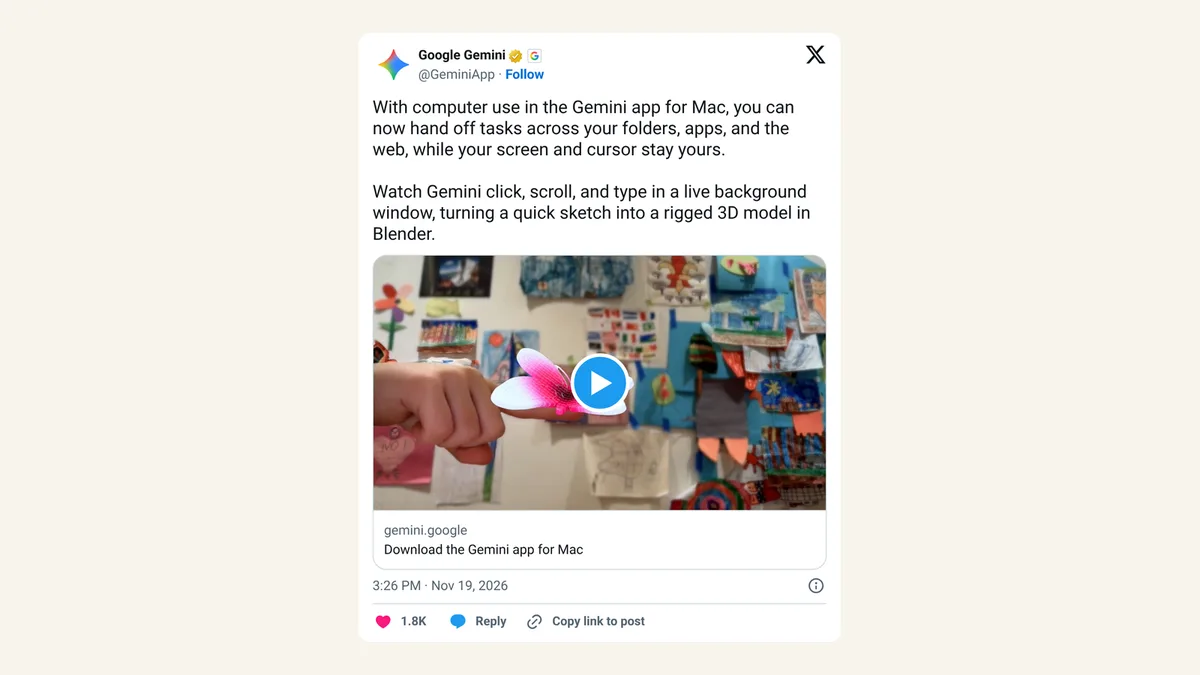
No. Signal calls its fix "incomplete." Blocking screenshots does nothing about other routes an AI agent could take, such as reading files already stored on your phone. It also doesn't cover desktop yet. Signal says it can't reliably block screenshots on macOS because Apple doesn't give app makers the tools to do it. For now, Signal's only advice for macOS 27 users is to add Signal to the Excluded Apps list in System Settings > Siri. If you also use Google's assistant on a Mac, Gemini's new computer use feature is another app worth thinking about before you open private chats.
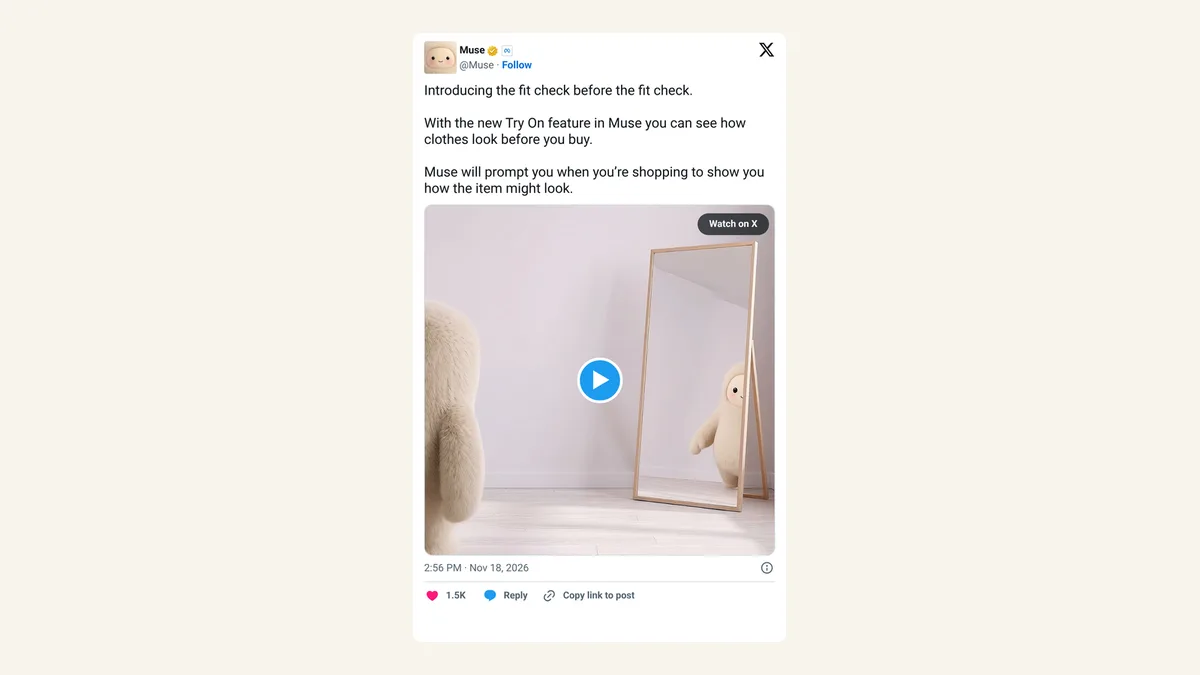
Signal is also asking Apple, Google and Microsoft for two things: an easy, documented way for apps to opt out of AI data access, and clear documentation of how these assistants collect and handle data. Whittaker said some OS makers, including Google and Apple, are talking with Signal about it. She also flagged third-party assistants such as Meta's Muse, which can reach app data through accessibility settings, the permissions meant to help people with disabilities use their phones.
X reactions
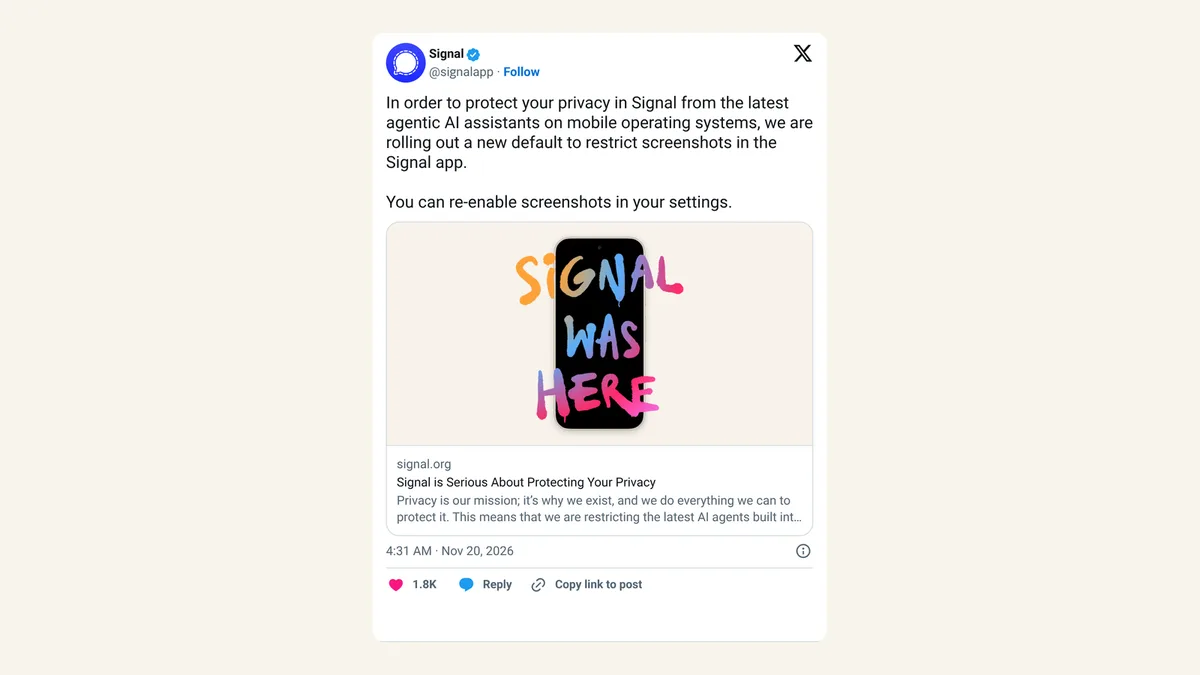
In order to protect your privacy in Signal from the latest agentic AI assistants on mobile operating systems, we are rolling out a new default to restrict screenshots in the Signal app.
— Signal (@signalapp) November 20, 2026
You can re-enable screenshots in your settings.
https://t.co/KHQF3bgaam
AI agents in the OS, capturing sensitive data from apps like Signal, present an existential threat to privacy
— Meredith Whittaker (@mer__edith) November 20, 2026
Sadly, OS vendors are integrating agents recklessly, w/o giving Signal and other apps good ways to block AI data access and protect you
So, we're doing what we can w/ https://t.co/R1Ls2zOu1L
Our take
Signal made the right call by turning this on for everyone. Most people will never open a privacy menu, and a private chat stops being private the moment an assistant can copy it off the screen. Turning protection on by default is the only version of this that actually reaches people.
It will annoy anyone who screenshots receipts, delivery details or customer messages, and that annoyance belongs with Apple and Google. An app as big as Signal shouldn't have to break a basic phone feature to keep its own promise. A simple, documented "don't read this app" switch for developers would fix most of this, and we'd like to see it in the next iOS and Android updates.
— Artificially Nerdy
What to do now
- Update Signal to 8.37 or later on iPhone (iOS 27) or 8.35.1 or later on Android.
- Leave the block on unless you have a real need for screenshots. On iPhone, "Off for 10 Minutes" lets you grab one and go back to protected.
- Android users can switch it on now under Settings > Privacy > App security > Screen security instead of waiting for Signal to detect an assistant.
- On a Mac, add Signal to Excluded Apps in System Settings > Siri.
- Tell your contacts. Their phone settings affect your messages too, so a quick heads-up about the new setting helps both sides.
FAQ
Will the person I'm chatting with know if I turn screenshots back on?
Signal's announcement and support page don't say that you get any notice. Assume you won't.
Does Signal block screenshots on Windows?
Signal already used screenshot blocking on Windows 11 last year to keep Microsoft Recall from saving pictures of your chats. The new change adds iPhone and Android.
Why does Signal care about Siri and Gemini if they run on my phone?
Signal says that once an assistant captures your screen, the data can be stored and sent to whatever local database or remote server the assistant uses at that moment, which Signal can't control.
Does this affect Meta's Muse or other assistant apps?
Not directly. Signal says third-party assistants like Muse can use accessibility settings to read app data, and it's asking for better tools to block that.
Sources
- Signal blog: Signal is Serious About Protecting Your Privacy — Meredith Whittaker, November 20, 2026. The change, Gemini Intelligence and Siri AI Onscreen Awareness, Android detection, "incomplete" remedy, macOS advice, asks to OS makers, Muse.
- Signal Support: Screen security: blocking Google Gemini and Siri AI — app versions and settings paths.
- The Verge: Signal is blocking Gemini and Siri AI from reading your screen — Jess Weatherbed, November 20, 2026, 7:30am ET.
- Signal on X — November 20, 2026, about 4:31am ET.
- Meredith Whittaker on X — November 20, 2026, about 5:18am ET.