
TL;DR
Does Perplexity Computer work in Chrome?
Yes. Perplexity says its Computer agent now runs inside Chrome and similar browsers through the Perplexity extension. That means an AI can act in the browser where you're already signed in to email, shopping and banking. Before you try it, decide which sites it should stay away from.
What did Perplexity announce?
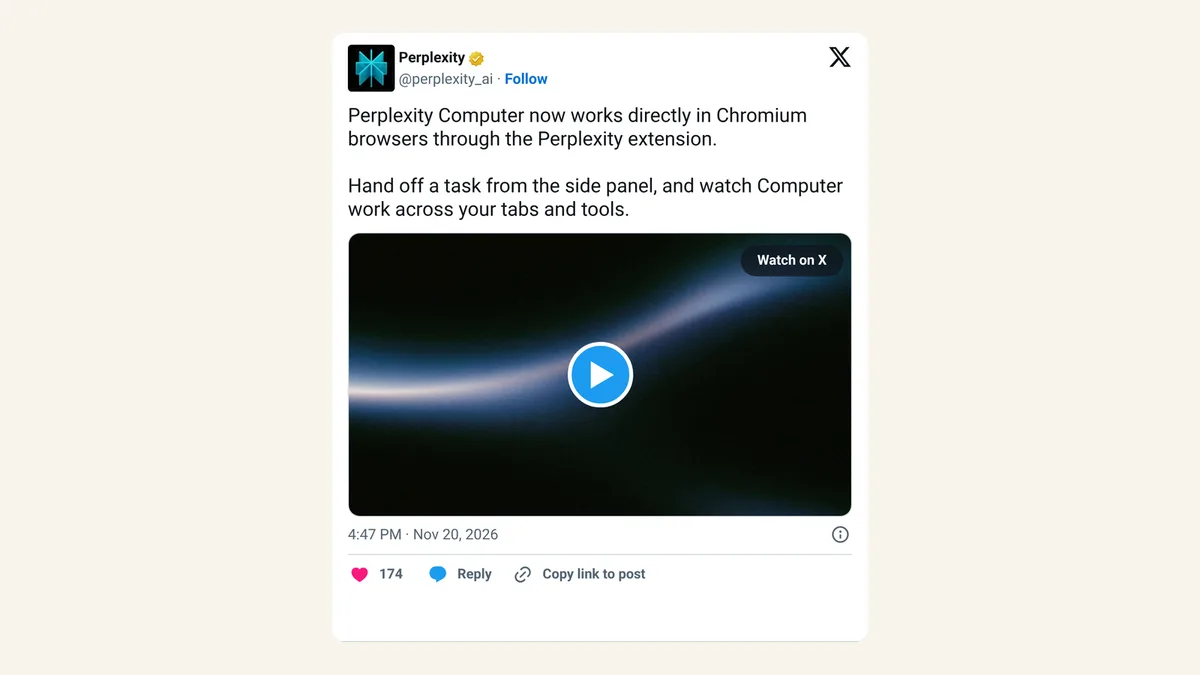
On Friday, November 20, 2026, Perplexity posted on X that Perplexity Computer, its AI agent (an AI that carries out tasks for you, not just answers questions), "now works directly in Chromium browsers through the Perplexity extension." Chromium is the open-source base that Chrome and several other browsers are built on.
The way it works, per Perplexity: you open the extension's side panel, hand off a task, and "watch Computer work across your tabs and tools." You can also start a task at perplexity.ai.
The extension's Chrome Web Store listing, published by Perplexity, says Computer can open sites, read pages, fill forms and finish tasks in the tabs you already use, including sites you're signed in to, like email and dashboards. It works in Chrome, Edge, Brave, Arc and other browsers that install from the Chrome Web Store, and it also works with the Perplexity Computer app on Mac and Windows. Perplexity's own Comet browser doesn't need the extension, since the same features are built in.
Neither the post nor the listing says which plans include it or what it costs.
Is it safe to let an AI agent use my browser?
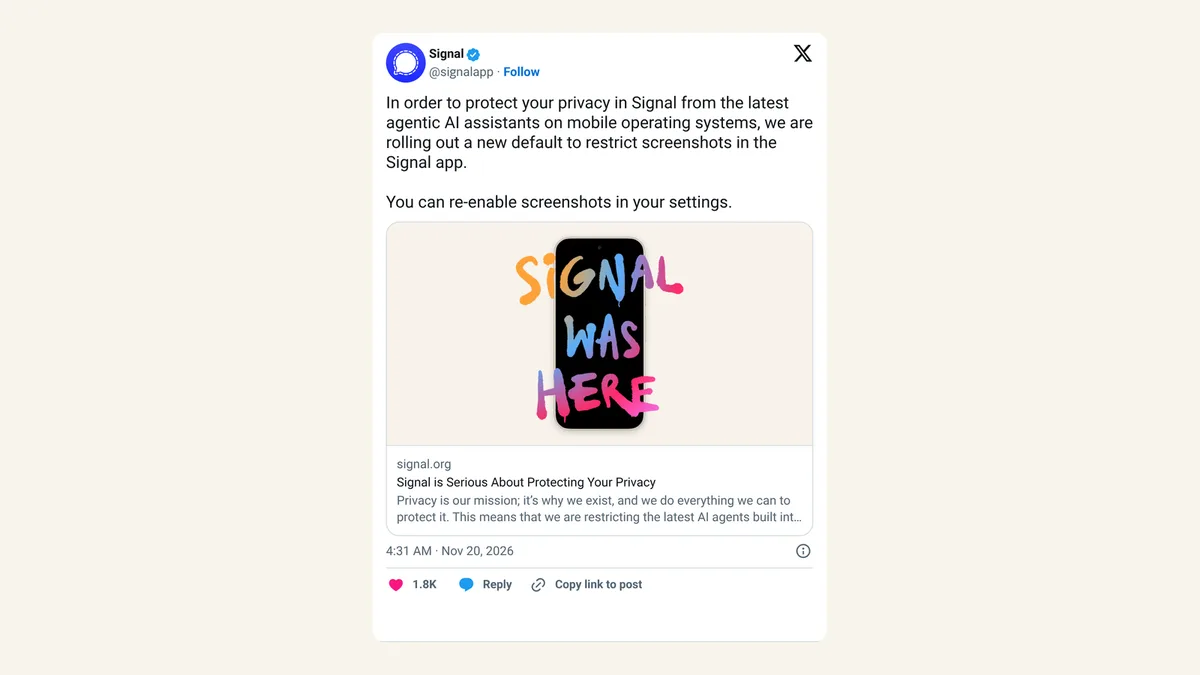
It depends on what's open. Perplexity says Computer only uses the browser during a task you started and doesn't collect browsing data in the background. Still, your everyday browser holds your logins, so an agent working there can reach whatever you're signed in to. Some apps are already drawing lines around this. Signal, for example, now blocks AI assistants from reading your chats by default.
Banks are drawing lines too. Citi changed its online terms this week to say customers who give third-party AI agents account access are responsible for what those agents do, even if the AI tool is hacked, and JPMorgan and Bank of America announced similar policies last month, TechCrunch reports. So if an agent slips up in your bank account, you may be the one who pays.
X reactions
Perplexity Computer now works directly in Chromium browsers through the Perplexity extension. Hand off a task from the side panel, and watch Computer work across your tabs and tools. https://t.co/XR54fa540R
— Perplexity (@perplexity_ai) November 20, 2026
Our take
Watching the agent work in a side panel is the right design, because you can stop it the moment it heads somewhere odd. We'd still keep it to research, comparison shopping and form-filling on sites where a mistake is cheap.
Perplexity should publish a proper help page saying what Computer can and can't touch in your browser, and which plans get it. A launch this personal deserves more than a store listing and a post on X.
— Artificially Nerdy
What to do before you try it
- Use a separate browser profile for the agent, signed in only to the sites you want it to use.
- Keep banking out of it. Several banks now say you're responsible for what an AI agent does in your account.
- Watch the first few tasks in the side panel instead of walking away.
- Never paste passwords into the agent's chat.
FAQ
Does Perplexity Computer work in browsers other than Chrome?
Yes. The extension's store listing says it works in Edge, Brave, Arc and other browsers that install from the Chrome Web Store. In Perplexity's Comet browser, the same features are built in, so you don't need the extension.
Is Perplexity Computer free?
Perplexity hasn't said which plans include it in the browser or whether it costs extra.
Where do I get the Perplexity extension?
It's on the Chrome Web Store under the name Perplexity.
Sources
- Perplexity on X — November 20, 2026, about 4:47pm ET. The announcement.
- Perplexity extension, Chrome Web Store — Perplexity AI's listing, updated November 20, 2026. What Computer can do in the browser, supported browsers, task-only access, Comet and the desktop app.
- TechCrunch: More banks say customers using AI agents are on their own — even if they get hacked — Tim Fernholz, November 18, 2026. Citi terms (including hacks), JPMorgan and Bank of America.