
TL;DR
What can Gemini Notebook's new sites feature do?
Google's Gemini Notebook can now turn the notes and files in a notebook into a simple clickable website, like a dashboard or study guide. It's a fast way to share your work without a web tool. Try it on files with nothing private in them before you share one.
How does "make me a site" work?
Google added interactive sites to Gemini Notebook on Monday, November 16, 2026. Gemini Notebook is Google's research tool where you collect sources, such as notes, documents and research, and ask Gemini about them.
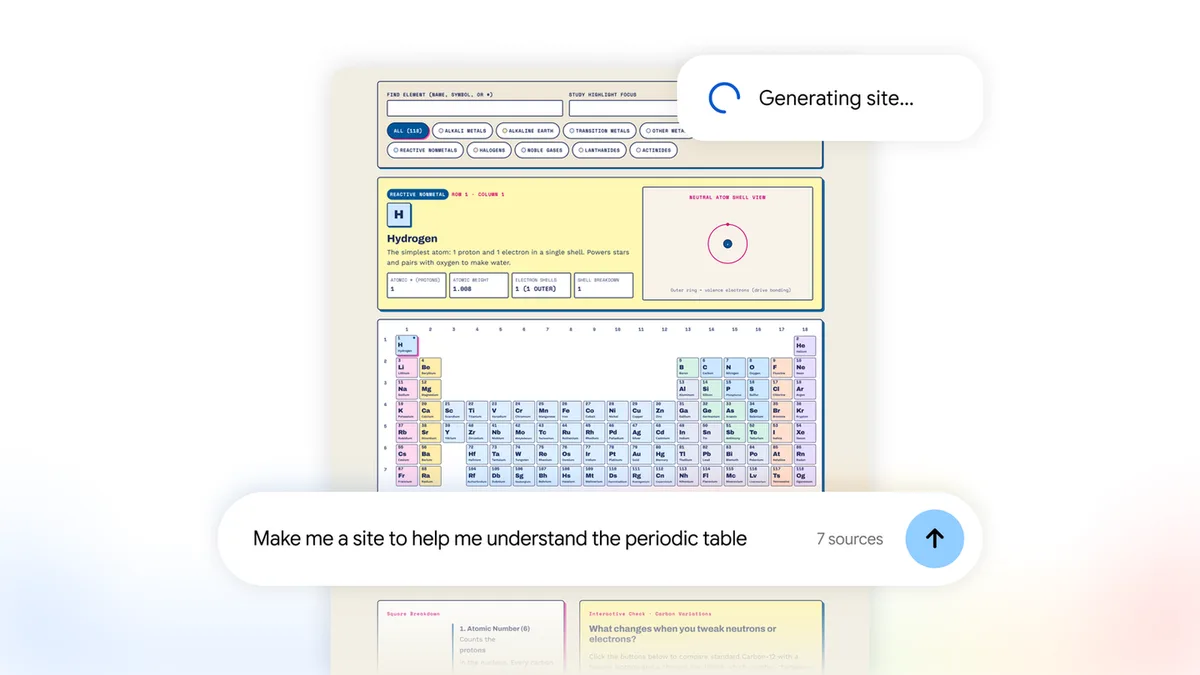
In a notebook that already has sources, you type "make me a site" and describe what you want. Gemini builds an interactive page from those sources. You can open it in a new tab or share it.
What kinds of sites can it build?
Google's examples fall into three groups:
| Type | Example from Google |
|---|---|
| Study explainers | An interactive periodic table, a history timeline |
| Data dashboards | Quarterly sales |
| Project trackers | Tasks and deadlines |
Digital Trends describes Google's demos as a periodic-table site with a five-question quiz and a sales dashboard built from five documents, with filters by region.
Who can use it, and what does it cost?
It's rolling out worldwide on the web now for users 18 and older, including Google Workspace subscribers. Google says the mobile app is "coming soon." Google hasn't listed a separate price; the feature comes with Gemini Notebook. Gemini can also edit your files directly; read our Gemini docs, PDFs and slides editing story.
Is it safe to share a Gemini Notebook site?
Google hasn't said who can see a shared site or whether sharing it also shares the sources behind it. Until that's clear, assume anything in the notebook could end up in front of whoever gets the link. A sales dashboard built from client invoices is a different thing to share than a history timeline.
X reactions
Gemini Notebook can now turn your notes into interactive websites
— Digital Trends (@DigitalTrends) November 17, 2026
Type "make me a site" and Google's research tool builds a clickable explainer, dashboard, or tracker from your sources.
https://t.co/PbYUfmBzTv
Gemini has made building interactive sites 100x easier
— Master Zeks (@M_zekks) November 17, 2026
>Feed Gemini Notebook with sources
>Type “make me a site” and add descriptions
>Wait for it to come
This has good use cases that cuts across industries https://t.co/mbIoewf6ns
Our take
This is one of the more useful small launches lately. Plenty of people have a folder of notes that would make sense to a client or a class if it were laid out well, and very few want to learn a website builder to do it. A project tracker or study guide in one sentence is a real time-saver for teachers, students and small teams.
The gap is sharing. Google should say plainly who can open a shared site and what they can see. Until it does, we'd keep anything with names, prices or client details out of a notebook you plan to share.
— Artificially Nerdy
What to do
- Start with a low-stakes notebook, such as public research or a class topic, to see what Gemini builds.
- Be specific in your prompt. Say the type (dashboard, timeline, tracker) and who it's for.
- Check every number on a dashboard against your source files before you share it.
- Keep private data out of any notebook you plan to turn into a shared site.
FAQ
Can I use Gemini Notebook sites on my phone?
Not yet. It's web only for now, and Google says the mobile app is coming soon.
Do I need a paid Google plan?
Google hasn't listed a separate price. It's rolling out to Gemini Notebook users 18 and older, including Workspace subscribers.
Can I edit the site after Gemini builds it?
Google's announcement doesn't say how much you can edit a site after it's made. Asking Gemini for changes in the notebook is the safest bet.
Sources
- Google blog: Interactive sites in Gemini Notebook — November 16, 2026. How it works, examples, availability.
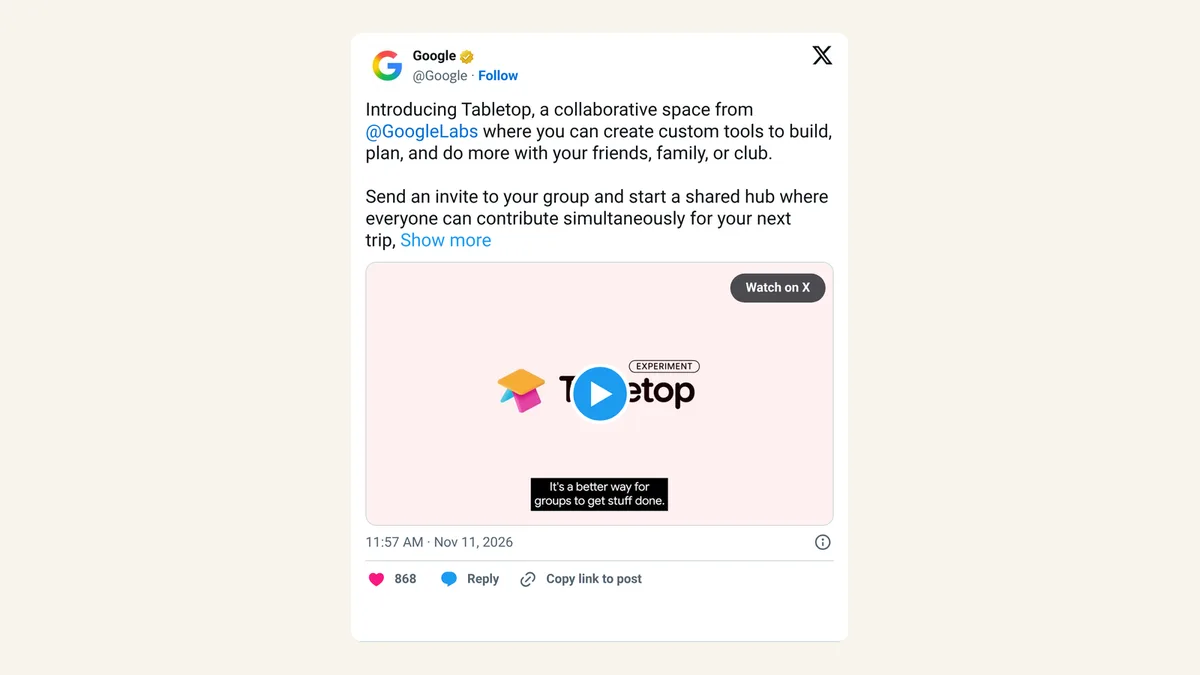
- Google on X — November 16, 2026, 5:00pm ET.
- Digital Trends: Gemini Notebook can now turn your notes into interactive websites — November 17, 2026. Demo details.
- Digital Trends on X — November 17, 2026, 1:28am ET.
- Master Zeks on X — November 17, 2026, 2:27am ET.