TL;DR
Can Gemini edit a whole Google Slides presentation at once?
Yes. Google says Gemini in Slides can now change every slide in a deck from one request. You can restyle or rewrite a full deck in minutes instead of slide by slide. Try it on a copy first, and check every slide before you send it.
What's new in Gemini for Google Slides?
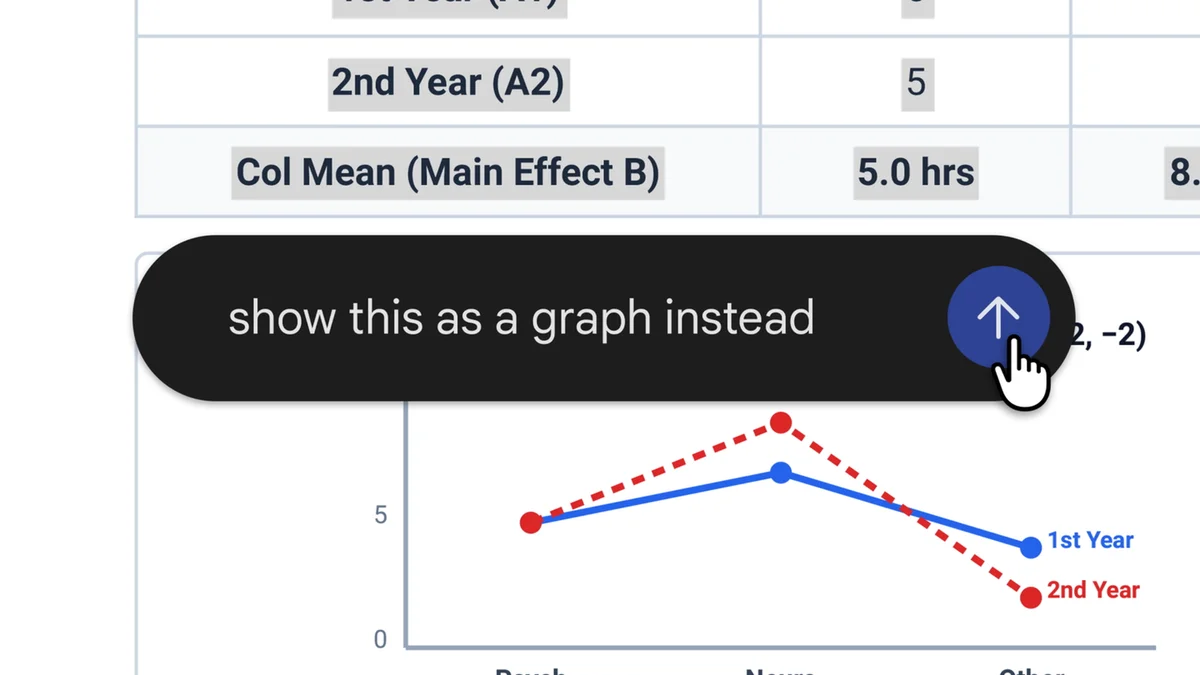
Google announced on October 30, 2026, on its Workspace Updates blog, that Gemini in Google Slides can now edit several slides or a whole presentation at once. Until now, you mostly worked one slide at a time. You type a single request in the Gemini side panel, and Gemini decides which slides need to change.
The edits land on normal, editable slides. When Gemini finishes, it shows a summary of what it changed in the side panel. The rollout started on Thursday, October 29, and Google calls it an "extended rollout," which can take more than 15 days to reach everyone.
What can you ask it to do?
Google lists four kinds of jobs, with sample prompts:
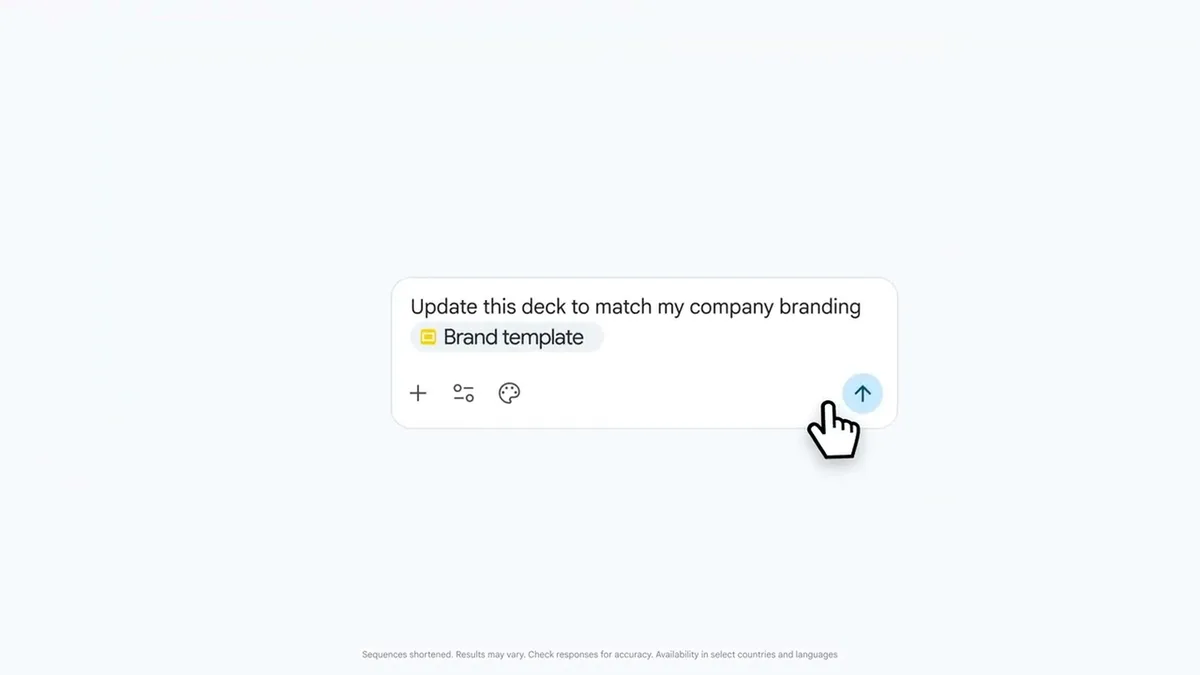
- Restyle the whole deck. Change fonts, backgrounds and color schemes everywhere, or match the look of another presentation ("Update this whole deck to match the style of this [reference file]").
- Rewrite the content. Simplify, expand or shift the focus, based on files in your Google Drive.
- Merge or add slides. For example, "Summarize slides 5–7 into a single slide."
- Tidy the details. Make all titles the same size and color, or remove page numbers from every slide.
Picture a freelance designer who pitched a client in blue and now has a second client who wants the same deck in green, with half the words. That used to be an afternoon of clicking. Now it's one request plus a careful read-through. (Example · fictional.)
Who can use it, and does it cost extra?
It comes with the plans below. Google hasn't announced a separate charge for the feature.
| Plan type | Plans that get it |
|---|---|
| Business | Business Standard, Business Plus |
| Enterprise | Enterprise Standard, Enterprise Plus |
| Personal | Google AI Pro, Google AI Ultra |
| Education | Google AI Pro for Education add-on |
A few limits matter:
- English only at launch.
- No admin switch. Google says there's no admin control for this feature, so a Workspace admin can't turn it off on its own.
- Higher limits, for now. Through at least December 1, 2026, Workspace customers get promotional access to higher usage limits. After that, per-user limits apply, and Google says it will post details in its Help Center first.
- Free Gmail accounts don't get it unless you pay for Google AI Pro or Ultra.
Can you undo Gemini's changes?
Yes. Google says the edits count as if you made them yourself, so the normal Undo button and version history (File, then Version history) both work. That's your safety net when a "small tweak" turns into a brand-new deck.
Our take
This is the kind of AI update we like: boring, useful and easy to undo. Rebuilding a deck for a new client, new brand colors or a shorter time slot eats real hours for freelancers and small teams, and most of that work is mechanical. Canva and Gamma have pushed hard on AI decks, and Google putting deck-wide edits inside the Slides people already use is a smart answer.
Two cautions. Whole-deck edits mean whole-deck mistakes, and a wrong number on slide 14 is easy to miss when slides 1 to 13 look great. And the generous limits run out after December 1, so don't build your whole workflow around them until Google says what comes next.
— Artificially Nerdy
What to do this week
- Make a copy first (File, then Make a copy), and try it on that, not on the deck you're presenting Monday.
- Start with style. A prompt like "make all titles the same font and size" is low risk and shows you how it works.
- Read every slide afterward. Check numbers, names and prices that Gemini may have reworded.
- On a free Google account? You won't see this unless you upgrade to Google AI Pro or Ultra.
- Workspace admins: tell your team it's coming, since there's no switch to hold it back.
FAQ
Does Gemini in Google Slides work in languages other than English?
Not yet. Google says this feature supports English only at launch.
Can Gemini use my other files when it rewrites a deck?
Yes. Google says content edits can be grounded in your files from Google Drive, and you can point it at another presentation to copy its style.
Why don't I see the feature yet?
The rollout started October 29 and can take more than 15 days to reach every account, so it may simply not have reached you yet.
What happens after December 1, 2026?
The promotional higher limits end at some point after that date, and per-user limits apply. Google hasn't said what those limits will be yet.
Sources
- Google Workspace Updates: Edit entire presentations with Gemini in Google Slides — October 30, 2026 announcement, sample prompts, undo and version history, English only, no admin control, promo limits through Dec 1, rollout start Oct 29, plan list.