
TL;DR
Can parents limit AI content on Pinterest?
Yes. Pinterest added a Parental Controls page where parents can cut the AI-generated content in a teen's recommendations, plus notifications and video autoplay. Parents get one place to shape a teen's feed, locked by a passcode. If your teen uses Pinterest, set it up together this week.
What's new in Pinterest's parental controls?
Pinterest announced the page in a Newsroom post dated Monday, November 23, 2026, and The Verge and TechCrunch covered it the next day. It gathers a teen account's settings in one spot and adds three new controls:
- AI-generated content: how much of it appears in a teen's recommendations, the Pins Pinterest picks for their feed.
- Notifications: how many push, browser, email and in-app notifications a teen gets.
- Video autoplay: whether videos start playing on their own.
Every setting sits behind a Parental Passcode, a code the parent sets. Once it's on, Pinterest says, teens need permission to make any setting less restrictive. The page also links out to the phone's own Screen Time and Location settings on iPhone and Android.
Pinterest also notes that profiles for users under 16 are private only.
How does Pinterest know what's AI-generated?
Pinterest hasn't said in this announcement how it decides which Pins count as AI-generated. TechCrunch notes that AI content still finds its way into Pinterest feeds even when the AI-content settings the company added in 2025 are switched on. So treat the new control as a way to see less AI content, without expecting it to catch every AI image.
Pinterest has been setting other AI rules this month too. Its new GenAI terms took effect November 12, and you can opt your Pins out of AI training in a couple of minutes.
X reactions
Rich Holmes, who writes about AI for product teams, put Pinterest's move in a list of the ways apps now let you turn AI down:
All the ways companies now let you turn the AI down:
— Rich Holmes (@richeholmes) November 24, 2026
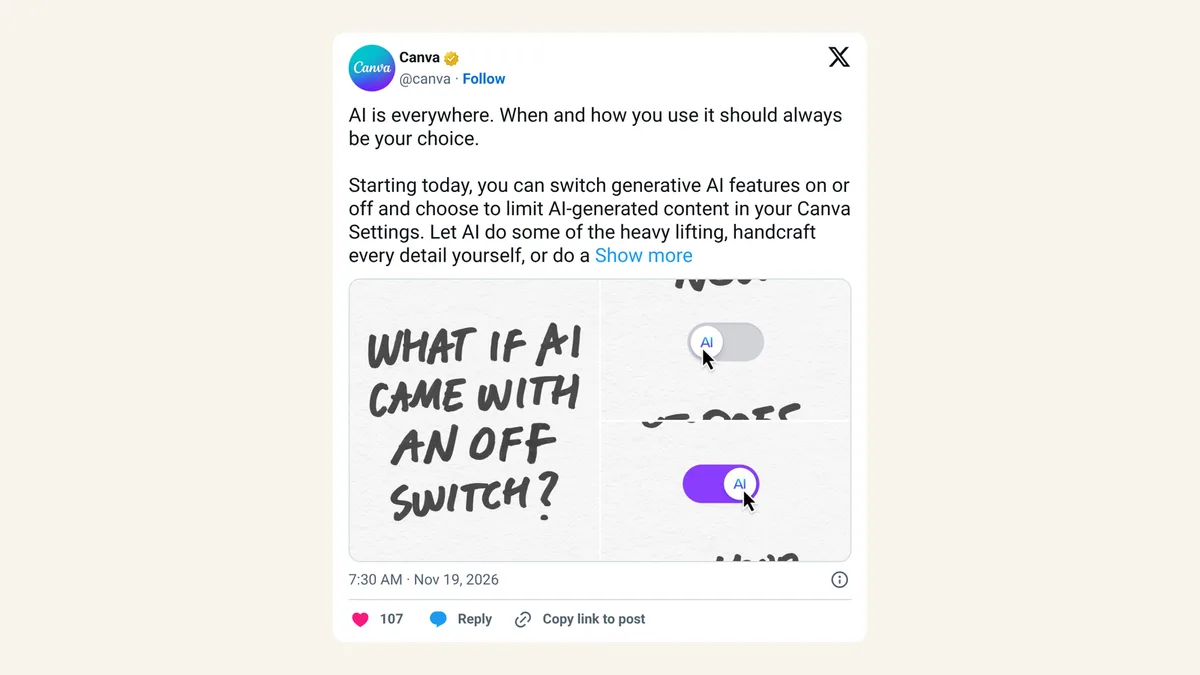
Canva: one switch turns off its generative tools (Magic Write, Magic Expand, Dream Lab and more), plus a separate “show less AI content” option
Firefox: “Block AI enhancements”, one toggle for every AI feature, current and future
TikTok: a slider for how much AI content lands in For You (it goes down, never to zero)
Pinterest: “see fewer AI Pins” by category, and from today parents can turn it down for their teens
LinkedIn: a “Seems like AI slop” button, pressed more than a million times
Google: AI off by default on school pupils’ accounts from next year (switch it all off and Search goes too)
Our take
We're glad to see a feed setting for AI content. Most parental controls for AI so far are about chatbots, but AI images and videos also turn up in the feeds apps recommend to teens. Pinterest giving parents a say over that, and locking it with a passcode, is a sensible step other apps should copy.
We'd like Pinterest to explain how it spots AI content, though. Without that, parents can't tell how much the setting really filters. Use it, but keep talking with your teen about what they're seeing.
— Artificially Nerdy
What parents can do this week
- Open the new Parental Controls page with your teen. Going through it together means fewer surprises later.
- Turn down AI-generated content in their recommendations if you'd rather they see more human-made Pins.
- Turn on the Parental Passcode, and don't reuse it elsewhere. With it on, your teen needs your permission to loosen any setting.
- Cut notifications and switch off autoplay if the app keeps pulling your teen back in.
- Check the phone's Screen Time and Location settings from the links on the same page.
FAQ
Are teen profiles on Pinterest public?
Not for users under 16. Pinterest says their profiles are private only.
Does the setting hide AI-generated ads too?
Pinterest hasn't said. Its announcement talks about recommendations, so don't assume it covers ads.
Can my teen change the settings without me?
Not to loosen them, once you turn on the Parental Passcode. Pinterest says every setting on the page is locked by the passcode, and teens need permission to make settings less restrictive.
Sources
- Pinterest Newsroom: Helping families navigate controls for teens on Pinterest — November 23, 2026. New page, three new controls, Parental Passcode, private profiles under 16, Screen Time and Location links.
- TechCrunch: Pinterest will now let parents limit the AI-generated content their teens see — November 24, 2026. AI content still appearing with Pinterest's 2025 AI settings on; other apps' parental controls focus on chatbots.
- The Verge: Pinterest is adding parental controls for AI-generated content — November 24, 2026.
- Rich Holmes (@richeholmes) on X — November 24, 2026, 2:28pm ET.