
TL;DR
Can I use Gemini Guided Vision on my iPhone?
Google's Guided Vision for Gemini Live now works on iPhone, after launching on Android. You can point your camera and hear Gemini read labels, describe colors or find things nearby. Google hasn't listed it as a paid feature, and it's rolling out slowly, so turn on "Use Guided Vision in Live" in Gemini settings if you see it.
What is Guided Vision in Gemini Live?
Gemini Live is the voice mode in the Gemini app, where you talk with the assistant out loud instead of typing. Guided Vision adds your camera to that chat. You share your camera, ask a question, and Gemini answers with audio descriptions, meaning it tells you out loud what it sees.
Google built it with the blind and low-vision community, the Gemini account said when the feature first appeared on Android in October. Google's help page lists the kinds of things it can help with:
- Reading text: fine print on food labels, signs, menus in dim light, appliance displays. It can translate text too.
- Finding things: the pepper in a spice cabinet, or the earbud that rolled under the couch.
- Describing things: color, shape and pattern, such as whether a shirt goes with a pair of pants.
- Describing a room: a quick spoken layout of what's around you.
If your camera isn't pointed at the right spot, Gemini tells you how to move it: pan across the room, tilt, or center the object.
When did Guided Vision come to iPhone?
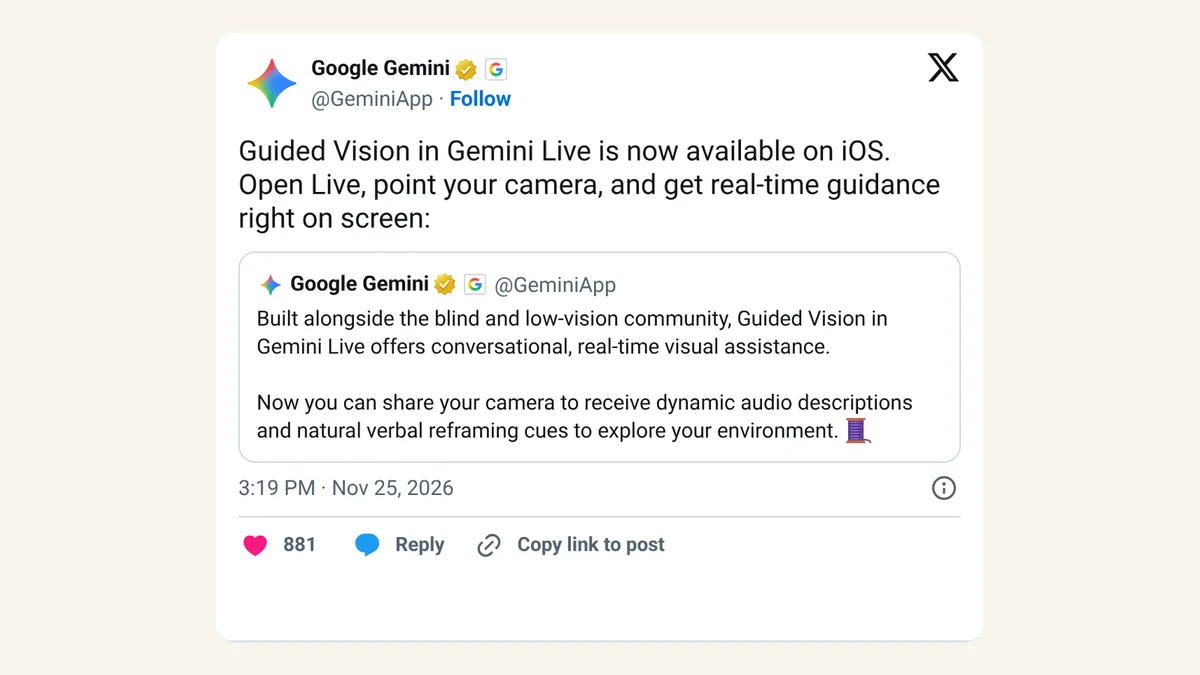
The Gemini app account on X announced on Wednesday, November 25, 2026, that Guided Vision "is now available on iOS." Google didn't give countries, languages or a minimum iOS version. Its help page says the feature is "rolling out slowly over time, so you may not have access to it yet."
How do I turn on Guided Vision?
Google's help page gives these steps for Android, and Google hasn't posted a separate iPhone guide, so the menu may look a little different on iOS:
- Open the Gemini app.
- Tap your profile picture or initial, then Settings.
- Turn on Use Guided Vision in Live.
- Start a Live chat and share your camera.
To stop, tap End Live session. Android users can also set an accessibility shortcut or start it from TalkBack, Android's screen reader; the help page doesn't mention a matching shortcut for iPhone.
Is Guided Vision safe to rely on?
Not for getting around. Google's help page is blunt: "Guided vision can make mistakes. It's not intended as a medical device, mobility aid, or substitute for safe-travel guides. Don't use it for navigation or obstacle detection." Use it for labels, menus and lost items, and keep your cane, guide dog or other usual tools for crossing streets and moving through spaces.
What to do now
- Update the Gemini app on your iPhone and look for "Use Guided Vision in Live" in settings.
- Try it on something low-stakes first, like a cereal box or a mail envelope, to get a feel for how it reframes your camera.
- Set it up for a parent or friend who struggles with small print. It's the kind of help that's easier to show than explain.
- Double-check anything that matters, such as medicine labels, allergens or dosage, with a pharmacist or a second source.
- Don't use it to walk or cross streets. Google says it isn't built for navigation or obstacle detection.
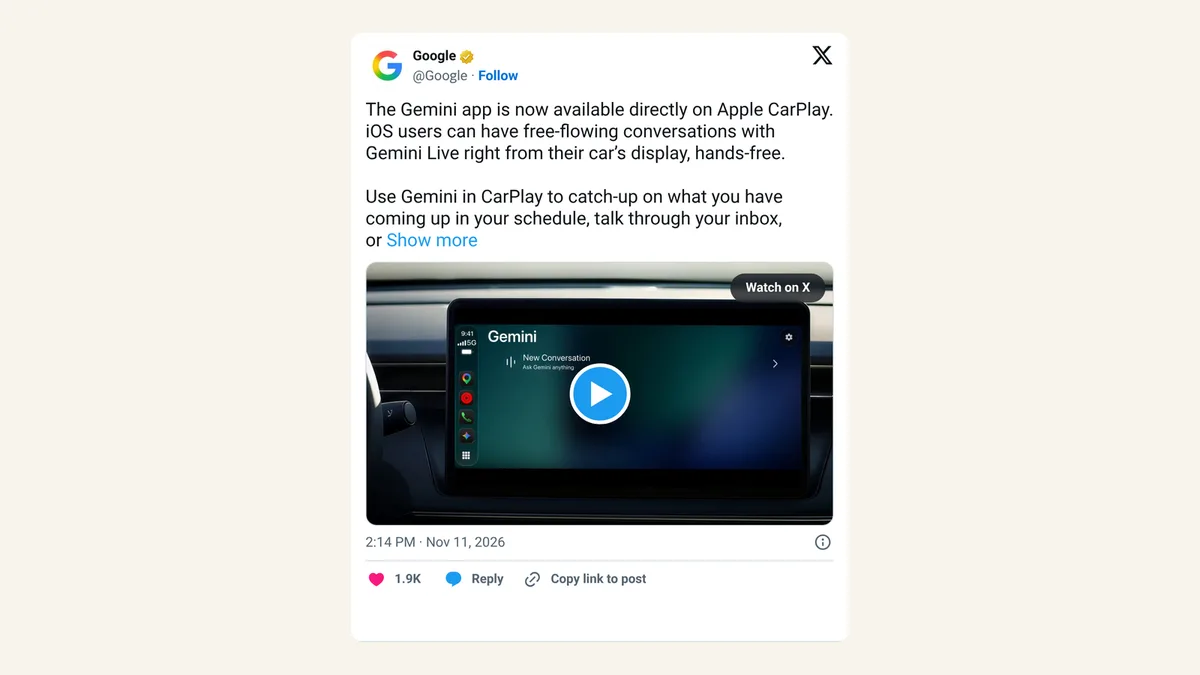
If you drive, Gemini Live also works in Apple CarPlay, though Guided Vision is a camera feature for your phone.
X reactions
Guided Vision in Gemini Live is now available on iOS. Open Live, point your camera, and get real-time guidance right on screen: https://t.co/EeFfzP9Qtk
— Google Gemini (@GeminiApp) November 25, 2026
Our take
This is one of the most useful things Google has put in Gemini this year, and Google hasn't listed it as a paid extra. Reading a dim menu or finding a dropped earbud sounds small until it's the thing you can't do on your own. Bringing it to iPhone matters, because a lot of blind and low-vision people use iPhones for their built-in accessibility tools.
We'd like Google to be clearer about the rollout. "Rolling out slowly" with no countries, languages or iOS steps leaves people guessing whether they're missing a setting or just waiting. And the safety warning deserves the same prominence as the launch post: it's a great reader, and it's no guide dog.
— Artificially Nerdy
FAQ
Does Guided Vision cost anything?
It's part of Gemini Live in the Gemini app, and Google hasn't listed it as a paid feature.
Can Guided Vision translate text?
Yes. Google's help page says it can read or translate text like labels, signs and menus.
Does it work without sharing my camera?
No. Guided Vision starts when you go Live and share your phone's camera.
Is it a replacement for Apple's own accessibility tools?
Google doesn't pitch it that way. It's one more option alongside the tools already on your phone, and Google warns it can make mistakes.
Sources
- Google Gemini (@GeminiApp) on X: Guided Vision now available on iOS — November 25, 2026, about 3:19pm ET.
- Gemini Apps Help: Get audio descriptions with Guided Vision in Gemini Live — Google help page. Uses, settings steps (Android), rollout note, limitations and warning.
- Google Gemini (@GeminiApp) on X, October 6, 2026: original Guided Vision announcement, "Built alongside the blind and low-vision community" (post ID 2107546530987286542, quoted in source 1).