
TL;DR
How do I stop Gemini from training on my chats?
Gemini now lets you turn off AI training and still keep your chat history. The new settings are rolling out now. Training is on by default, so it stays on until you switch it off. Open Gemini History and switch off training on your chat content.
What changed in Gemini's privacy settings?
Until now, the only way to keep your Gemini chats out of AI training was to turn history off, which also wiped out your saved chats. Google announced on Monday, November 16, 2026, that it was splitting that into two settings, rolling out "in the coming weeks":
- History: how long your chats are saved.
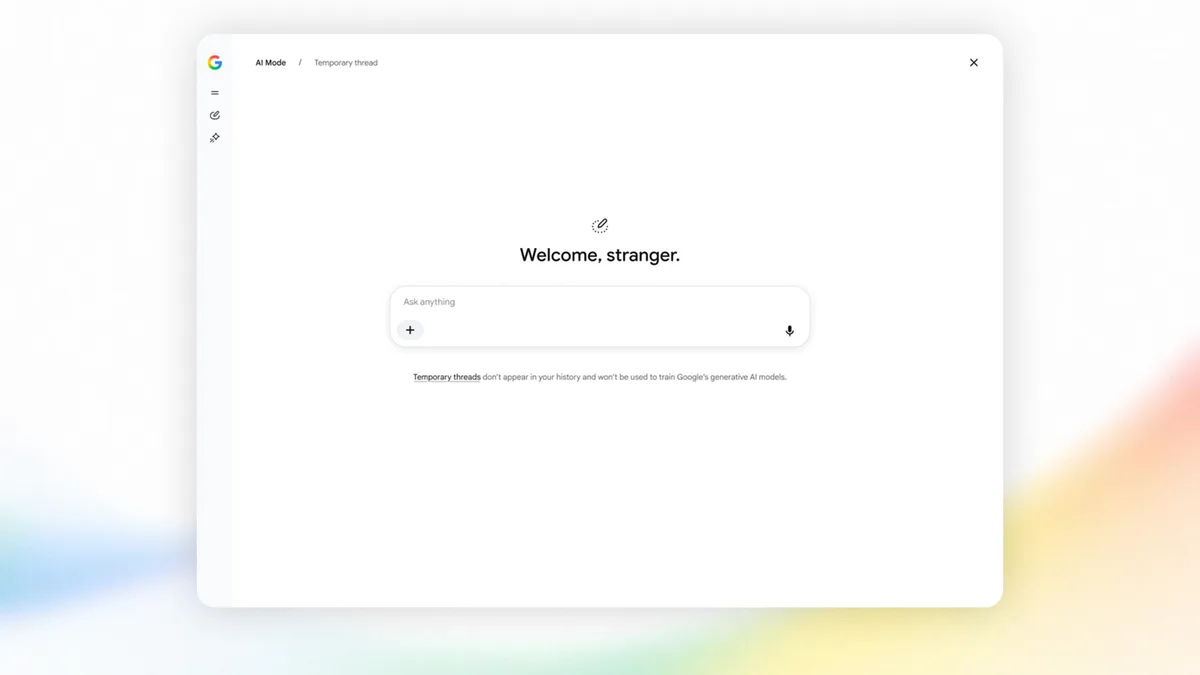
- Training: whether Google uses your chat content, including text and attachments, to train its generative AI models.
Training is on by default, so nothing changes unless you turn it off yourself. Ars Technica reported the rollout may take a few weeks to reach everyone. Google's Gemini Apps Privacy Hub, updated on Tuesday, November 24, now describes the separate training control.
Where is the Gemini AI training setting?
Ars Technica says the toggle sits under Activity in Gemini's settings. You can also get there from your Google Account: Data and Privacy > My Activity > Other activity > Gemini Apps Activity. Google calls the page Gemini History, and that's where you switch off training on your chat content, including text and attachments. Google's Gemini Apps Privacy Hub explains what each setting controls.
What's the catch with turning Gemini history off?
There are three:
- History off now means about two months, not 72 hours. If you turn History off, Google now keeps future chats for around two months, up from 72 hours, "to respond to you, process your feedback, and protect Google, its users, and the public."
- Opting out only covers future chats. Chats already reviewed for training aren't removed, Ars Technica reported.
- Feedback still counts. Google's Privacy Hub says your future chats won't be used to train generative AI models "unless you provide feedback," so a thumbs up or down can still end up in training.
Google can also keep some data for up to three years for other uses, Ars reported, so turning training off doesn't mean Google stops keeping anything.
What to do now
- Turn off training on your chat content if you don't want your chats used for training. It's one switch.
- Leave History on if you want your old chats. You no longer have to give them up to opt out.
- Skip the thumbs buttons on private chats. Feedback can still be used for training.
- Check it today if you paste client or work details into Gemini. Small businesses are the people who most need this one switched off.
- Use a temporary chat for one-off sensitive questions. Gemini, ChatGPT and Claude all offer temporary chats.
X reactions
Gemini is finally separating chat history from model training. I'll be able to keep my conversations without letting Google use them to train its models.
— zrss (@zhesih) November 20, 2026
Bundling the two always felt like an unfair trade-off. Keeping my chat history shouldn't mean agreeing to have it used for training.
I'm turning training off as soon as the new settings roll out.
Our take
This is the setting Gemini users have asked for, and we're glad it's finally here. Forcing people to choose between their chat history and their privacy was a bad trade, and Google has fixed it.
We're less happy with the defaults. Training stays on unless you find the switch, and turning History off now means Google holds your chats for two months instead of three days. Our advice is simple: keep History on, turn training off and leave the feedback buttons alone on anything private.
— Artificially Nerdy
FAQ
Does turning off Gemini training delete my old chats?
No. Your history stays if History is on. Chats already reviewed for training aren't removed either.
Is the new setting available to everyone yet?
It's rolling out over a few weeks, so some accounts may still show the old single setting.
How long does Google keep Gemini chats with History off?
Around two months now, up from 72 hours.
Sources
- Google: Gemini app updates: New chat history and training controls — November 16, 2026. Separate history and training settings, setting names, default, two-month retention.
- Google: Gemini Apps Privacy Hub — last updated November 24, 2026. Training control for chat content, "unless you provide feedback", up to 3 years for reviewed chats, about 2 months with History off.
- Ars Technica: Google makes it easier to use Gemini without training AI on your data — November 17, 2026. Opt-out default, future chats only, settings path, up to three years for other uses, rollout over a few weeks.
- zrss (@zhesih) on X — November 20, 2026, about 9:13am ET.