
TL;DR
Can I use my ChatGPT Business plan in other apps?
Yes. OpenAI now lets ChatGPT Business teams connect their plan to apps like Notion, v0 and Warp through Sign in with ChatGPT. Your team may pay for AI once instead of twice, but every app draws from the same usage allowance. Before switching anything on, admins should choose which apps can use the plan and cap them.
What happened
On Tuesday, November 10, 2026, OpenAI's developer account announced that ChatGPT Business subscribers can use their plan inside other tools. The post named Notion, v0, Amp, Kilo Code, Warp, Hermes from Nous Research, OpenClaw and opencode, "and more."
It works through Sign in with ChatGPT, a button that lets you log in to another app with your ChatGPT account, much like "Sign in with Google." Once you're signed in, a supported app can also ask to send its AI requests through your ChatGPT plan instead of charging you for them separately. OpenAI's help page lists Go, Plus, Pro and Business subscribers as eligible, so Business teams are catching up with personal plans here.
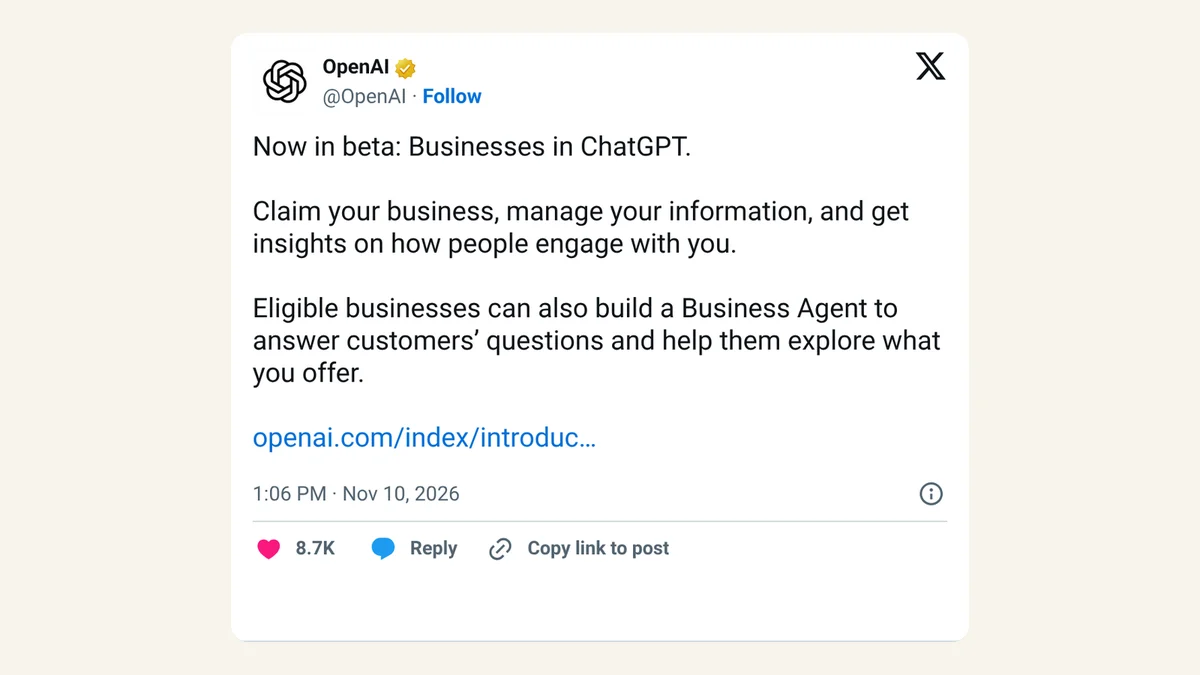
Yesterday's other OpenAI news for companies, the ChatGPT Business Hub for claiming your listing, is a separate feature with a confusingly similar name. This one is about the paid team plan.
Which apps can use your ChatGPT plan?
OpenAI's help page splits partners into three groups.
| Group | Apps listed by OpenAI |
|---|---|
| Can use your ChatGPT plan for AI requests | Amp Code, Conductor, Dactyl, Devin*, Hermes Agent, Hyperagent, Kilo Code, Lovable (coming soon), Notion, Vercel, Vorflux, Warp |
| Sign-in only (no plan usage) | Airtable, Canva, GitLab, HubSpot, Supabase |
| Open-source integrations | OpenClaw, OpenCode, Pi, T3 |
The sign-in-only group matters. Logging in to Canva or HubSpot with ChatGPT doesn't move their AI features onto your plan. v0, Vercel's app builder, isn't in the table under its own name but has its own setup page for ChatGPT plans.
Does it cost extra?
There's no new price, and no new allowance either. OpenAI's help page says app usage "counts toward your existing plan limits," connecting an app "does not add a new allowance," and "the app may have its own fees." The requests come out of the same Codex and ChatGPT work usage your plan already includes, so a busy week in Warp leaves less for ChatGPT itself.
v0 shows what "its own fees" can look like. Its docs say you still need a v0 credit balance while your ChatGPT plan is switched on. Each AI request carries "a small platform fee" in v0 credits, and image generation, image editing, delegated subagents (extra helper agents v0 spins up) and some other agent work always use v0 credits. If those credits run out, you may not be able to send messages at all, even with your ChatGPT plan enabled.
v0 also limits which models run on your plan: GPT-6 Astra, GPT-5.6 Sol and GPT-5.6 Luna, at standard speed only. When you hit your ChatGPT limit, v0 pauses and saves your work. It won't switch to v0 credits until you choose that yourself.
What can the app see?
Less than you might fear. OpenAI says using your plan "does not give the app access to your ChatGPT conversations or memories." Signing in and using your plan are two separate permissions, and you see each one before you agree. A sign-in request typically asks for your name, email address and profile picture. Any other access an app wants is reviewed separately.
To cut an app off completely, go to ChatGPT Settings > Security and login > Sign in with ChatGPT, pick the app and select Disconnect.
How do Business admins control it?
Admins get two controls at admin.openai.com, and both are worth setting before the team starts connecting apps.
- Pick the apps. Open Tenant settings > External access, select an app and set Use ChatGPT plan to Allowed. Repeat for each app you approve.
- Cap the share. Select your workspace, open Usage limits, find Usage in other services under ChatGPT plan, and set what percentage of each member's included allowance approved apps may use. Select Apply, then Save changes.
Members can set tighter limits of their own. In ChatGPT, Settings > Usage shows how connected apps use your plan, and App limits lets you cap each app at a percentage of your weekly usage. OpenAI is clear that this cap is "not a separate allowance or a reserved portion of your plan." There's also a switch that lets apps keep going on credits after you reach your limit, which is worth checking if you watch spending closely.
X reactions
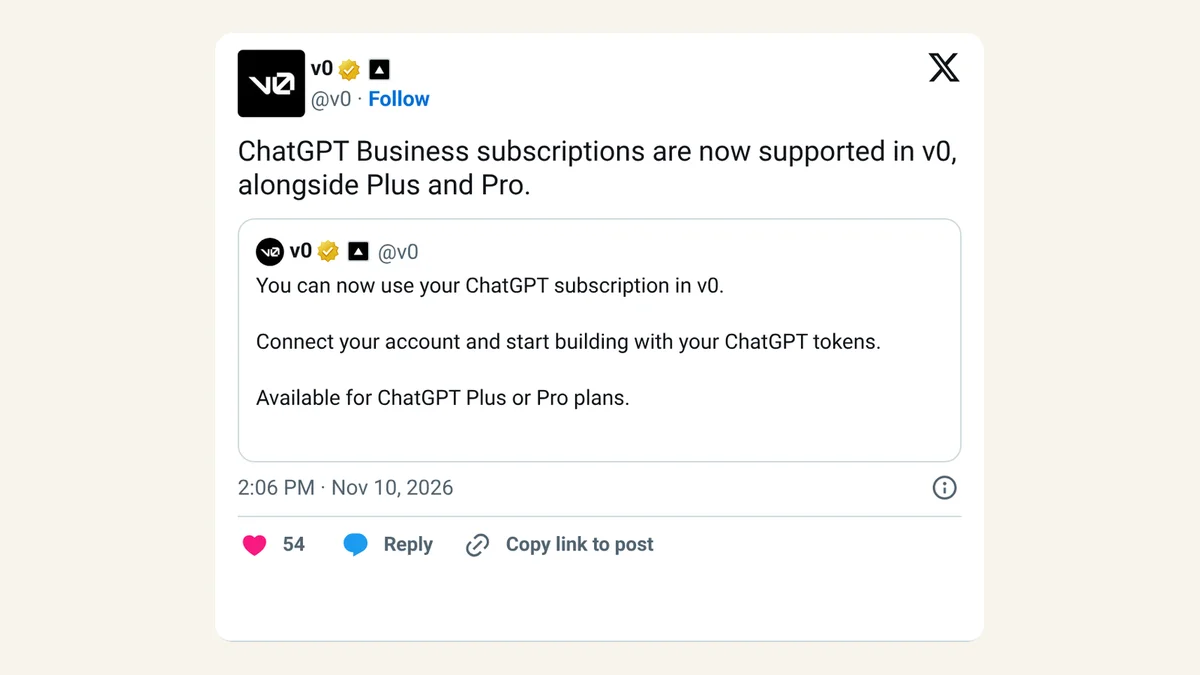
v0 confirmed support within the hour, and one AI news account summed up the deal in a line:
ChatGPT Business subscriptions are now supported in v0, alongside Plus and Pro. https://t.co/TjyuEWmI16
— v0 (@v0) November 10, 2026
OpenAI now lets ChatGPT Business teams use their plan inside apps like Notion, Warp and v0.
— DailyAI (@DailyAIOfficial) November 10, 2026
> Works via "Sign in with ChatGPT"
> Admins pick the apps and cap usage
> Uses existing limits, no extra allowance
Your ChatGPT seat is now a wallet. @OpenAI @NotionHQ @warpdotdev https://t.co/k5VtQRuMaI
Our take
For a small team, paying for AI twice is one of the more annoying line items: a ChatGPT seat for everyone, then an AI add-on in the notes app, then credits in the app builder. Letting one plan cover several tools is a sensible fix, and OpenAI's privacy line, no access to your chats or memories, removes the obvious worry.
The catch is the shared pool. One person running long jobs in Warp or v0 can eat the allowance a colleague needs in ChatGPT on Thursday afternoon, and the apps can still charge their own fees on top. We'd treat this as a way to trim overlapping subscriptions, and only after a few weeks of watching Settings > Usage. Set the workspace cap low, approve one or two apps the team already uses, and raise it when the numbers say you can.
— Artificially Nerdy
What to do this week
- Business admins: approve only the apps your team already uses under External access, and set Usage in other services to a modest percentage before anyone connects.
- Check what you pay for twice. List the AI add-ons your team buys in tools like Notion, then see whether that app can use your ChatGPT plan instead.
- Using v0? Keep some v0 credits topped up. The platform fee and image work still come out of them.
- Members: open ChatGPT Settings > Usage after a week and look at how much each connected app used.
- On Canva, HubSpot or Airtable: nothing changes for their AI features. Those apps offer sign-in only.
FAQ
Does Sign in with ChatGPT share my chat history with Notion or Warp?
No. OpenAI says using your plan doesn't give the app access to your ChatGPT conversations or memories. The app asks separately for any other information, such as your name and email.
Can ChatGPT Business use Devin through the plan?
No. OpenAI's help page lists Devin as a plan-usage partner but notes it doesn't support plan usage for ChatGPT Business.
What happens in v0 when my ChatGPT limit runs out?
v0 pauses generation and saves your progress. You can wait for your allowance to come back or choose Continue with v0 credits. On Business, if you hit the workspace cap, v0 can copy a request for your admin to raise it.
Can I stop an app using my plan without deleting my account there?
Yes. Set that app's limit in ChatGPT Settings > Usage, or turn off ChatGPT plan usage for it. To remove the connection entirely, use Settings > Security and login > Sign in with ChatGPT and select Disconnect.
Sources
- OpenAI: Sign in with ChatGPT (ChatGPT Learn) — eligible plans, partner lists, plan-limit and fee wording, privacy, user app limits, Business admin controls, Devin note. Checked Nov 11, 2026.
- @OpenAIDevs on X — November 10, 2026, 12:50pm ET. Announcement and named tools.
- v0 docs: Use your ChatGPT plan — v0 credits still required, platform fee, what always uses v0 credits, supported models, limit behavior, Business workspace limits. Checked Nov 11, 2026.
- v0 on X — November 10, 2026, 2:06pm ET.
- DailyAI on X — November 10, 2026, 1:03pm ET.