
TL;DR
What is ChatGPT's Business Hub?
OpenAI opened Business Hub in beta on Tuesday, so you can claim your ChatGPT listing, fix your details and see if ChatGPT sends you clicks. If customers ask ChatGPT about you, this is where you check what it says. Claim your listing this week, and leave the Business Agent until your basics are right.
What did OpenAI announce?
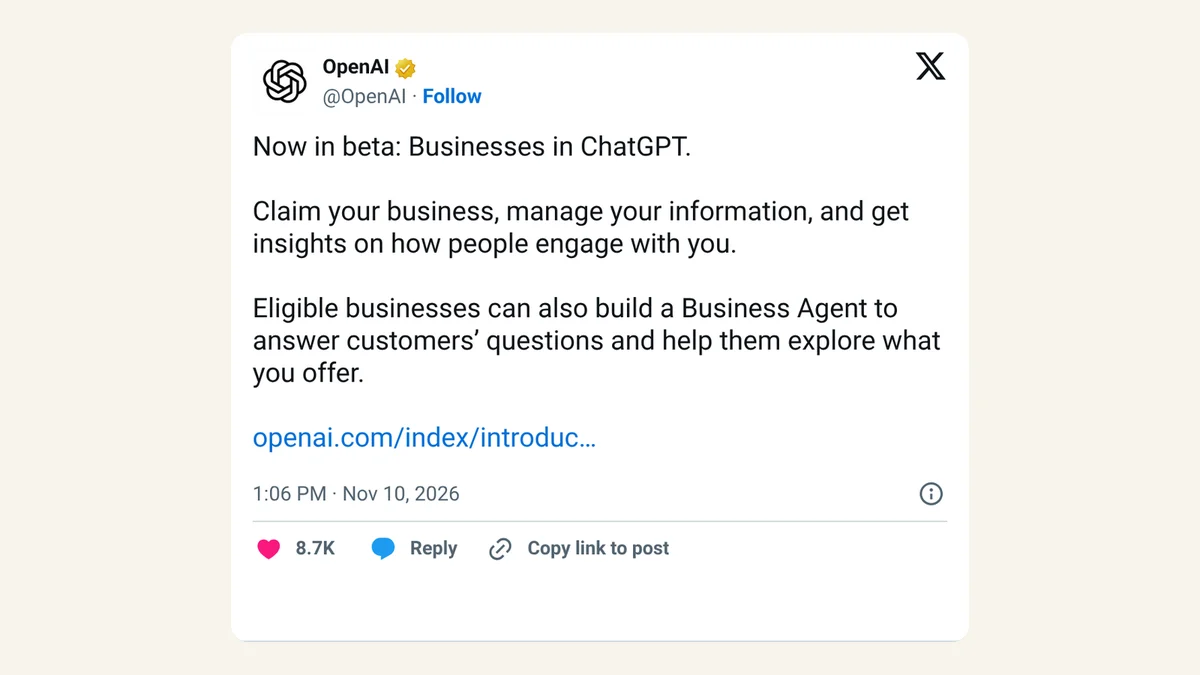
On Tuesday, November 10, 2026, OpenAI launched Businesses in ChatGPT in beta. It has two parts. Business Hub, a new space in ChatGPT, lets a business claim its listing, keep its details current and see how people engage with it. Business Agents let eligible businesses put a chat helper on their ChatGPT profile that answers customer questions. OpenAI posted the news on X at 1:06pm ET.
OpenAI pitches it with a big number: 1.2 billion people use ChatGPT each week, by its count. If you've ever claimed your Google Business Profile so the map shows the right opening hours, the idea is familiar. This is the ChatGPT version, plus a scoreboard.
What Business Hub does
- Claim and verify your listing. Find your business in Business Hub and prove it's yours. Once verified, you can update your website, description, category, logo, delivery policy and return policy, and add a cover photo.
- Add a product feed. A product feed is a file listing your products with prices and stock. You can upload a CSV, link to a hosted feed or connect Shopify. OpenAI says a feed doesn't guarantee ChatGPT will recommend your products.
- See mentions. For an online business, a mention counts when ChatGPT references your website. Your brand name alone doesn't count. For a local business, it counts when ChatGPT shows a result for your location.
- See website clicks. How often people click from ChatGPT through to your site.
- See discovery topics. Common themes in ChatGPT answers that mentioned or cited your business, grouped into categories.
- Add your team. The admin who claimed the business can add teammates and give an agency access.
Insights cover the past 28 days. OpenAI says businesses don't see individual prompts or customer chats, including chats with their own Business Agent. Numbers only show once there's enough activity, so a blank box doesn't necessarily mean zero.
Who can claim a business, and how
Any eligible business located where ChatGPT is available can claim its listing, according to OpenAI. You need to own the business or be authorized to represent it. You don't need an ads account or a ChatGPT Enterprise deal. Local stores and restaurants can, for now, claim only an existing US listing. Eligible online businesses that can't find themselves may see an option to add one.
Verification happens in two steps:
- Prove the claim. Pick one method: a code by text or automated call to your business phone, a code to your business email, a TXT record added to your website's DNS settings (the behind-the-scenes address book for your domain), or a Shopify store connection.
- Verify your identity with Persona. Persona is the ID-check service OpenAI uses. You may need a government-issued ID, business registration details and proof you can represent the business. Only after Persona approves you can you publish changes, see insights or build an agent. The blue verified check appears at this step.
Shopify merchants can connect from Business Hub or the Shopify admin to speed things up. OpenAI says eligible Shopify products are already in ChatGPT through Shopify Catalog. Existing OpenAI Enterprise customers and advertisers can go through their OpenAI representative.
What a Business Agent can and can't do
A Business Agent is a chat helper that answers questions using the information you give it, like product details and your return policy. When your business shows up in a ChatGPT answer, people can open your profile and choose to chat with your agent. OpenAI says that chat is clearly labeled and kept separate from the customer's own ChatGPT conversation and from ChatGPT's regular answers.
You build it, preview it with a question customers often ask, fix anything it gets wrong, then publish. Customers can only chat with a published agent.
What it can't do yet: complete purchases, take bookings or check a customer's order. It explains products and policies and links to your website, where the sale happens.
Who can build one: eligible ecommerce and online service businesses in the US that have a website and meet the industry rules in OpenAI's Business Agents Policy. OpenAI says verification alone doesn't guarantee access, and it may hold back some categories.
Businesses can also sponsor their agent and use it as the landing spot for ChatGPT Ads. OpenAI says sponsored placements are clearly labeled and separate from ChatGPT's answers.
Business Hub vs Business Agent at a glance
| Business Hub | Business Agent | |
|---|---|---|
| What it is | Claim your listing, update details, add products, see insights | A chat helper on your ChatGPT profile |
| Who can use it | Eligible businesses where ChatGPT is available | Eligible US ecommerce and online service businesses with a website |
| Status | Beta | Beta |
| Needs Persona ID check | Yes, to publish changes and see insights | Yes |
| Price | Not stated by OpenAI | Not stated by OpenAI (sponsoring it through ChatGPT Ads is paid; amounts not stated) |
The jargon, in one line each
| Term | What it means |
|---|---|
| Business Hub | The part of ChatGPT where you claim and manage your business listing |
| Business Agent | An AI chat helper that answers customer questions using your information |
| Product feed | A file of your products with prices and stock, uploaded or synced from Shopify |
| Discovery topics | Grouped themes from ChatGPT answers that mentioned or cited your business |
| Persona | The ID-check service OpenAI uses before you can publish changes |
| Sponsored | A paid ad placement, labeled so people know it's an ad |
X reactions
OpenAI announced the beta on X, and SE Roundtable, a long-running search marketing news site, went straight for the click numbers.
Now in beta: Businesses in ChatGPT.
— OpenAI (@OpenAI) November 10, 2026
Claim your business, manage your information, and get insights on how people engage with you.
Eligible businesses can also build a Business Agent to answer customers’ questions and help them explore what you offer.
https://t.co/N2GEZX0mFT https://t.co/lYj2Z48fhQ
OpenAI has just announced the ChatGPT Business Hub, Businesses in ChatGPT. This business hub offers analytics on mentions, profile views, and, you guessed it, clicks to websites! Yes, OpenAI is showing us how many people click from ChatGPT to our website.
— SE Roundtable (@seroundtable) November 10, 2026
https://t.co/6OcV3vpsEm
Our take
Claim your listing. People already ask ChatGPT where to buy things and who to hire, and until now you had no say in the details it used and no idea whether it sent anyone your way. A correct website, return policy and description take an afternoon to set up, and the click count finally tells you whether ChatGPT is a real source of customers or a rounding error.
Keep your expectations sensible, though. OpenAI is plain that claiming doesn't guarantee more visibility, that updates take time to show up, and that ChatGPT may still use other sources. And the agent can only talk. It can't sell, book or look up an order, so for most small shops it's a nice extra once the listing is right, rather than a reason to rush.
Watch the ads side too. Sponsoring your agent is paid, and OpenAI hasn't said what that costs. OpenAI also hasn't listed a price for claiming a listing or building an agent. Get the listing and details right first, then decide whether ChatGPT clicks are worth paying for.
— Artificially Nerdy
What to do this week
- Ask ChatGPT about your own business, the way a customer would, and note anything wrong or missing.
- Open Business Hub from the ChatGPT sidebar, search for your business and claim it with the verification method that suits you.
- Have your ID and business registration details ready for the Persona check, since insights and edits wait on it.
- Run a local shop or restaurant? Look for your existing US listing. Adding a new local listing isn't open yet.
- Selling online in the US? Once verified, build a Business Agent, preview it with your most common customer question, and publish only when the answers are right.
- Thinking about sponsoring your agent? Read up on how ChatGPT Ads bidding now works before you set a budget, and on creative enhancements if you already run ChatGPT Ads.
FAQ
Does it cost anything to claim my business on ChatGPT?
OpenAI hasn't listed a price for Business Hub or Business Agents. Sponsoring your agent through ChatGPT Ads is paid, and OpenAI hasn't stated amounts.
Will claiming my business make ChatGPT recommend it more often?
Not necessarily. OpenAI says claiming lets you manage the information you provide but doesn't guarantee more visibility, and advertising doesn't change ChatGPT's regular answers.
Can I see what customers asked ChatGPT about my business?
No. OpenAI says businesses don't get individual prompts or chats, including chats with their own Business Agent. You see totals and grouped topics only.
Can my marketing agency manage my ChatGPT listing?
Yes. The admin who claimed the business can add teammates and give an agency access in Business Hub. Each person uses their own ChatGPT account.
Do I need Shopify to build a Business Agent?
No. Eligible businesses can build one with or without Shopify. Shopify just makes it easier to connect your product feed.
Sources
- OpenAI: Introducing Businesses in ChatGPT — November 10, 2026. Beta launch, 1.2 billion weekly users, claiming and verification, product feeds, insights and privacy, Business Agents, sponsoring and ChatGPT Ads, US-only start for agents, Shopify.
- OpenAI Help Center: Setting up your business on ChatGPT — read November 10, 2026. Who can claim, verification methods, Persona check, local listing limits, 28-day insights, how mentions are counted, agent setup and limits, team and agency access, FAQ answers.
- OpenAI: Business Agents Policy — updated November 10, 2026. Agent eligibility rules and that verification alone doesn't guarantee access.
- OpenAI on X — November 10, 2026, 1:06pm ET.
- SE Roundtable (@seroundtable) on X — November 10, 2026, 1:48pm ET.