
TL;DR
Can my AI assistant make Canva designs now?
Canva opened its design tools to every AI assistant, agent and developer on Monday, with no waitlist. More AI apps can now hand you a Canva design you can edit, not a flat image. If your assistant supports Canva, connect your account and ask for a simple social post.
What did Canva announce?
On Monday, November 23, 2026, Canva said its MCP server is now generally available. MCP (Model Context Protocol) is a common way for AI assistants to plug into other apps and use their tools. Until now, access was limited to developers in Canva's community and to connectors Canva built with partners like OpenAI and Anthropic. Canva says its MCP server already handles millions of design tasks inside assistants like ChatGPT, Claude, Gemini and Muse. Now there's no waitlist: any developer can sign up in the Canva Developer Portal and plug it into their own app or agent.
Through it, an AI can ask Canva to:
- Make editable designs, images and videos
- Remove backgrounds
- Turn flat images into layered designs, where each piece of text and art can be moved on its own
- Resize designs for different platforms and export them
- Pull up existing designs and templates, and fill them with your own data
Canva also opened access to Canva Craft, its own image model, the AI system that generates pictures.
What else changed for developers?
Canva added more ways for businesses and app makers to build on it:
- REST APIs, standard web connections that let other apps send precise commands to Canva
- A bigger Canva CLI, the command-line tool developers type instructions into
- Service accounts, logins meant for software instead of a person, with API billing so companies pay for what their apps use
Canva's post didn't list prices for API billing.
How many people use Canva through AI?
Canva shared these numbers about how people reach it through AI:
- Nearly 500,000 people signed up for Canva through MCP since October.
- MCP use nearly doubled in October, up 93% from September.
- 4 in 10 first-time MCP users were new to Canva.
- 72% of the Canva CLI commands typed in October came from AI agents.
- People who arrive through an AI assistant are 2.5 times more likely to use Canva AI.
A separate study published Monday by venture firm a16z, run with The Prompting Company, found that when agents were asked for general graphic design software, they picked Canva in 78% of runs, and Adobe in none.
Who does this help?
Small business owners, creators and anyone who makes social posts or flyers get the most out of it. AI image tools usually give you one flat picture, so fixing a typo or swapping a logo means starting over. A Canva design made by your AI keeps its text, photos and shapes as separate pieces you can edit yourself.
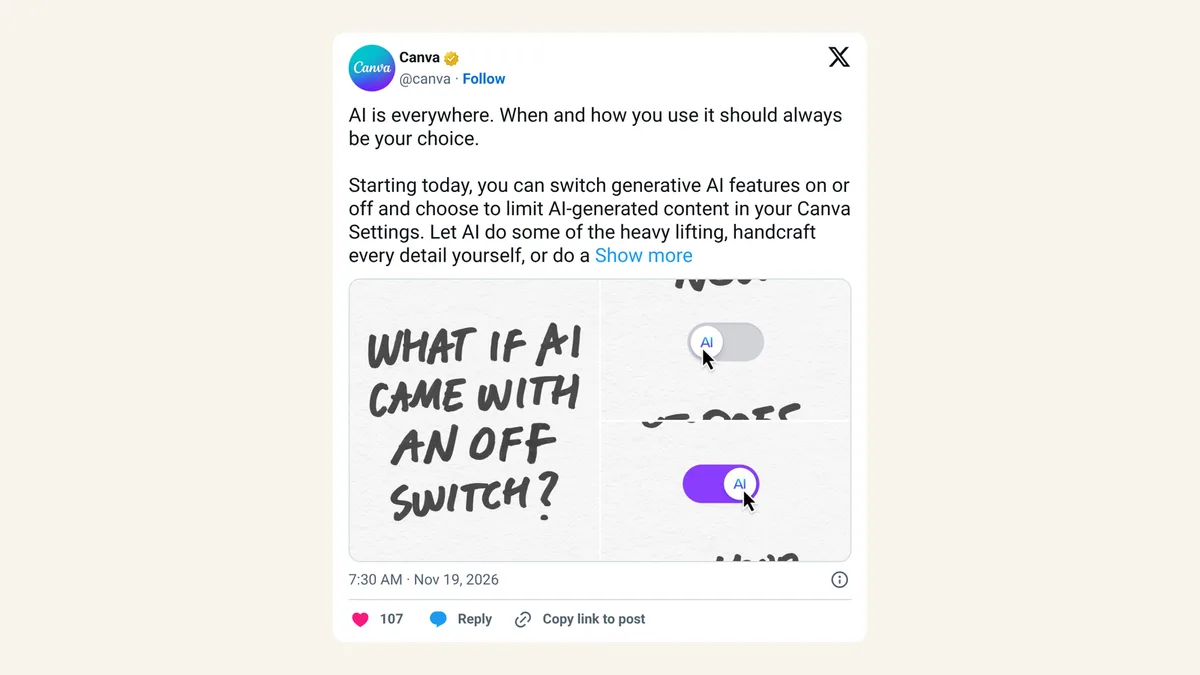
If you'd rather keep AI out of your Canva work, Canva recently added a switch to turn off its AI tools.
X reactions
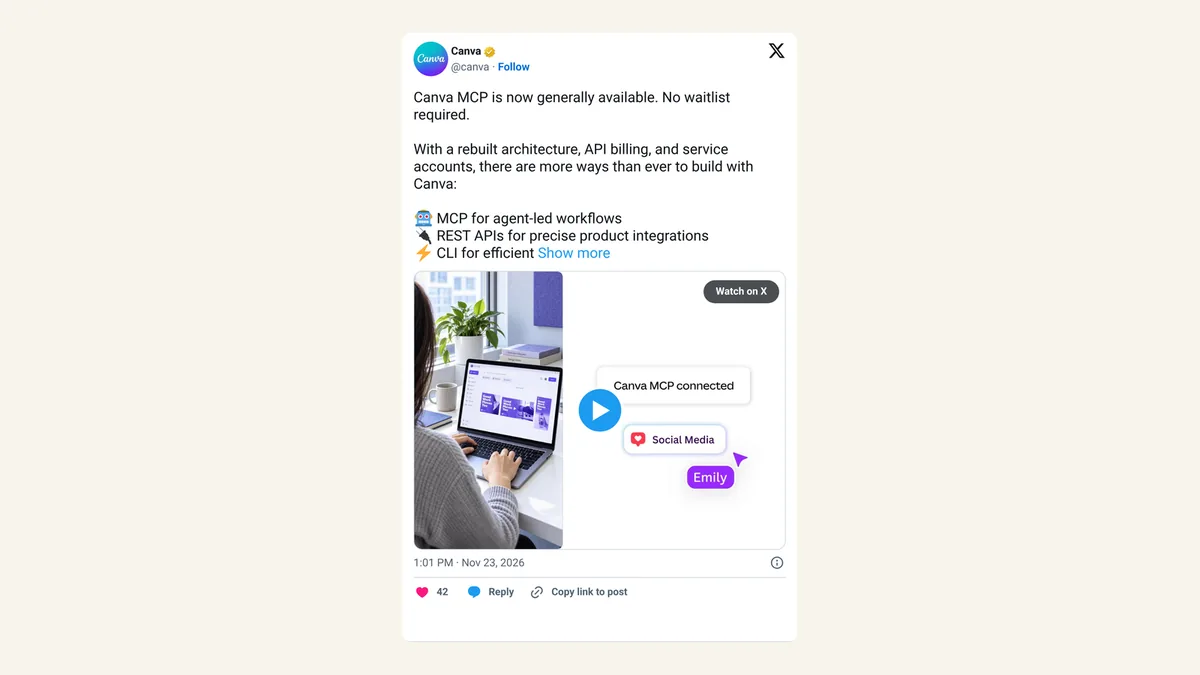
Canva MCP is now generally available. No waitlist required. With a rebuilt architecture, API billing, and service accounts, there are more ways than ever to build with Canva: 🤖 MCP for agent-led workflows 🔌 REST APIs for precise product integrations ⚡ CLI for efficient …
— Canva (@canva) November 23, 2026
@canva really needed in the age of ai! i struggled a lot to use browser use for design stuff, with this canva mcp, i will work from my claude code directly now :)
— neural nets. (@cneuralnetwork) November 23, 2026
Our take
This is a smart move by Canva and a good one for regular users. The worst thing about AI images for real work is that you can't fix them. A typo in an AI-made poster means rolling the dice again. Getting a layered design back, with text you can click and change, solves a problem people actually have.
There's a business play here too. If agents already reach for Canva most of the time, opening the doors to all of them makes Canva the default design tool inside every chatbot. That's great for Canva and convenient for you, but it's worth remembering your AI is choosing the tool for you. Try a design or two, and keep an eye on what your plan charges for.
— Artificially Nerdy
How to try Canva with your AI assistant
- Check your assistant's apps or connectors list. Look for Canva, then sign in with your Canva account.
- Start with something small. Ask for an Instagram post or a one-page flyer and see what comes back.
- Open the result in Canva and edit it. Fix names, dates and prices by hand before you share it.
- Check what you're connecting. Canva says agents can pull up existing designs and templates, so read the permission screen when you link your account, and disconnect it later if you stop using it.
- Developers can read Canva's announcement for the MCP, REST API and CLI details before building.
FAQ
Do I need to join a waitlist for Canva MCP?
No. Canva said the waitlist is gone and anyone can connect.
What is Canva Craft?
It's Canva's own image model, the AI that generates pictures. Canva now offers access to it alongside MCP.
Can Canva's AI turn an old flat image into something I can edit?
Yes. Canva said its tools can turn flat images into layered designs, so you can move or change parts of them.
How much does Canva's API billing cost?
Canva's announcement didn't list prices.
Which AI assistants already work with Canva?
Canva named ChatGPT, Claude, Gemini and Muse as assistants where its MCP server already runs design tasks.
Sources
- Canva Newsroom: Building the design layer of the internet: opening Canva to every agent and developer — November 23, 2026. Features, developer tools, usage numbers, assistants.
- Canva (@canva) on X — November 23, 2026, about 1:01pm ET.
- neural nets. (@cneuralnetwork) on X — November 23, 2026, about 1:20pm ET.
- a16z: Welcome to the B2A Economy: How Agents Buy — Olivia Moore and Justine Moore, November 23, 2026. Agents picked Canva in 78% of general graphic design software runs.