
TL;DR
What is the best Photoshop alternative?
Affinity is the best pick for most people. It is now free for individuals, and it does photo edits, design and page layout. Photopea is free, runs in a browser and opens Photoshop files. Try a free option on a real project before you pay for Photoshop again.
How much does Photoshop cost?
Adobe sells Photoshop as a subscription, either as a single app or inside bigger Creative Cloud bundles, and the price depends on whether you pay month to month or commit to a year. For today's numbers, see Adobe's official Photoshop plans page before you buy.
One thing worth knowing: on an annual plan you're agreeing to 12 months, even if you pay monthly. Read the cancellation terms on Adobe's page before you sign up, and before you cancel.
Photoshop alternatives at a glance
Tool details from each maker's official site (Affinity, GIMP and Photopea checked Nov 2, 2026; the rest between Oct 26 and Nov 9, 2026). For paid prices, see each official pricing page linked in the table.
| Tool | Free option | Cheapest paid plan | Best for | Watch out for |
|---|---|---|---|---|
| Affinity | Yes: free for individuals | None for individuals | Photo editing, vector design and page layout in one app | It's a download, and a big switch if your muscle memory is all Photoshop |
| GIMP | Yes: free and open source | None | Retouching and graphics with no account at all | The interface takes some getting used to |
| Photopea | Yes: free in the browser, with ads | Premium removes ads: see official site | Opening and editing Photoshop (PSD) files anywhere | Ads on the free version |
| Pixlr | Yes: limited saves and AI credits | Plus: see official pricing | Quick edits in a browser with AI helpers | Free saves and AI credits run out |
| Canva | Yes: limited AI uses, 5 GB storage | Canva Pro: see official pricing | Social posts and marketing graphics with light photo edits | Built for templates, not detailed retouching |
| Adobe Express | Yes: core features, limited generative credits | Premium: see official pricing | Flyers, social graphics and quick videos from Adobe | Not a full photo editor |
| Lightroom | See Adobe's plans page | Lightroom (1TB): see official pricing | Fixing light and color across lots of photos | Not built for layers or compositing |
The best free Photoshop alternatives
Affinity. This is the big one. Affinity, now owned by Canva, says on its official site that it's free for individuals. It covers photo editing, vector design (shapes and logos that stay sharp at any size) and page layout, so it can stand in for more than one Adobe app. If you edit photos and also make the odd flyer or menu, start your switch here.
GIMP. A free, open-source image editor that's been around for years. Open source means the code is public and anyone can use it for free, with no account or subscription. It handles retouching and graphics well. The catch is the learning curve: menus and tools aren't where a Photoshop user expects them.
Photopea. A free photo editor that runs in your browser and opens Photoshop's own PSD files, layers and all. That makes it the easiest pick when a client or coworker sends you a PSD and you don't want to install anything. The free version shows ads; a paid Premium pass removes them.
Is there a Photoshop alternative for Mac?
Yes. Photopea and Pixlr run in any browser, so they work on a Mac with nothing to install. GIMP and Affinity both offer Mac downloads on their official sites. If you mostly organize and adjust photos rather than build layered designs, Adobe's own Lightroom is also on Mac and is a smaller, photo-focused plan.
Cheaper options if you only need part of Photoshop
A lot of people pay for Photoshop to do one or two jobs. If that's you, a smaller tool may cover it for less:
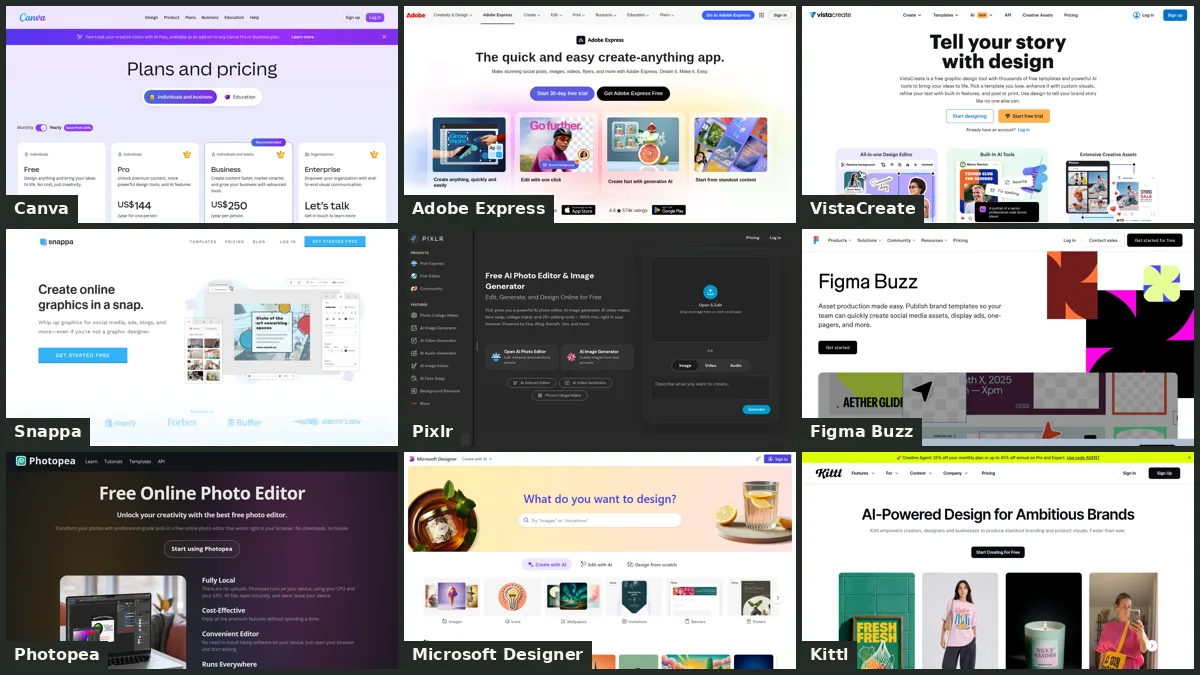
- Social posts and marketing graphics: Canva or Adobe Express. Both have free plans, templates and built-in AI tools, so you can make a post and touch up a photo without opening a pro editor.
- Quick browser edits with AI: Pixlr. Its free plan comes with limited saves and AI credits, and paid plans add more, per its pricing page.
- Lots of photos that need the same color fix: Lightroom. It's built for adjusting light and color across many photos at once, which Photoshop does more slowly.
- AI fill and image generation only: Adobe Firefly, Adobe's AI image tool. See Adobe's Firefly page for its free and paid options.
For more picks by job, see our photo editing tools and design and graphics tools lists.
Is Photoshop worth it?
Photoshop is still worth it if editing images is your job. It's the industry standard, clients and print shops expect its files, and its AI features like generative fill (adding or removing things in a photo from a text prompt) sit right inside a pro editor. If you work with other designers who all use Adobe, staying put saves friction.
For everyone else, the math has changed. With Affinity free for individuals and Photopea free in the browser, paying a monthly subscription for occasional edits is hard to justify. Our suggestion: keep Photoshop for a month alongside a free alternative, do your real work in both, and cancel only when you've stopped reaching for Photoshop.
FAQ
What is the best free alternative to Photoshop?
Affinity is the strongest free pick for most people, since it's free for individuals and covers photos, design and layout. GIMP is the best fully open-source choice, and Photopea is best if you need to work in a browser.
Can I open PSD files without Photoshop?
Yes. Photopea opens Photoshop's PSD files in your browser for free, including their layers.
Is there a free version of Photoshop?
Adobe's official Photoshop plans page doesn't list a free plan. Adobe Express and Adobe Firefly both have free plans with limited features or credits if you want to stay with Adobe.
Which Photoshop alternative is easiest for beginners?
Canva and Adobe Express are the gentlest start, because they're built around templates. For real photo editing, Pixlr's browser editor is simpler to pick up than GIMP.