
TL;DR
What's the best cheaper alternative to CapCut Pro?
CapCut Pro costs US$19.99 a month. For most people, a free editor covers the basics. Try DaVinci Resolve on a computer, Clipchamp in a browser, or VN on your phone. Pay only if you need one feature the free tools can't give you.
How much is CapCut Pro?
Prices are in US dollars, before tax, as listed on November 10, 2026.
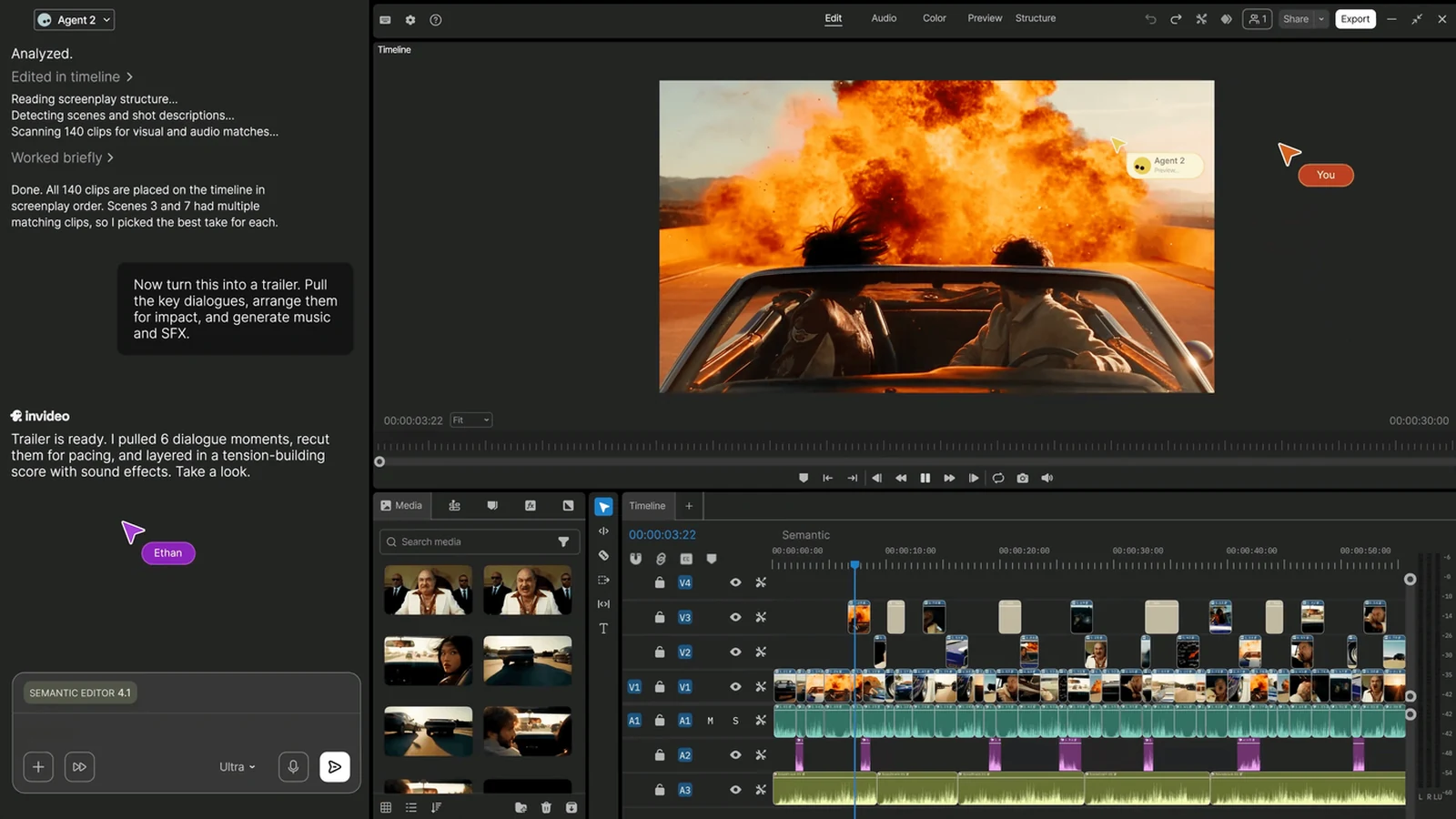
CapCut has four plans: Free, Pro, Ultra and Teams. Pro is US$19.99 a month. CapCut's own Standard vs Pro guide puts the yearly plan at US$179.99 a year, which works out to about US$15 a month. Pro includes 1,200 AI credits a month (credits are the units CapCut charges for AI features), all premium templates and Pro features, and 1 TB of cloud storage.
If you need more, Ultra is US$79 a month with 8,645 AI credits, and Teams is US$12.49 per seat each month. CapCut also offers a 7-day free trial of Pro with no credit card, though it says availability can vary by region, platform and billing channel.
One catch worth knowing before you compare: CapCut says its displayed prices are "for reference only," and you see your final price after you sign in. The free plan's exact export, watermark and AI limits aren't spelled out on the plan cards either. There was no dated CapCut deal on the official pages.
How do CapCut Pro alternatives compare?
Prices are in US dollars, before tax, checked November 10, 2026 unless noted.
| Tool | Works on | Free plan? | Cheapest paid option | Watermark notes | Best for |
|---|---|---|---|---|---|
| CapCut | Phone, PC, Mac, browser | Yes | Pro, US$19.99/month or US$179.99/year | Free-plan limits not spelled out on the plan cards | Social clips and templates |
| DaVinci Resolve | PC, Mac | Yes, the full free version | Studio, US$236 one-time until Nov 20, then US$295 | Not stated in our price check | Serious editing on a computer for US$0 |
| Clipchamp | Browser | Yes, unlimited 1080p exports | Comes with Microsoft 365 Personal, US$99.99/year | Free exports have no watermark | Quick edits if you already use Microsoft 365 |
| VN | Phone | Yes | Paid plans not listed on its site | Its site says no watermarks, all for free | Free editing on iPhone or Android |
| InShot | Phone | Yes | A Pro version exists; no price on its official site | Free-version limits not listed on its site | Simple phone edits for social posts |
| Filmora | PC, Mac | Yes | Basic, US$49.99/year | Free exports have a watermark; Basic removes it | A cheap yearly editor with 4K export |
| Descript | PC, Mac, browser | Yes, 60 media minutes/month at 720p | Hobbyist, US$16/month billed yearly (US$192/year) or US$24 monthly | Hobbyist exports at 1080p with no watermark | Editing a video by editing its transcript |
| Kapwing | Browser | Yes | Pro, US$16/month billed yearly (US$192/year) or US$24 monthly | Free exports have a watermark | Browser editing with a team |
| VEED | Browser | Yes | Creator, US$147/year or US$25 monthly | Free exports have a watermark | Browser editing with subtitles |
Kapwing and VEED prices were last confirmed on the official pages on November 8, 2026.
What is the best free alternative to CapCut Pro?
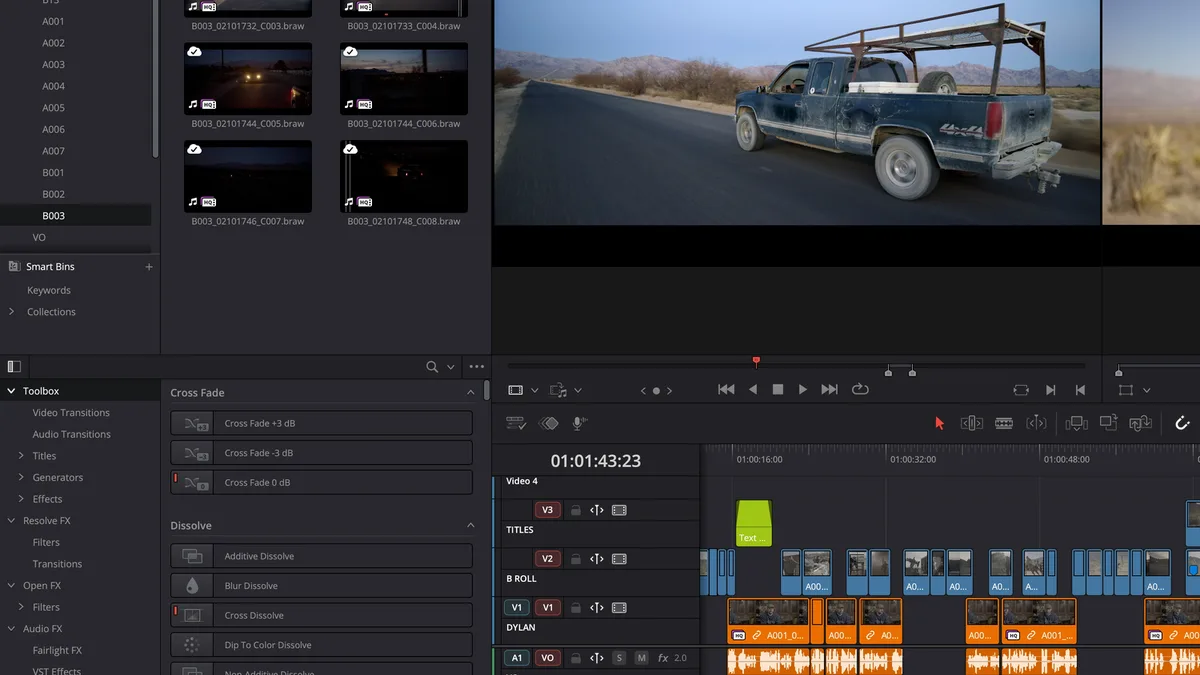
DaVinci Resolve is the strongest free pick if you edit on a PC or Mac. The free version is the full editor, not a cut-down trial. The paid Studio version is a one-time purchase rather than a subscription, and it adds the Neural Engine AI tools, extra effects, stereoscopic tools and advanced HDR grading. Studio is on sale for US$236 (normally US$295) until Friday, November 20, 2026. Over a year and a half, that costs less than CapCut Pro billed monthly, and you keep it.
Expect a learning curve. Resolve is built for long projects and color work, so a 15-second clip can feel like a lot of buttons.
Clipchamp is the easy pick in a browser. Its free plan gives you unlimited exports up to 1080p with no watermark, plus AI subtitles, voiceovers and silence removal. Premium, which adds 4K exports, premium stock and a brand kit, isn't sold on its own. It comes with Microsoft 365 Personal (US$99.99 a year) or Family, so if you already pay for Office, you may have it.
Is there a CapCut Pro alternative for PC?
Yes, three good ones:
- DaVinci Resolve for free, full-strength editing.
- Filmora if you want something friendlier for less. Basic is US$49.99 a year with 4K export, no watermark and 1 GB of cloud storage. Advanced is US$59.99 a year with 10 GB and 1,000 AI credits a month. Filmora doesn't offer a monthly plan, and the free version puts a watermark on exports. Filmora's store shows these as discounted prices but gives no end date.
- Descript if most of your videos are talking. You edit the transcript and the video follows. The free plan gives 60 media minutes a month at 720p, and Hobbyist is US$16 a month billed yearly (US$192 a year) for 10 media hours, 400 AI credits and 1080p exports without a watermark.
For Adobe's side of things, our Premiere Pro alternatives cover the heavier editors.
What about a CapCut Pro alternative for iPhone?
On a phone, VN is the one to try first. Its official site says you get "no watermarks - all for free," and we couldn't find a paid plan or price on it. InShot also has a free version and a paid Pro tier, but its official site doesn't list a price or spell out the free version's limits, so check the App Store before you pay.
If you split time between phone and laptop, Clipchamp runs in a browser, so a project you start at your desk is there later.
When is CapCut Pro still worth it?
Stick with Pro if you live in CapCut's templates and AI tools every day. The 1,200 monthly AI credits and 1 TB of storage are hard to match in one cheap app. If that's you, the yearly plan (about US$15 a month) is the easiest saving, and the 7-day trial lets you check the Pro features before you commit.
For more editors, browse our full video editing tool list.
FAQ
Which CapCut alternative has no watermark?
Clipchamp's free plan exports up to 1080p with no watermark, and VN says its free app has no watermarks. Filmora, Kapwing and VEED add a watermark on their free plans.
Is there a free trial of CapCut Pro?
Yes. CapCut offers a 7-day free trial of Pro with no credit card, though it says availability can vary by region, platform and billing channel.
Do I need to pay monthly for a CapCut alternative?
No. DaVinci Resolve Studio is a one-time purchase, and Filmora sells yearly plans and a perpetual license. Descript, Kapwing and VEED offer cheaper monthly rates when you pay for a year up front.
Why does CapCut show me a different price?
CapCut says its listed prices are for reference only and that you see your final price, taxes and any offers after you sign in. Prices can differ by country and by where you buy, such as an app store.
Sources
- CapCut pricing: Free, Pro, Ultra and Teams plans, Pro credits and storage, the 7-day trial and the "reference only" pricing note.
- CapCut Standard vs Pro: Pro at US$19.99 a month or US$179.99 a year.
- DaVinci Resolve special pricing and DaVinci Resolve: Studio sale price, end date and the free version.
- Clipchamp pricing and Microsoft 365 Personal: free-plan exports and Premium through Microsoft 365.
- Filmora store: Basic and Advanced yearly plans and watermark rules.
- Descript pricing: Free and Hobbyist limits and prices.
- VN and InShot: official sites for the free mobile editors.
- Kapwing pricing and VEED pricing: Pro and Creator prices and free-plan watermarks (checked November 8, 2026).