
TL;DR
What's the cheapest InVideo AI alternative?
InVideo AI has no free plan. CapCut, Kapwing, VEED, Descript and Fliki all have free plans you can try today. If you already pay for InVideo, switching to yearly billing usually saves more than jumping to another paid tool. Check watermarks on free exports before you switch.
What InVideo AI costs right now
Prices are in US dollars, before tax, as listed on November 8, 2026.
InVideo AI lists three self-serve plans: Starter, Plus and Max. There is no free plan on the official pricing page.
Starter is US$20 per seat each month, or US$10 per seat each month when you pay yearly (US$120 per seat for the year). That yearly price is marked as 50% off. No end date was shown for the offer. Starter includes 400 credits per seat each month, which InVideo says is about 15 Seedance 2 Fast videos (one of its video models) or about 160 Nano Banana Pro image generations. You also get the timeline editor, multiplayer editing, up to 5 seats, 100 Premium stock footage clips, 200 GB of storage, and Seedance 2.0 Fast and 2.0 Mini. Guest seats and Seedance 2.5 are not on Starter. From Starter up, InVideo lists "your own footage, unlimited export." The pricing page does not mention a watermark.
Plus is US$60 per seat each month, or US$30 per seat each month billed yearly, also marked 50% off. It raises you to 2,000 credits, up to 10 seats plus 10 guest seats, 200 Premium stock clips, 600 GB of storage, Seedance 2.5, and Seedance 2.0 at 4K.
Max is US$250 per seat each month, billed yearly, with no extra discount versus monthly billing. It includes 8,000 credits per seat each month (the card also lets you pick 10,000 or 15,000), up to 20 seats plus 20 guest seats, 500 Premium stock clips and 2,000 GB of storage.
Yearly plans also include 30 days of unlimited image models, including Nano Banana 2.1 and Ideogram 4.5. No end date was shown for that extra either.
If you already pay US$20 a month, flipping Starter to yearly billing is the first place to look. Several tools below cost more than US$120 a year once you want paid exports.
For a wider set of editors, see our video editing tool list.
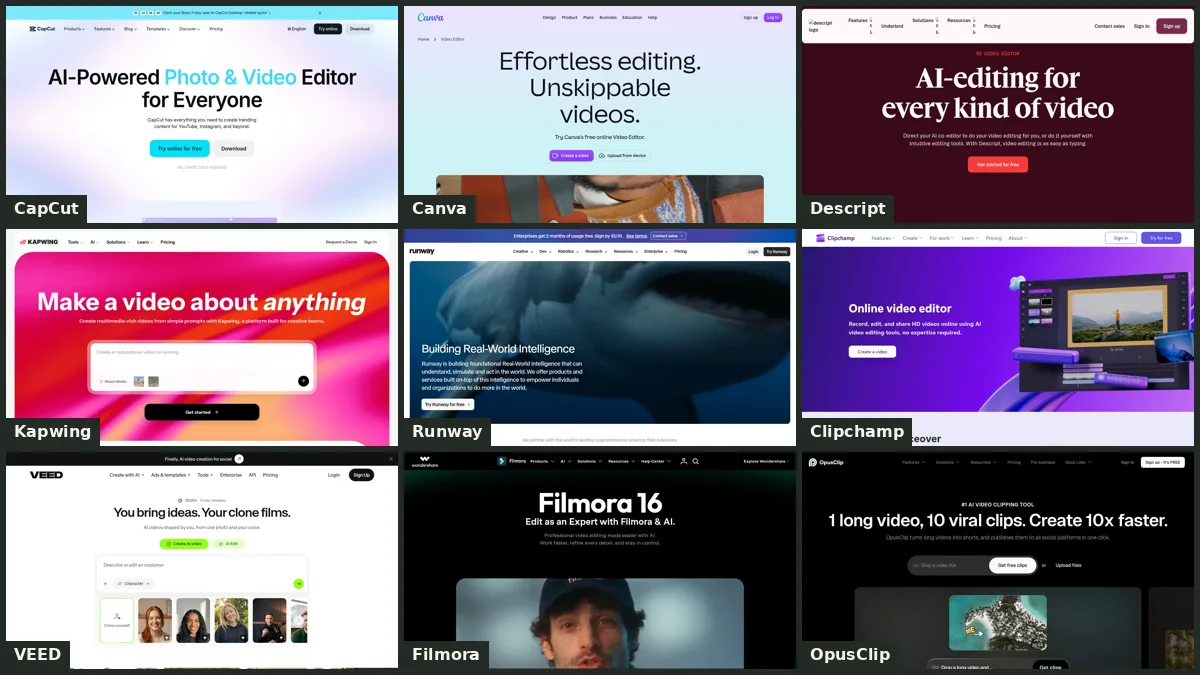
How do InVideo AI alternatives compare?
Prices are in US dollars, before tax, checked November 8, 2026.
| Tool | Free plan? | Cheapest paid plan | Yearly option | Watermark notes | Our pick for |
|---|---|---|---|---|---|
| InVideo AI | No | Starter, US$20 per seat/month | US$10 per seat/month billed yearly (US$120/year; 50% off, no end date shown) | Not mentioned on the pricing page | Text-to-video with stock footage and InVideo's models |
| CapCut | Yes | Pro, US$19.99/month | US$179.99/year (about US$15.00/month) | Free export, watermark and AI limits are not spelled out on the pricing cards | Social clips and templates |
| Pictory | No (14-day trial) | Starter, US$29/month | US$25/month billed yearly (US$300/year) | Trial exports include Pictory branding; paid exports do not | Turning a script or article into a branded video |
| Kapwing | Yes | Pro, US$24 per member/month | US$16 per member/month billed yearly (US$192/year) | Free exports have a watermark; Pro removes it | Editing in the browser |
| VEED | Yes | Creator, US$25 per seat/month | US$12.25 per seat/month billed yearly (US$147/year) | Free exports are watermarked; Creator removes it | Browser editing with stock media on paid plans |
| Descript | Yes | Hobbyist, US$24 per person/month | US$16 per person/month billed yearly (US$192/year) | Hobbyist exports are 1080p and watermark-free | Editing a video by editing its transcript |
| Fliki | Yes | Standard (dollar amounts were not shown on the official page) | Yearly billing is marked 25% off | Free videos include a Fliki watermark; paid plans remove it | Turning a script into a narrated video |
| Steve AI | Yes | Basic, US$20/month | US$10/month billed yearly (US$120/year) | Annual Basic lists no Steve AI watermark; free-plan limits were not clearly listed | Script-to-video with animation |
CapCut says displayed prices are for reference only and can vary by region, platform and current offers. Sign in there to see the price that applies to your account. The US$179.99 yearly figure comes from CapCut's official Standard vs Pro guide.
Fliki's official pricing page did not display dollar amounts on November 8, 2026, so this page does not list a Standard price. The page does mark yearly billing as 25% off.
If you want a beginner-focused walkthrough of AI video tools, read our guide to the best AI video tools for beginners.
Which InVideo alternatives are free?
Several, with limits that matter more than the word "free."
CapCut has a free plan with free templates and basic editing tools. New users can also start a 7-day free trial of CapCut Pro with no credit card. The pricing cards do not spell out free export quality, watermark rules or AI limits, and CapCut notes that plan details may vary by region and platform.
Kapwing lets you export as many videos as you want on the free plan, each up to 4 minutes, at 720p, with a watermark. You get 10 credits (enough for up to 10 minutes of auto-subtitling or 1 minute of text to speech), uploads up to 2 GB and 5 GB of cloud storage. There is no free trial of the paid plans.
VEED watermarks free exports, caps them at 720p and 10 minutes each, and gives you 2 GB of storage plus 50 AI credits a month. You can export as many videos as you want, as long as each one stays within that 10-minute cap. Subtitles on Free are limited to 10 minutes a month.
Descript includes 60 media minutes (1 hour) a month, 720p local export, 5 GB of cloud storage, 100 one-time AI credits and uploads up to 1 GB. AI tools are listed as limited on Free.
Fliki is free forever, with no credit card. You get 3 credits a month, HD 720p video, a Fliki watermark, a 5-minute free export length, 300 voices across 80+ languages, and stock images, clips and music.
Steve AI shows a Free column on its pricing page. The public cards did not clearly list watermark or download limits, so those details are not listed here.
Pictory has no free plan. It offers a 14-day free trial with 300 credits (up to 10 minutes), a 5-minute max video length, 3 videos, 500 MB of storage and Pictory branding on exports.
InVideo AI does not list a free plan.
Is there an InVideo alternative without a watermark?
Yes, on paid plans. A watermark is a logo stamped on the finished video.
- Kapwing Pro removes the Kapwing watermark and adds 4K export, projects up to 2 hours, 1,000 credits a month and 200 GB of storage.
- VEED Creator removes the watermark and raises you to 1080p, unlimited export length, 5 GB of storage, unlimited stock audio and video, and 500 AI credits a month (or 6,000 credits a year on yearly billing).
- Descript Hobbyist includes 1080p watermark-free export, 10 media hours a month, 400 AI credits a month and 100 GB of storage.
- Fliki says paid plans have no watermark and include commercial rights.
- Steve AI lists no Steve AI watermark on its annual Basic card, at 720p.
- Pictory drops its branding on paid exports. Starter also includes stock from Getty Images and Storyblocks ("5 million+ royalty-free videos" on the Starter card).
InVideo's pricing page does not mention a watermark. If a clean export is the reason you were about to switch, compare that against InVideo Starter at US$120 a year before you pay more somewhere else.
When is InVideo AI still worth paying for?
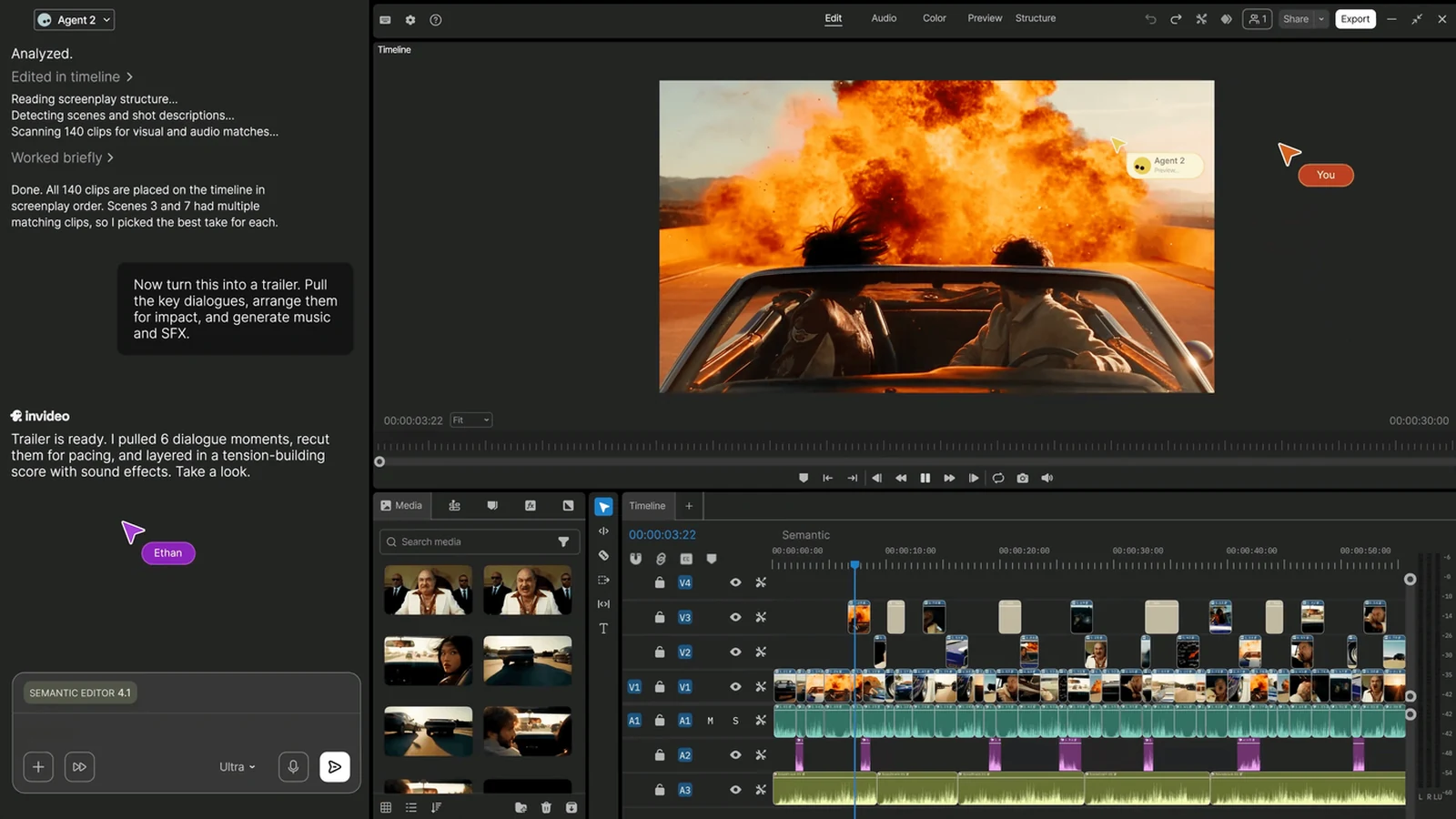
Stay if you want text-to-video in one place, with stock footage, voiceover and InVideo's own video models, and you will actually use those 400 Starter credits. The timeline editor and unlimited export of your own footage are on Starter, which is useful if you mix generated clips with footage you already shot.
The yearly Starter price (US$120 per seat) is also hard to beat among the paid tools on this page. Steve AI Basic matches it at US$120 a year. VEED Creator yearly is US$147. CapCut Pro yearly is US$179.99. Kapwing Pro and Descript Hobbyist are US$192 a year. Pictory Starter is US$300 a year.
Leave, or start on a free plan, if you mainly edit clips you already have. CapCut and Kapwing are built for that kind of cutting, captions and resizing. Descript is the pick if you'd rather edit the words on the page than drag clips on a timeline.
Often the cheapest move is to stay and pay yearly.
What you'd pay over a year
All figures are US dollars, before tax, checked November 8, 2026. Yearly totals use each tool's published yearly price, not a guess.
| If you… | You pay | Next to InVideo Starter yearly (US$120) |
|---|---|---|
| Stay on InVideo AI Starter, billed yearly | US$120 per seat/year | The baseline, during the 50% off offer (no end date shown) |
| Stay on InVideo AI Starter, billed monthly | US$20 per seat/month | More than yearly InVideo |
| Switch to Steve AI Basic, billed yearly | US$120/year | The same yearly total |
| Switch to VEED Creator, billed yearly | US$147 per seat/year | US$27 more |
| Switch to CapCut Pro, billed yearly | US$179.99/year | US$59.99 more |
| Switch to Kapwing Pro, billed yearly | US$192 per member/year | US$72 more |
| Switch to Descript Hobbyist, billed yearly | US$192/year | US$72 more |
| Switch to Pictory Starter, billed yearly | US$300/year | US$180 more |
| Use a free plan on CapCut, Kapwing, VEED, Descript or Fliki | US$0 | You drop the subscription and pick up that tool's free limits |
Fliki is left out of the paid rows because its official page did not show dollar amounts. Steve AI Basic billed monthly is US$20, the same as InVideo Starter billed monthly.
Which InVideo alternative should you pick?
Try a free editor first if you just need to cut, caption or resize clips: CapCut or Kapwing. Expect a watermark on Kapwing's free exports, and check CapCut's current free limits in your own account.
If you want another text-to-video tool and you like paying yearly, Steve AI Basic matches InVideo Starter at US$120 a year. VEED Creator costs a bit more (US$147 a year) and includes unlimited stock audio and video with no watermark. Pictory is the closest script-to-video cousin, but it has no free plan and Starter is US$300 a year.
If you already pay InVideo monthly, switch that plan to yearly before you migrate a whole channel somewhere else. You can always try a free alternative in parallel and move later if it fits.
— Artificially Nerdy
FAQ
What is the best free alternative to InVideo?
CapCut and Kapwing are the easiest free places to start. CapCut gives you templates and basic editing, plus a 7-day Pro trial with no credit card. Kapwing's free plan lets you export unlimited videos up to 4 minutes, at 720p, with a watermark. VEED, Descript and Fliki also have free plans. InVideo AI itself does not list a free plan. Prices and limits checked November 8, 2026.
Is there an InVideo alternative without a watermark?
Yes. Kapwing Pro, VEED Creator and Descript Hobbyist all advertise watermark-free paid exports. Fliki removes its watermark on paid plans, and Steve AI's annual Basic card lists no Steve AI watermark. Pictory drops its branding once you leave the trial. Free Kapwing, VEED and Fliki exports include a watermark.
How much does InVideo AI cost?
Starter is US$20 per seat each month, or US$10 per seat each month billed yearly (US$120 a year) during a 50% off annual offer with no end date shown. Plus is US$60 a month or US$30 a month billed yearly. Max is US$250 per seat each month, with no extra yearly discount. Prices are US dollars, before tax, checked November 8, 2026, on InVideo's pricing page.
Is InVideo AI worth it?
It can be, if you want text-to-video with stock footage and InVideo's models, and you will use the credits. Yearly Starter at US$120 per seat undercuts most paid alternatives on this page. If you mostly edit footage you already have, a free CapCut or Kapwing plan may be enough. If you already pay monthly, yearly billing is the clearer save than switching tools.
Sources
- InVideo AI pricing: plans, per-seat prices, credits, stock-clip counts, storage, the 50% off annual offer and the 30-day unlimited image-models extra (checked about 5:13am ET, November 8, 2026).
- CapCut pricing: Free, Pro (US$19.99/month), Ultra and Teams monthly US prices, and the note that displayed prices are for reference only.
- CapCut Standard vs Pro: Pro yearly price of US$179.99, the 7-day Pro trial and the note that prices can vary by region and platform.
- Pictory pricing: no free plan, 14-day trial limits, Starter, Professional and Teams prices, branding on trial exports and stock-library claims.
- Kapwing pricing: free-plan watermark, 4-minute export cap, 720p, storage and the annual view of Pro and Business.
- Kapwing subscription FAQ: Pro at US$24/month or US$16/month billed yearly (US$192/year) per member; Business at US$64/month or US$50/month billed yearly (updated August 31, 2026).
- VEED pricing and VEED pricing markdown: Free, Creator, Pro and Studio USD prices, per-seat billing, watermark and export limits.
- Descript pricing: Free, Hobbyist, Creator and Business prices, export quality and media-minute limits.
- Fliki pricing: free-plan limits, watermark, yearly 25% off label and paid-plan features. Dollar amounts were not displayed on November 8, 2026.
- Steve AI pricing: Basic at US$20/month or US$10/month billed yearly (US$120/year), and no-watermark wording on the annual Basic card.