
TL;DR
How do I put an app my AI built online without leaking anything?
New hosts like Automattic's Spacefast let your AI publish a page or app in seconds. That's handy, but it also makes leaks easy. Keep it private until it's ready and share by link only. Keep keys in the host's secret settings, skip sign-ups and payments until real login exists, and keep a copy you can download.
Can I publish an app my AI built in one step now?
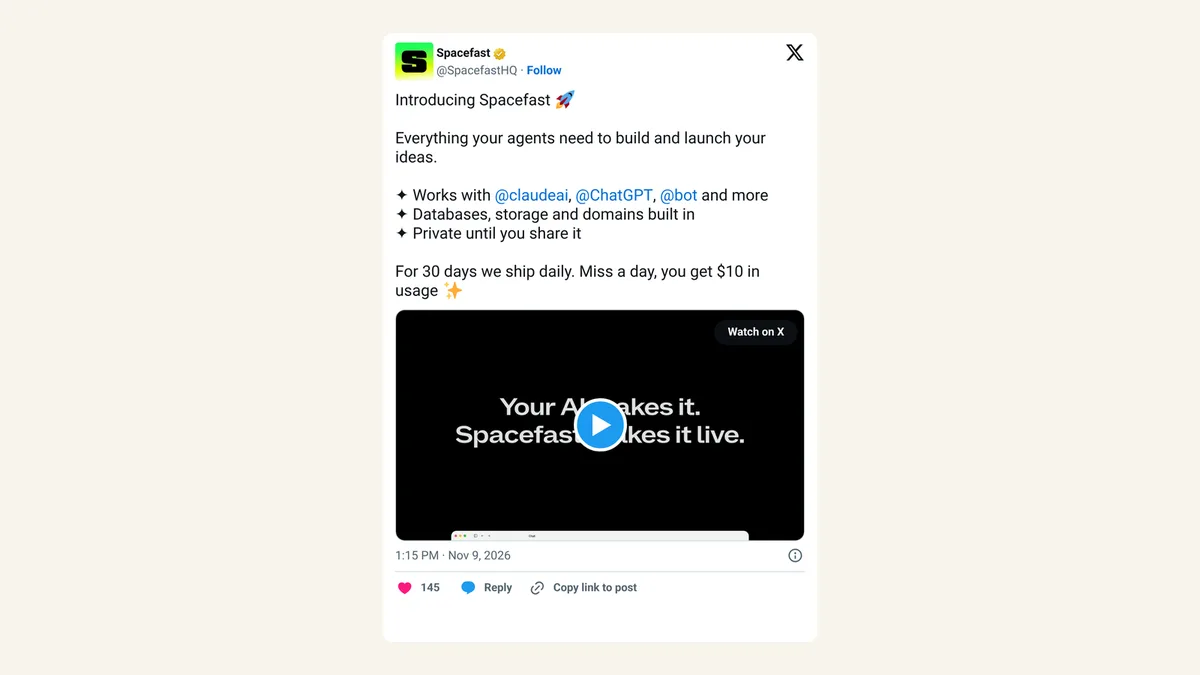
Pretty much. On Monday, November 9, 2026, WordPress's parent company Automattic launched Spacefast, a host for websites and apps you build with ChatGPT, Claude, Cursor or Codex. You ask your AI to publish, a private link comes back in the chat, and the people you share it with can leave comments the AI turns into fixes. The Spacefast launch details cover plans and what's included.
Spacefast is one of many. Netlify, Vercel, Replit and similar hosts already put AI-built projects online fast, and the checks below apply to all of them.
The speed is great for a menu, a portfolio, a sign-up page for a class or a small tool your team uses. It also means the gap between "my AI made this ten minutes ago" and "strangers can open it" has shrunk to almost nothing. Mistakes that used to get caught while you fumbled with a hosting dashboard now go live with everything else.
What can go wrong when an AI-built app goes live?
Most problems are boring, which is why they slip through. A page meant for one client gets shared around. An API key (a long password that lets your app use another service, such as OpenAI, on your account) sits in the page code where anyone can read it. A sign-up form collects emails with no safe way to protect them. Or the only copy of your work lives on someone else's server.
Agents add one more. A Reddit thread in r/devops is titled "I deployed an AI agent browser bot to production and it took over our live dashboard for 45 minutes." When an AI can publish for you, it can also change or break what's live.
What are the 5 checks before I share the link?
| Check | What to do | Why it matters |
|---|---|---|
| 1. Private first | Keep the app private or unlisted until you're happy with it | Drafts often hold sample data, real names or placeholder prices |
| 2. Share by link, narrowly | Send the link only to the people who need it, and turn off old links | Links get forwarded to people you never meant to reach |
| 3. Keys in secret settings | Never put API keys or passwords in the page, the code or the chat | Anything in the page can be read by anyone who opens it |
| 4. No sign-ups or payments yet | Wait until real sign-in exists before you collect accounts, emails or money | Homemade logins are where customer data leaks |
| 5. Keep a copy and set limits | Download your project regularly and decide what your AI may change without asking | You can roll back, move hosts, and stop surprise edits |
1. Keep it private until it's ready. Spacefast's announcement says projects stay private until you share them, and most hosts offer something similar, sometimes called password protection or a preview link. Use it. Check the page while logged out, or in a private browser window, to see what a stranger would see.
2. Share by link only with the people who need it. A client review link doesn't need to go to the whole group chat. When the review is done, switch the link off or change it.
3. Put keys in the host's secret settings. Every serious host has a place for these, usually called environment variables or secrets. Ask your AI to read the key from there instead of writing it into the code. GitHub's secret scanning docs explain how keys left in code get found, by you or by someone else. If you've already pasted keys into AI tools, the 10-minute key check from yesterday walks through rotating them.
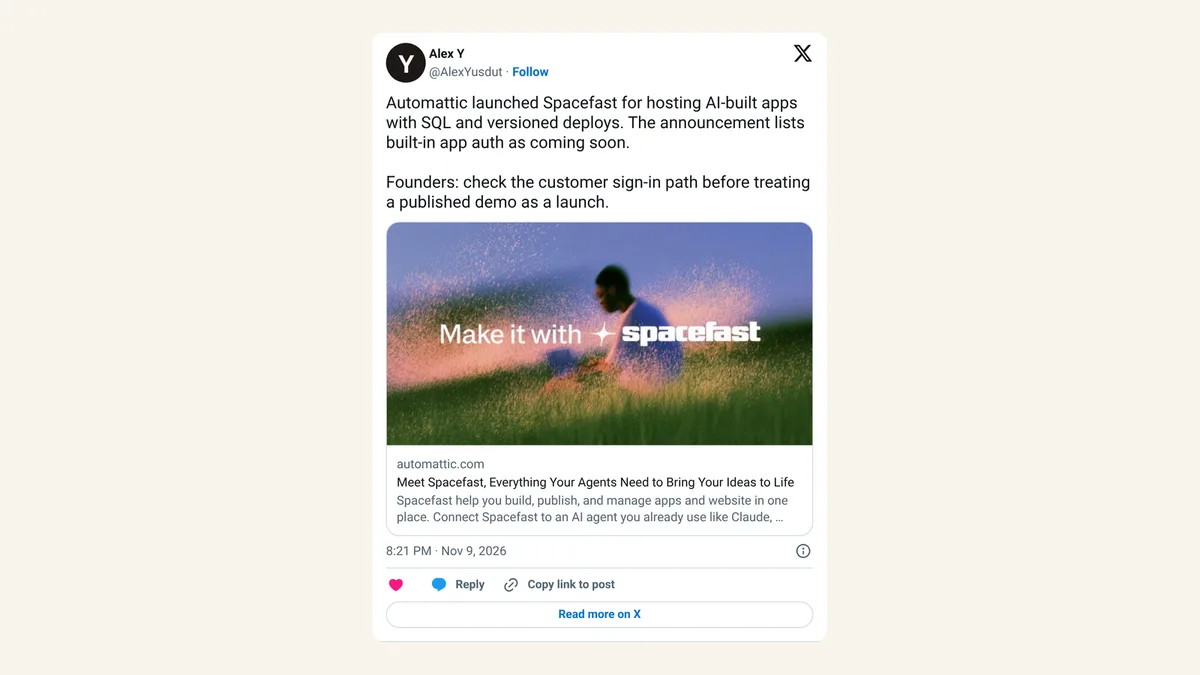
4. Don't collect sign-ups or payments until real sign-in exists. This one matters right now. Spacefast says built-in app sign-in and email are "coming in the next few weeks," so they aren't there yet. One reaction on X put it well: "Founders: check the customer sign-in path before treating a published demo as a launch" (Alex Y on X). Until a host gives you proper login, send people to a form or payment page from a service built for that job.
5. Keep a copy you can download, and set what your agent may do. Spacefast says you can export your work at any time; check that your host does the same, and actually do it once. Then look for approval settings. Spacefast mentions approval checks for sensitive actions. Wherever you host, have your AI ask before it deletes, publishes publicly or touches anything with customer data.
A private link is only as private as the last person you sent it to.
How do I know my AI app is ready to go public?
Do a quick logged-out check. Open the page in a private window and click everything. Look at the page source (right-click, then "View page source") and search for words like "key", "secret", "token" and "password". If any of those show a real value, stop and move it into secret settings.
Then ask three questions. Does the app collect anything about visitors? Could a stranger change something on it? Would you be embarrassed if a competitor saw it? If the answer to all three is no, share away.
Is it worth using these fast AI hosts?
We think so, for the right jobs. A one-sentence publish is a real gift to anyone who has ever given up on a side project at the hosting step. Small pages, internal tools and previews for clients are a great fit.
What we'd avoid is treating a published demo as a finished product. The five checks above take about 15 minutes the first time and two minutes after that. The hosts will keep getting faster, so the habit of pausing before you share the link is the part worth building now.
FAQ
Do I need to know how to code to do these checks?
No. Most of them are settings in your host's dashboard or a question you ask your AI, such as "move my API key into environment variables."
Is a private link the same as password protection?
Not always. A private or unlisted link hides the page from search, but anyone with the link can open it. Password protection asks for a password first.
Can my AI tell me if my app has a security problem?
It can catch obvious issues, such as a key written into the code. Treat its answer as a first pass, and don't paste real keys into the chat while asking.
What if I already shared an app with a key inside?
Make a new key at the provider, delete the old one, and move the new key into your host's secret settings.
Sources
- Automattic: Spacefast launch press release — November 9, 2026. Private until shared, approval checks, export, sign-in and email "coming in the next few weeks".
- GitHub Docs: About secret scanning.
- Alex Y (@AlexYusdut) on X — November 9, 2026.
- r/devops thread title via Google search results: I deployed an AI agent browser bot to production and it took over our live dashboard for 45 minutes.