
TL;DR
What is the best free AI video generator?
Kling AI is the best free pick for most people. Its Basic plan is free for good and gives you credits for logging in, and it makes clips from text or a photo. Runway's one-time free credits are great for a quick first try, and Leonardo.Ai refills free tokens every day.
Best free AI video generators at a glance
Tool details from each maker's official site, as last checked by our team between Nov 2 and Nov 9, 2026. Paid plans link to each maker's official pricing page.
| Tool | Free option | Makes video from | Best for | Watch out for |
|---|---|---|---|---|
| Kling AI | Yes: Basic plan, free for good, with credits for logging in | Text or images | Realistic motion from a prompt or a photo | Free credits come in small daily drips, so plan bigger projects |
| Runway | Yes: 125 credits, one time only | Text, images or existing footage | Trying pro-level tools and effects before you pay | The credits don't refill each month |
| Leonardo.Ai | Yes: 150 tokens a day | Images (image to video) | Turning your own pictures into short clips | Tokens are shared with image making |
| Krea | Yes: free plan with limited usage | Prompts, plus image tools | People who make images and video in one place | Usage limits aren't spelled out on the plan page |
| Grok | Yes: free tier | Prompts in the Grok app | Quick clips inside an assistant you may already use | Video is one feature of a chat app, not a full video studio |
| Pika | Free account, but 0 monthly credits | Text or images | Fun effects, once you buy credits | Free means credit packs only and no commercial license |
Best free AI video generator for most people: Kling AI
Kling AI makes realistic video clips from a text prompt or a still image, and its Basic plan costs nothing and never expires. You earn credits for logging in, so it rewards the habit of popping in for a clip or two at a time. If you want one free tool that handles both text-to-video and image-to-video, this is the one to open first.
Upgrade when: you need more clips a month than the login credits cover. See Kling AI's official plans for today's prices.
Best free AI video generator for a quick first try: Runway
Runway generates and edits clips from text, images or footage you already have. New accounts get 125 free credits, once. That's enough to learn how prompts work and to see whether Runway's style suits you, but it won't carry a weekly YouTube channel.
Upgrade when: you've used the 125 credits and liked what you got. Runway's paid plans add monthly credits; see Runway's pricing page.
Best free AI video generator from an image: Leonardo.Ai
Leonardo.Ai is best known for images, and it can also turn a picture into a short video. The free plan gives you 150 tokens every day, so you can make an image and animate it on the same free budget. That makes it a handy pick for product shots, thumbnails that move, or a photo you'd like to bring to life.
Upgrade when: you keep running out of daily tokens. See Leonardo.Ai's site for plans.
Best for images and video in one place: Krea
Krea creates and upscales AI images and videos, and it has a free plan with limited usage. It suits people who bounce between making a still and animating it. The plan page doesn't list exact free limits, so treat the free plan as a sampler.
Best free AI video inside a chat assistant: Grok
Grok, xAI's assistant, can create images and video, and it has a free tier. If you already chat with Grok, it's the lowest-effort way to get a quick clip from a prompt. For longer or more polished projects, a dedicated video generator gives you more control.
Which free AI video generators aren't really free?
A few big names show up in every "free" list, so here's the fine print:
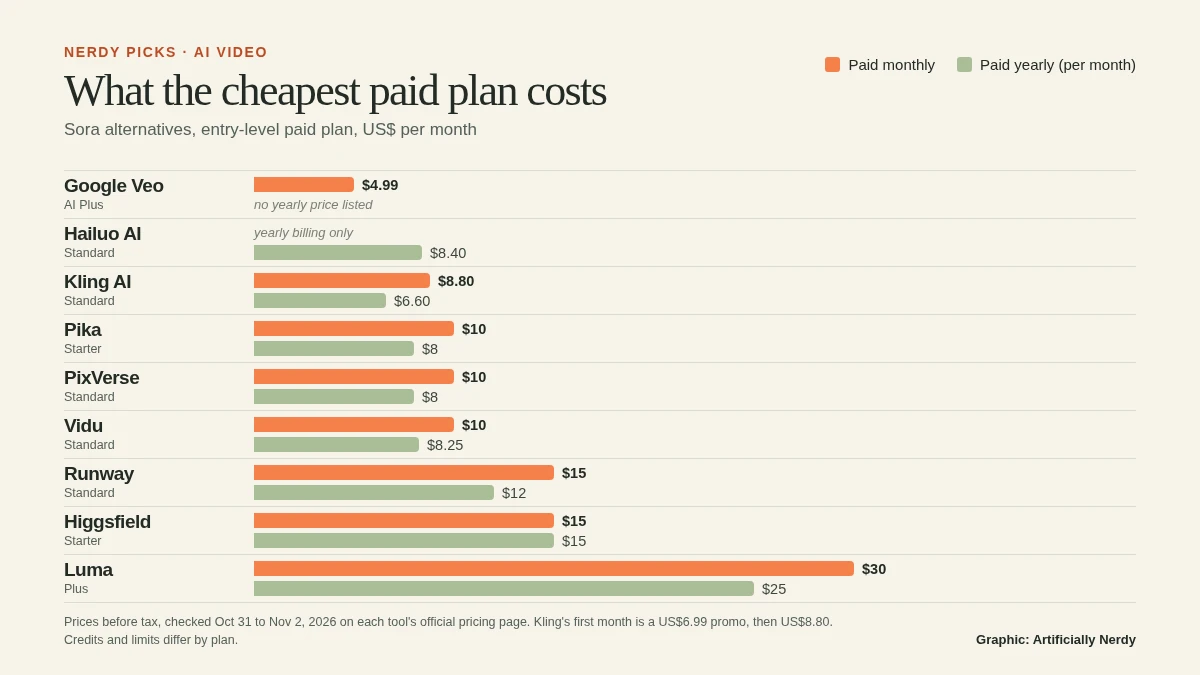
- Pika: you can sign up for free, but the free plan comes with 0 monthly credits (you buy credit packs) and no commercial license. Fun, just not free in practice.
- Luma Dream Machine: no free plan is listed on its official pricing page, only paid plans.
- OpenAI Sora: discontinued. The Sora app and website ended on April 26, 2026, and the API shut down on September 24, 2026, per OpenAI. If you used it, read our Sora alternatives.
- invideo AI: great for turning a script into a finished video, but its official pricing page lists no free plan.
How do I pick a free AI video generator for YouTube?
Think about how often you post. A one-time pile of credits (Runway) is perfect for trying ideas, while credits that refill (Kling AI's login credits, Leonardo.Ai's daily tokens) suit a steady habit of short clips for Shorts or intros. Before you post anything to a monetized channel, check each tool's terms for commercial use, because free plans don't always include it (Pika's doesn't).
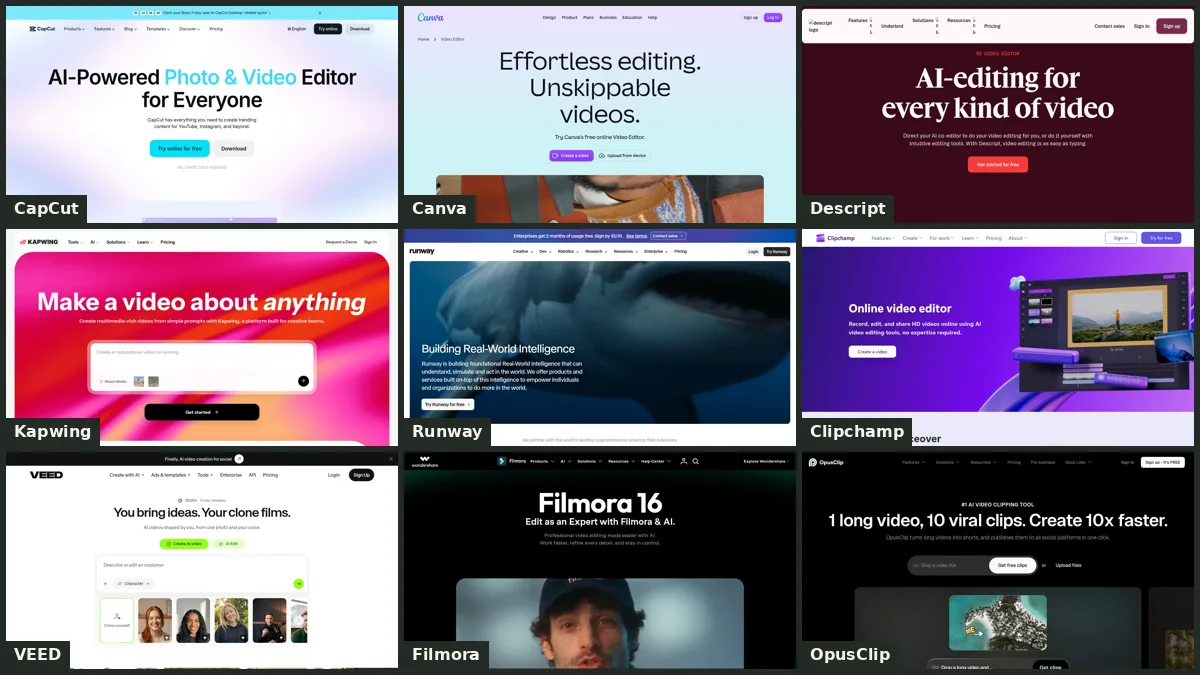
If what you really need is an editor for footage you already shot, you're shopping for a different tool. Read our best AI video tools for beginners for editors like CapCut, Clipchamp and Descript.
FAQ
What is the best free AI video generator for YouTube?
For a steady stream of short clips, Kling AI is our pick, since its free Basic plan keeps giving you credits for logging in. Check each tool's commercial-use terms before you post on a monetized channel.
Can I make an AI video from a photo for free?
Yes. Kling AI and Leonardo.Ai can both turn a still image into a short clip on their free plans. Runway can too, using its one-time free credits.
Can I make an AI video from text for free?
Yes. Kling AI, Runway and Grok all make clips from a written prompt on free plans or free credits. Free credits run out fast on longer clips, so keep your first prompts short.
Is there a free AI video generator app?
Grok's free tier is available in its app, and Kling AI, Runway and Leonardo.Ai all have free plans you can use from your browser. Check each app store listing for availability where you live.